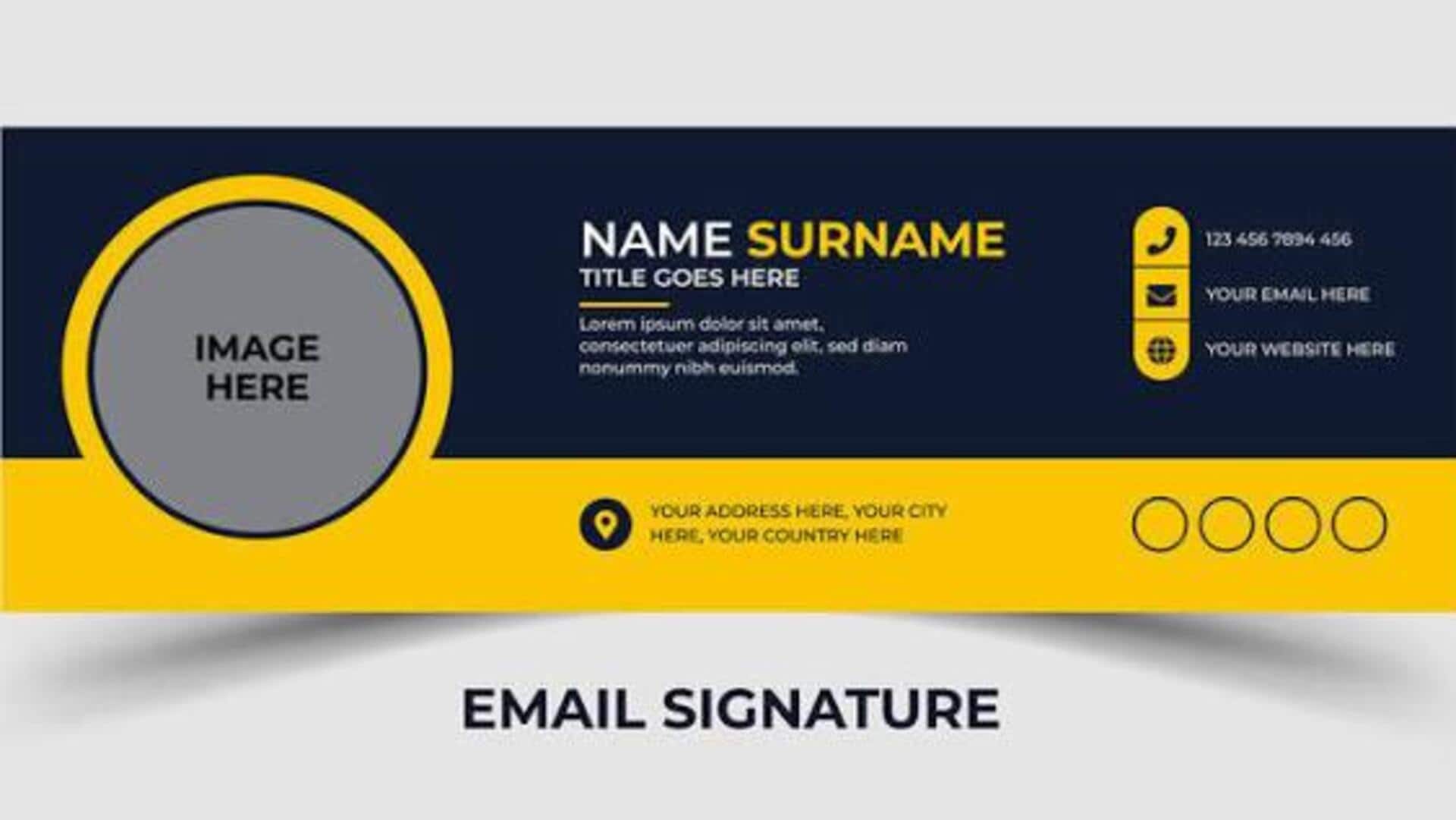
How to create a professional email signature
What's the story
Creating a professional email signature is essential for making a good impression in the digital world. It serves as the final touch to your emails, giving recipients your contact information and other important details. A well-crafted signature can enhance your credibility and make communication more efficient. Here are some practical tips to design an effective email signature that reflects professionalism, clarity, and precision.
Tip 1
Keep it simple and concise
Simplicity is key when designing an email signature.
Avoid cluttering it with too many elements or colors. Stick to basic fonts and a clean layout to ensure readability.
Include only essential information, like your name, position, company name, and contact details.
A concise signature makes it easier for recipients to find the information they need without being overwhelmed.
Tip 2
Use consistent branding elements
Incorporating branding elements like your company logo can add a professional touch to your email signature.
Make sure these elements are consistent with the rest of your company's branding materials, including colors and fonts.
This not only reinforces brand identity but also makes your emails more recognizable in crowded inboxes.
Tip 3
Include social media links wisely
Adding links to your professional social media profiles can be useful, but only if they are relevant to the recipient.
Stick to platforms like LinkedIn, which are commonly used for professional networking.
Make sure these links open in new tabs so that the recipients do not lose track of the email conversation.
Tip 4
Optimize for mobile devices
With most people checking emails on mobile devices, it is important that your email signature is mobile-friendly.
Use responsive design techniques so that your signature adjusts seamlessly across different screen sizes without losing its layout or readability.
Test how your signature looks on various devices before finalizing it.
Tip 5
Regularly update your information
Keeping your email signature updated is important for maintaining communication efficient and professional.
Update any changes in contact details or job titles as soon as they happen.
This way, you avoid any confusion or delays in communication, and ensure that recipients always have the right information to reach you.
Regular updates keep your professional image intact, and communication channels clear.