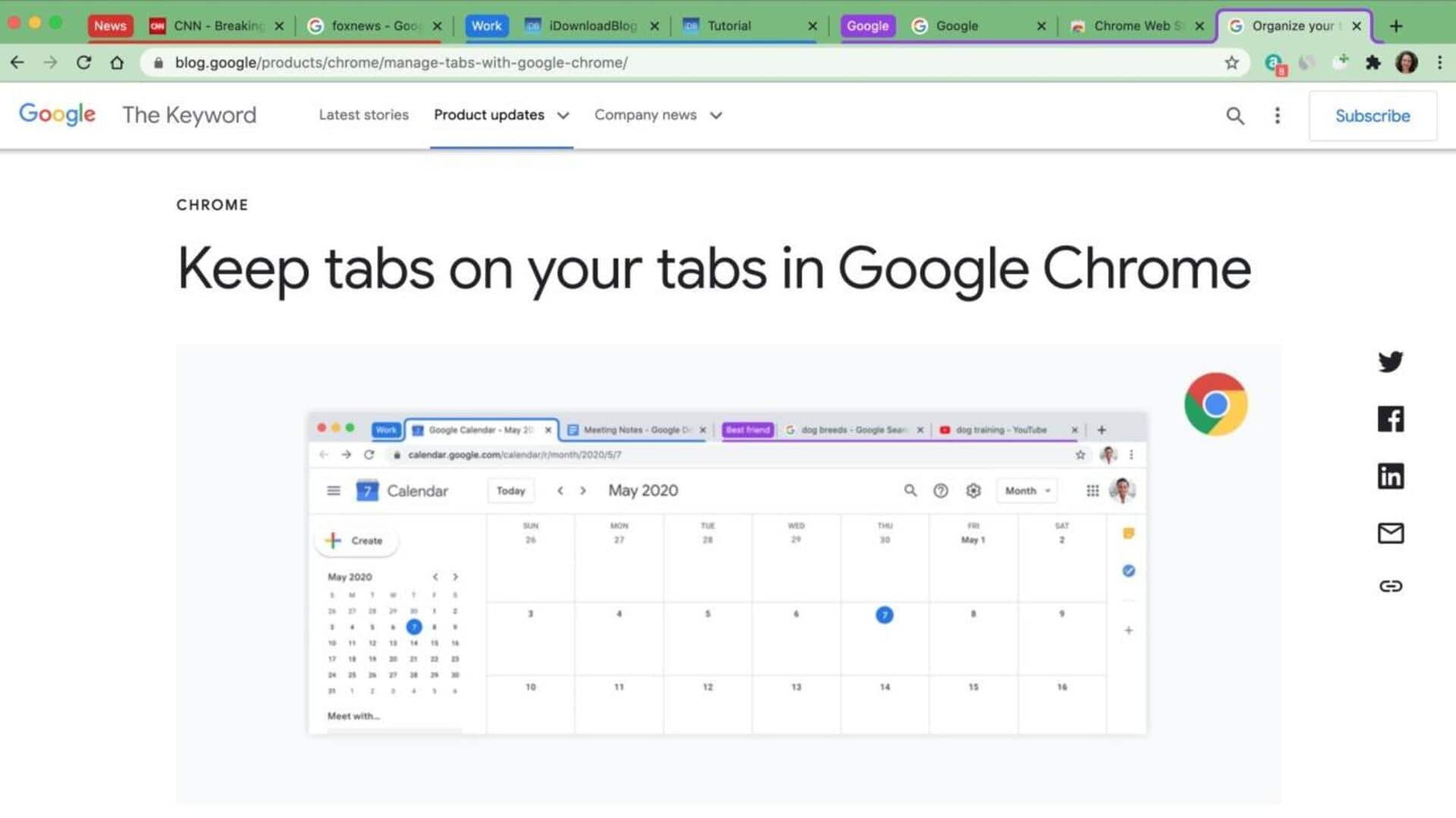
#TechBytes: How to organize your browser tabs
What's the story
Organizing your browser tabs into permanent groups can significantly enhance productivity by reducing clutter and making information retrieval easier. By grouping related tabs together, you can streamline your workflow and access the resources you need more efficiently. This article provides practical insights on how to create these tab groups effectively, ensuring that your browsing experience is both organized and efficient.
Native tools
Use built-in browser features
Most modern browsers provide built-in features to organize tabs.
For instance, Google Chrome has a tab grouping feature that allows you to color-code and label groups of tabs.
Similarly, Firefox has extensions like Tab Center Redux that provide similar functionality.
Using these native tools can save you from the hassle of third-party applications while keeping your tab management simple and efficient.
Add-ons
Leverage browser extensions
Browser extensions can also add a lot of functionality to your tab management.
Extensions like OneTab or Session Buddy let you save all open tabs as a list, which can be restored later.
These tools are particularly useful when you want to close all tabs but don't want to lose access to them later.
They also allow you to organize saved tabs into different categories based on projects or tasks.
Organizing links
Create bookmark folders
Bookmark folders provide another way to organize web pages into categories.
By creating folders for different purposes—like work-related sites or personal interests—you can easily access frequently visited pages without cluttering your browser with open tabs.
Most browsers allow you to create nested folders, giving you an additional layer of organization for complex projects or multiple interests.
Separate spaces
Utilize virtual desktops
Virtual desktops provide another layer of organization by letting you create separate workspaces on your computer.
This way, you can dedicate one desktop to work-related tasks and another for personal browsing, without mixing up the two.
Not only does this reduce visual clutter, but it also improves focus by separating different areas of your digital life.
Consistent practices
Implement regular maintenance habits
Regularly reviewing and updating your tab groups is key to keeping them relevant and useful over time.
Make it a habit to close unnecessary tabs at the end of each session or week, depending on how often you use them.
Also, periodically assess whether current groupings still serve their intended purpose or need adjustments based on changing priorities or projects.