How to make smartphone widgets work for you
What's the story
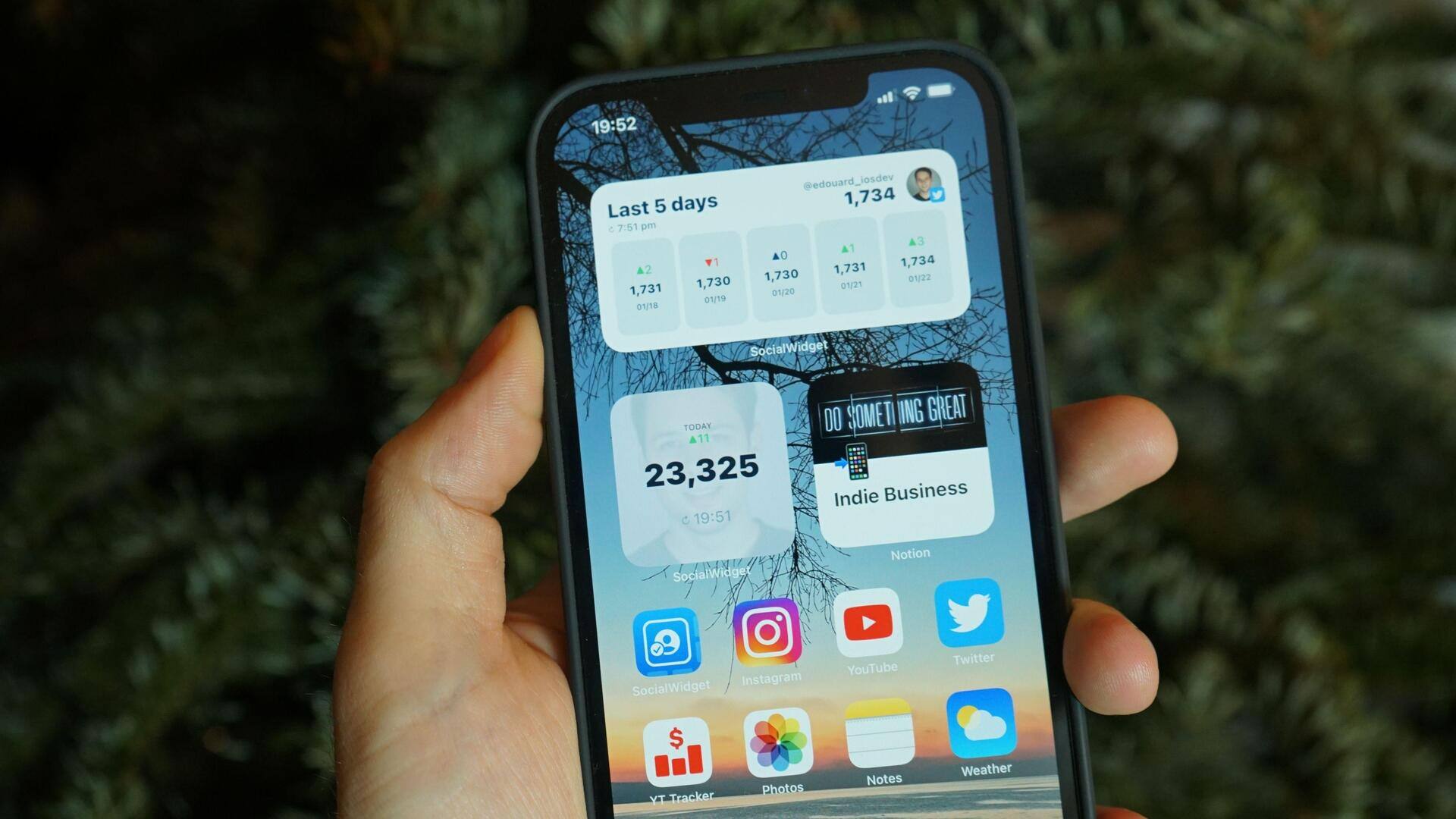
Smartphone widgets can be a game-changer when it comes to boosting productivity. These little tools give you quick access to information and functions, saving you time and effort. By customizing widgets to suit your needs, you can streamline your daily tasks and stay organized. Here are some practical tips to customize smartphone widgets for maximum productivity, making your device work better for you.
Tip 1
Choose essential apps for widgets
Selecting the right apps is key to effective widget customization.
Focus on apps that you use frequently or those that provide critical information at a glance.
Weather updates, calendar events, and task managers are some examples of useful apps.
By placing these essential apps as widgets on your home screen, you can access important data without opening multiple applications.
Tip 2
Organize widgets by priority
Arranging widgets according to priority can make a world of difference in how productive you are.
Place the most important widgets at the top or in the most visible areas of your screen.
Less important ones can be placed further down, or even on different pages.
This way, you can focus on what matters most without getting distracted by less important information.
Tip 3
Utilize widget stacks for space efficiency
Widget stacks let you stack multiple widgets on top of each other and swipe through them as needed.
This is especially useful for those with limited screen space but who still want access to multiple pieces of information quickly.
By stacking related widgets together, you can keep your home screen clean while still having everything you need at hand.
Tip 4
Customize widget sizes and styles
Most smartphones allow you to customize the size and style of widgets.
Play around with different sizes to see what fits best on your screen while still being readable and functional.
You can also choose different styles or themes offered by some apps to match your preferences or improve visibility.
Tip 5
Regularly update widget configurations
Regularly reviewing and updating your widget configurations ensures they remain relevant as your needs change over time.
As new features become available, or as your routine evolves, adjusting widget settings can keep them aligned with your current goals and tasks.
This proactive approach ensures that your home screen remains an effective tool for enhancing productivity, rather than becoming cluttered or outdated.