5 simple tips to tame your annoying app notifications
What's the story
In today's digital age, customizing app notifications is essential to stay focused and productive. With the constant influx of alerts, it can be difficult to concentrate on tasks that matter. By tailoring these notifications, you can minimize distractions and prioritize what truly matters. Here are some practical tips to help you manage your app notifications effectively, ensuring that only the most important ones get your attention.
Tip 1
Prioritize essential apps
Start by identifying which apps are crucial for your daily activities. These could be communication tools or productivity apps that require immediate attention.
Once identified, adjust their notification settings so they are always on or more prominent.
This way, you ensure that critical alerts do not get lost among less important ones.
Tip 2
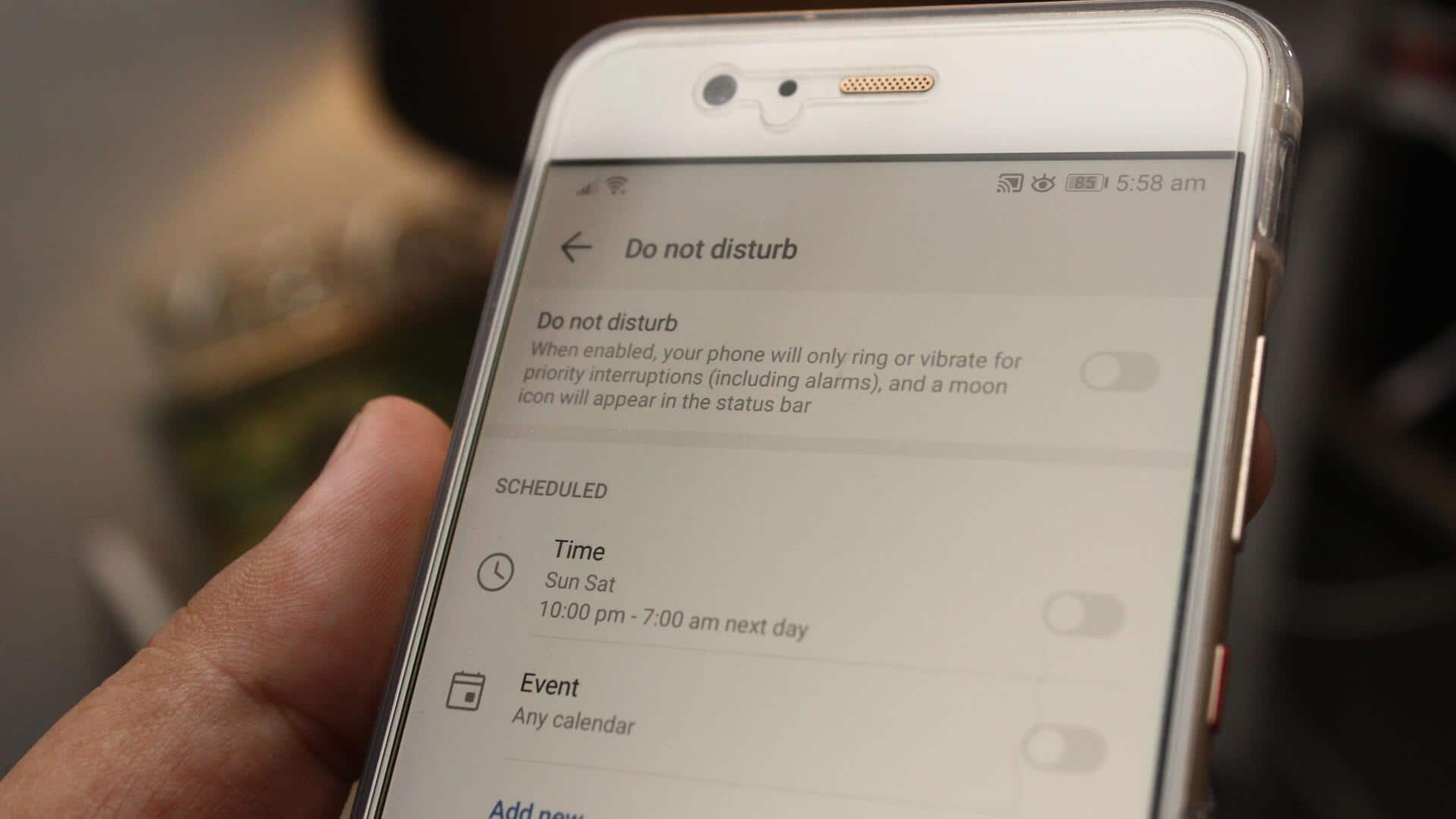
Use Do Not Disturb mode wisely
Do Not Disturb mode can be a powerful tool when used correctly.
Schedule this mode during times when you need to focus, such as during work hours or study sessions.
Customize the settings so that only notifications from selected contacts or apps come through during these periods.
This balances the need for peace with the necessity of being reachable for urgent matters.
Tip 3
Group similar notifications together
Grouping notifications by app or category can make it easier to manage them.
Many smartphones allow you to bundle similar alerts together, reducing clutter on your screen.
This way, you can quickly scan through grouped notifications and decide which ones need immediate action and which ones can wait.
Tip 4
Adjust notification sounds and vibrations
Customizing sounds and vibrations for different apps can help you identify important alerts without looking at your phone every time.
Set distinct tones for high-priority apps, and subtle ones for less important ones.
This way, you can differentiate between urgent and non-urgent notifications by sound alone, without being distracted from what you are doing.
Tip 5
Regularly review notification settings
Regularly reviewing your notification settings ensures they remain aligned with your current priorities and lifestyle changes.
Periodically check if any new apps have been added, or if existing ones have changed in terms of importance in your daily routine.
Adjust their settings accordingly to maintain an optimal balance between staying informed and minimizing distractions.