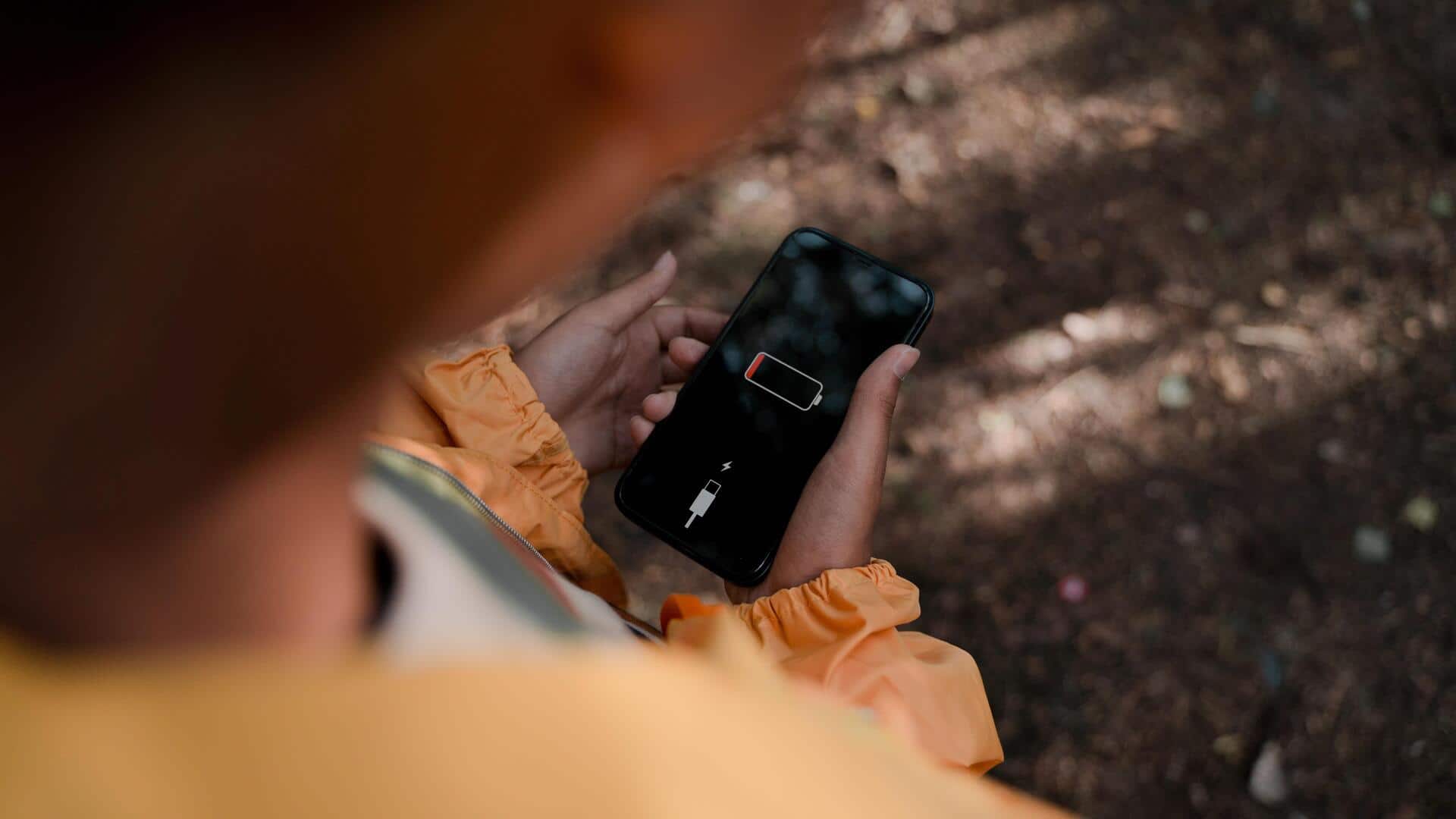
How to make your device battery last longer
What's the story
We all know how important battery life is for our day-to-day device usage. However, did you know that adjusting certain settings can significantly extend your device's battery life? By tweaking a few hidden options, you can ensure your device lasts longer between charges. Here are some practical tips to help you optimize your device's performance, without compromising on functionality.
Tip 1
Adjust screen brightness and timeout
One of the biggest battery drains is screen brightness. Keeping your screen brightness at a minimum or enabling adaptive brightness can save a lot of energy.
Also, reducing the screen timeout duration means that the display will turn off quicker when not in use, conserving battery life.
Tip 2
Disable unnecessary background apps
Background apps continue to run even when you are not using them, consuming precious battery resources.
By checking which apps are running in the background and disabling those that are not needed, you can save a lot of power.
This way, your device will not waste energy on tasks that are not important.
Tip 3
Use power-saving mode
Most devices come with a power-saving mode that limits some features to save battery.
By enabling this mode, you can extend your device's life significantly during critical times.
This feature usually dims the screen, limits background data, and reduces performance slightly, but keeps essential functions intact.
Tip 4
Manage location services wisely
Location services are a major culprit when it comes to draining battery life.
Keeping GPS on all the time can drain your battery quickly.
Instead, change settings so that location services are only used when required by specific apps, or when you manually turn them on.
Tip 5
Turn off connectivity features when not needed
Connectivity features like Wi-Fi, Bluetooth, and mobile data consume a lot of power when turned on all the time.
When you do not need them, turning these features off can save a lot of battery life.
Switching them on only when required keeps your device running longer between charges.