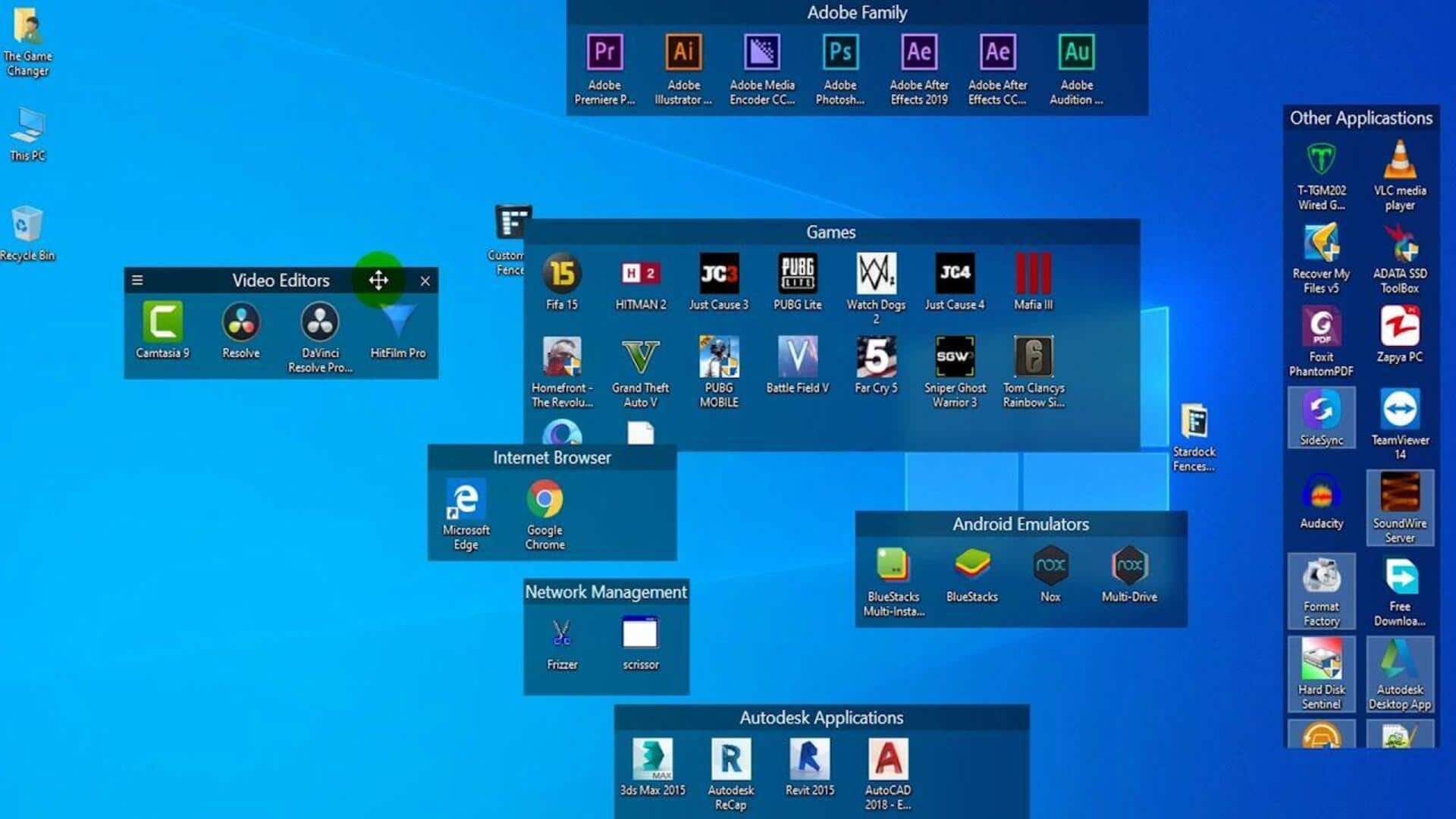
#TechBytes: Organize desktop icons this way, thank us later
What's the story
Organizing desktop icons can significantly enhance productivity and streamline workflow. A cluttered desktop often leads to distractions, making it difficult to locate essential files quickly. By implementing a few strategic steps, you can create an orderly digital workspace that promotes efficiency. This article provides practical tips on how to arrange desktop icons effectively, ensuring easy access and a tidy appearance.
Tip 1
Group icons by category
One of the best ways to organize desktop icons is to group them by category.
You can create folders for documents, applications, and shortcuts.
This way, you can keep similar items together, making it easier to find what you need quickly.
Not only does this method reduce visual clutter, but it also makes your desktop look cleaner and more organized.
Tip 2
Use descriptive names
Renaming icons with descriptive titles can make locating files a lot easier.
Instead of generic names like "Document1" or "File2," use specific titles that describe the content or purpose of the file.
This practice minimizes confusion and saves time when searching for particular items on your desktop.
Tip 3
Utilize Stacks feature
If your operating system supports it, use the Stacks feature to automatically group related files into stacks based on file type or date modified.
This keeps your desktop tidy by reducing the number of visible icons at any given time while keeping everything accessible with just a click.
Tip 4
Arrange by frequency of use
Another effective way to organize desktop icons is to arrange them by frequency of use.
Place frequently used applications and files at the top or left side of the screen, where they are easily accessible.
Less frequently used items can be placed further down or on another page altogether, reducing clutter while keeping everything accessible when needed.
Tip 5
Regularly declutter your desktop
Regularly reviewing and decluttering your desktop is key to keeping it organized.
Set aside time every week or month to delete unnecessary files, update outdated shortcuts, and rearrange items as necessary.
This way, you can ensure that your digital workspace remains efficient and doesn't fall back into chaos over time.