Router placement tips for better Wi-Fi connectivity
What's the story
A well-placed router is the key to a strong and reliable Wi-Fi network. In this article, we explore some practical tips to ensure your router is positioned for optimal performance. By following these guidelines, you can enhance your internet speed and connectivity throughout your home or office. Whether you're a tech novice or an experienced user, these insights will help you make the most of your wireless network.
Tip 1
Central location for maximum coverage
Positioning your router at a central location in your space can maximize its coverage.
This way, the signal can reach all corners of your home or office evenly.
Avoid placing it near walls or obstructions that may interfere with the signal.
A central spot minimizes dead zones and ensures that devices connected to the network get a consistent connection.
Tip 2
Elevate your router for better signals
Elevating your router can significantly improve its range and performance.
Place it on a shelf or high piece of furniture instead of on the floor.
Higher placement allows signals to travel farther without being blocked by furniture or other objects.
This simple adjustment can lead to better connectivity in areas that were previously experiencing weak signals.
Tip 3
Avoid interference from other devices
Electronic devices like microwaves and cordless phones can interfere with your Wi-Fi signal, so keep your router away from them.
These devices usually operate on similar frequencies, which can disrupt your internet connection.
By keeping your router away from such devices, you can ensure a more stable and reliable network, minimizing interference and improving overall performance.
Tip 4
Use wired connections when possible
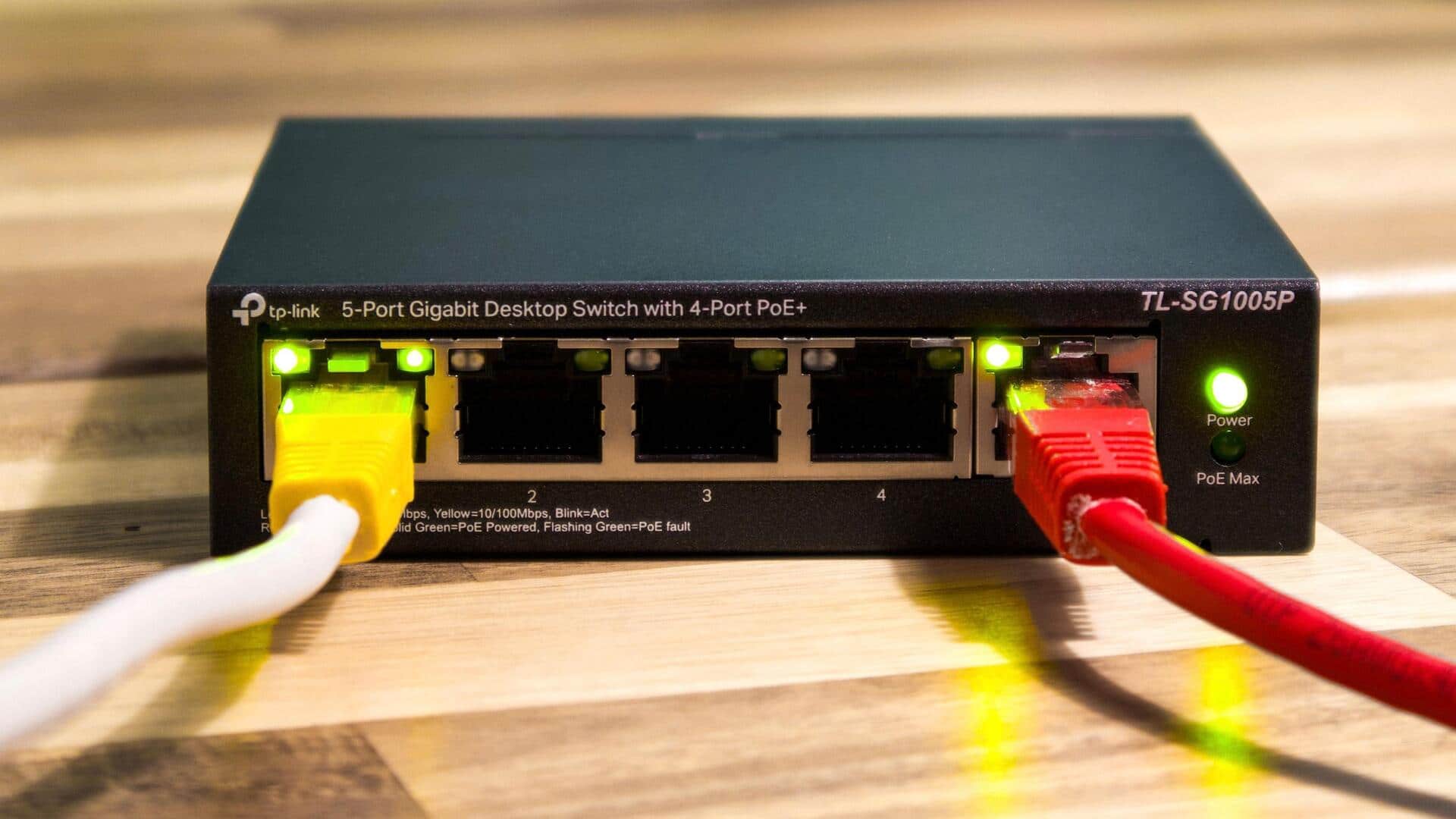
For devices that require high bandwidth, like gaming consoles or desktop computers, wired connections can be more reliable than wireless ones.
Using Ethernet cables directly connects these devices to the router, reducing latency and improving speed.
While wireless networks offer convenience, wired connections are often preferable for stationary devices that demand consistent performance.
Tip 5
Regularly update router firmware
Keeping your router's firmware up-to-date is critical for security and performance.
Manufacturers frequently release updates to fix vulnerabilities and improve functionality.
By regularly checking for updates through your router's settings page, you can ensure that it operates efficiently with the latest features and security measures in place.
This practice helps maintain a robust, secure network environment.