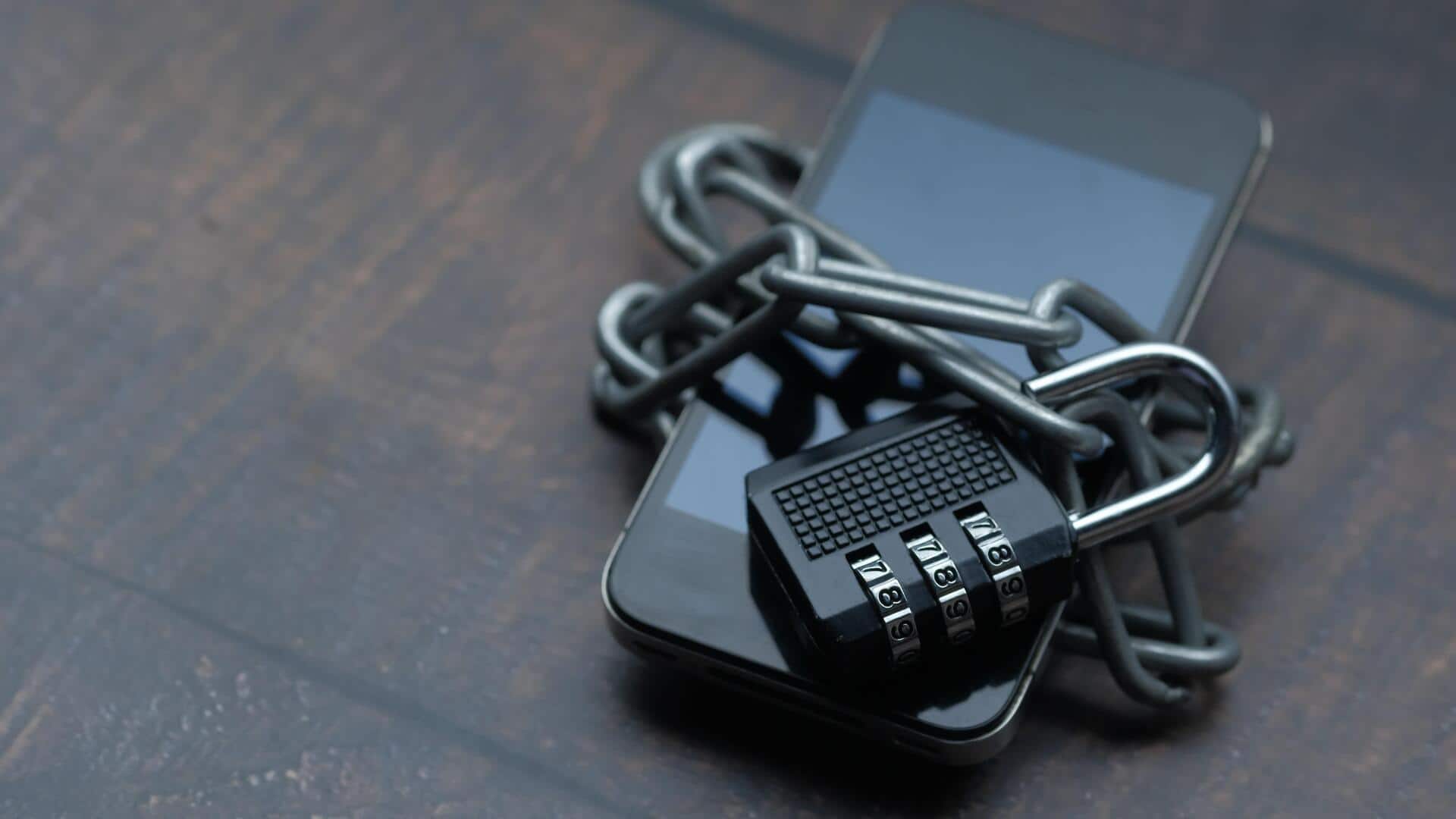
How to protect your smartphone from security threats
What's the story
Smartphones have become an integral part of our lives, storing a plethora of personal data. However, the risk of data breaches is always looming. Knowing how to protect your smartphone from such threats is imperative. Here are five practical tips to keep your personal data secure on your smartphone, ensuring your information remains private and protected from unauthorized access.
Tip 1
Use strong passwords and biometrics
Using strong passwords and enabling biometric authentication, like fingerprint or facial recognition, can add an extra layer of security to your smartphone.
Make sure your password is at least eight characters long and includes a mix of letters, numbers, and symbols.
This way, you can make it difficult for anyone to guess or crack your password.
Tip 2
Keep software updated
Regularly updating your smartphone's operating system and apps is critical to ensure you have the latest security patches.
These updates usually fix vulnerabilities that hackers can exploit.
Turn on automatic updates, if available, so that you don't miss any important updates that can protect your device from emerging threats.
Tip 3
Be cautious with app permissions
When installing new apps, pay close attention to the permissions they request.
Some apps may ask for access to more data than necessary for their functionality.
Only grant permissions that are essential for the app's operation.
This way, you can limit the amount of personal information exposed unnecessarily.
Tip 4
Use secure networks
Connecting to public Wi-Fi networks can expose your smartphone to potential risks like hacking or data interception.
Whenever possible, use secure networks, like a home network, instead of public ones.
If you have to use public Wi-Fi, consider using a Virtual Private Network (VPN) for an added layer of encryption between your device and the internet.
Tip 5
Enable remote tracking features
Enabling remote tracking features like Find My Device on Android or Find My iPhone on Apple devices can help locate your smartphone in case it is lost or stolen.
These features also allow you to remotely lock or wipe your device, protecting sensitive information from falling into the wrong hands.