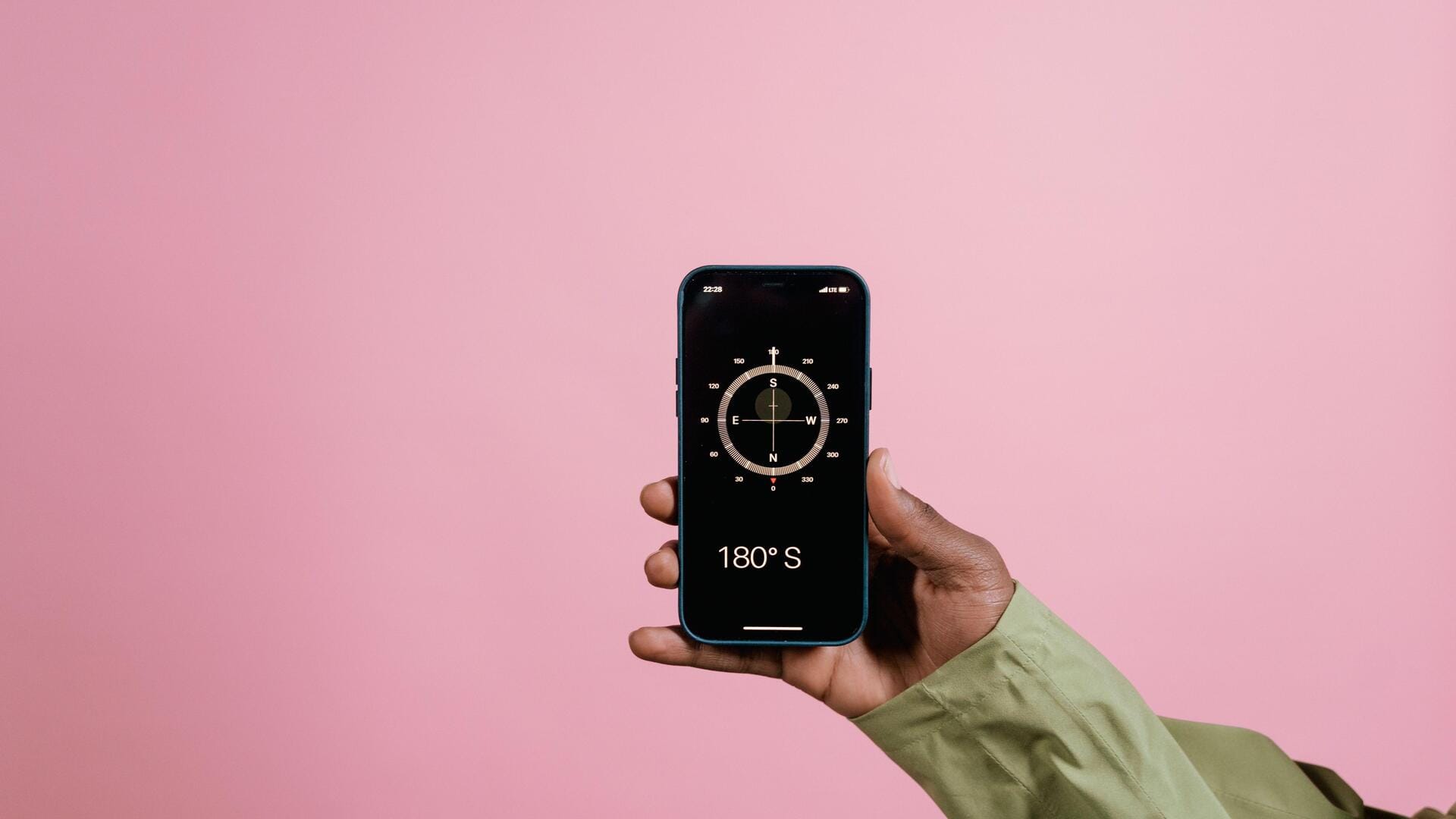
This is how you can make your phone's compass accurate
What's the story
Smartphone compasses are essential for navigation, but they can become inaccurate over time. This inaccuracy can lead to wrong directions and confusion. Luckily, resetting your smartphone compass is an easy task that can bring it back to its accurate state. Here are five practical ways to reset your smartphone compass, ensuring it remains reliable for all your navigation needs.
Method 1
Calibrate using a compass app
Most smartphones come with a built-in compass app that allows you to calibrate the compass directly.
Open the app and follow the on-screen instructions to perform a calibration.
Usually, this involves moving your phone in a figure-eight motion until the calibration is complete.
This method is simple and effective for restoring compass accuracy.
Method 2
Adjust location settings
Sometimes, incorrect location settings can affect compass accuracy.
Go to your phone's settings and make sure that location services are enabled and set to high accuracy mode.
This way, your device will use GPS, Wi-Fi, and mobile networks to determine your location more precisely, which can help improve compass functionality.
Method 3
Remove magnetic interference
Magnetic interference from nearby objects can affect your smartphone's compass readings.
To fix this, keep your phone away from magnets or electronic devices that emit magnetic fields, such as speakers or chargers.
By reducing exposure to these sources of interference, you can improve the accuracy of your compass.
Method 4
Update software regularly
Keeping your smartphone's software updated is critical for optimal performance, including the accuracy of the compass.
Manufacturers frequently release updates that fix bugs and improve functionality.
By regularly checking for updates in the settings menu and installing them as soon as they are available, you can ensure that your device runs on the latest software.
This may include important fixes for the compass feature.
Method 5
Restart your smartphone
A simple restart can sometimes do wonders in fixing temporary glitches affecting the compass accuracy on your smartphone.
Just turn off your device completely and wait for a few seconds before turning it back on again.
This method clears any temporary data that may be causing issues with the compass function.