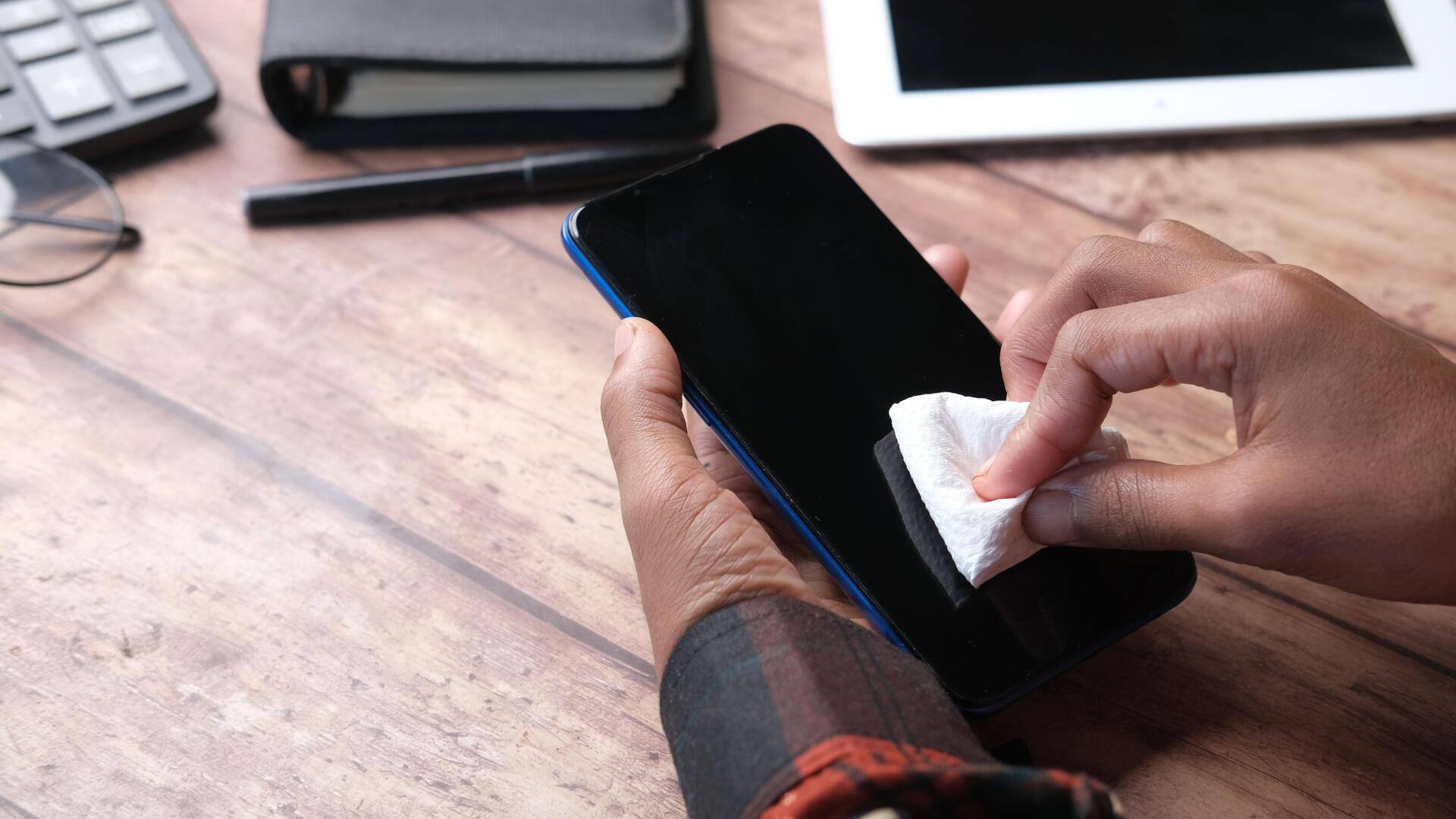
The right way to clean your phone screen without scratches
What's the story
Keeping your smartphone screen clean is essential for its longevity and performance. However, using the wrong cleaning methods can damage the screen. Here are some expert-approved tips on how to safely clean your smartphone screen without causing any harm. By following these simple steps, you can keep your device looking new and functioning well.
Tip 1
Use a microfiber cloth for gentle cleaning
A microfiber cloth is ideal for cleaning smartphone screens, as it is soft and non-abrasive. It removes fingerprints, dust, and smudges without scratching the surface.
Just dampen one corner of the cloth with a little water or screen cleaner, and gently wipe the screen in circular motions.
This way, you avoid leaving streaks or damaging the protective coating of the screen.
Tip 2
Avoid harsh chemicals
Avoid using harsh chemicals like ammonia or bleach-based cleaners on your smartphone screen. These can strip off protective coatings and damage the display over time.
Instead, use water or a cleaner specifically designed for electronics. These are safe and effective in removing grime without harming your device.
Tip 3
Power off your device before cleaning
Before you start cleaning your smartphone screen, make sure that you power off your device.
This not only minimizes the risk of accidental touches while cleaning, but also makes it easier to see dirt and smudges on an inactive screen.
Plus, powering off can also prevent any moisture from getting into internal components.
Tip 4
Use distilled water for best results
For an effective yet safe cleaning solution, opt for distilled water instead of tap water.
Tap water may contain minerals that leave behind residue on your screen.
Distilled water, on the other hand, is free from such impurities and is perfect for a crystal-clear finish when used with a microfiber cloth.
Tip 5
Regular maintenance prevents buildup
Regularly cleaning your smartphone prevents dirt and grime from building up over time, which can make it harder to clean later on.
Make it a habit to wipe down your device every few days with a microfiber cloth, even if it does not look dirty at first glance.
This keeps your screen clear and responsive to touch inputs, ensuring optimal performance.