
#TechBytes: How to set up secure guest account on Windows
What's the story
Creating a secure guest account on Windows can be a great way to let others use your system without compromising your personal data. By setting up a guest account, you can limit access to sensitive files and settings while still allowing visitors to use the computer for basic tasks. Here's how you can set up this account, along with tips to keep it secure.
Step 1
Enabling the Guest account
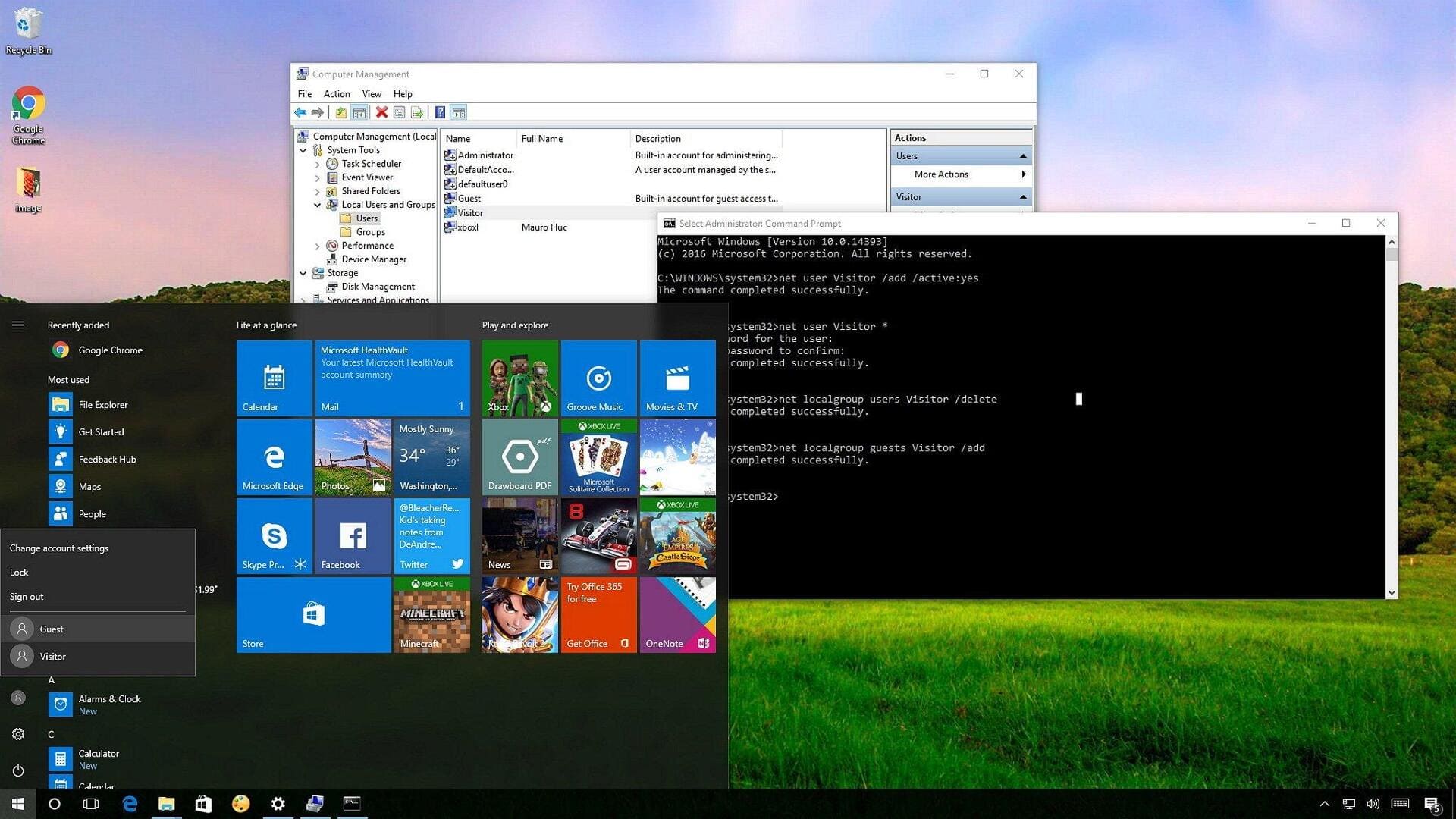
To enable a guest account on Windows, go to the Control Panel and click on User Accounts. From there, select Manage another account and click Add a new user in PC settings. Choose Add someone else to this PC and then select I don't have this person's sign-in information. Finally, choose Add a user without a Microsoft account and name the account "Guest."
Step 2
Setting permissions for the guest account
Once the guest account is created, it's important to set proper permissions. Go to the Local Users and Groups section by typing lusrmgr.msc in the Run dialog box. Click on Groups and double-click Guests. Here, you can define what the guest user can or cannot do by adding or removing permissions based on your needs.
Step 3
Customizing account settings
Customizing settings for the guest account can enhance security further. Disable file sharing options by going into Network and Sharing Center in Control Panel. Ensure that password protection is enabled when sharing files or printers on the network. This way, even if someone logs into the guest account, they won't have access to shared resources without permission.
Tip 1
Monitoring activity on the guest account
Monitoring activity on the guest account can help you spot any suspicious behavior quickly. Use built-in Windows tools like Event Viewer to track logins and actions taken by users under this profile. Regularly check these logs to ensure that no unauthorized changes have been made during their session.
Tip 2
Updating security measures regularly
Updating security measures regularly is key to keeping your system safe from potential threats posed by using a shared guest account. Make sure that your operating system has all the latest updates installed, as they often come with patches for known vulnerabilities that could be exploited if left unaddressed over time.