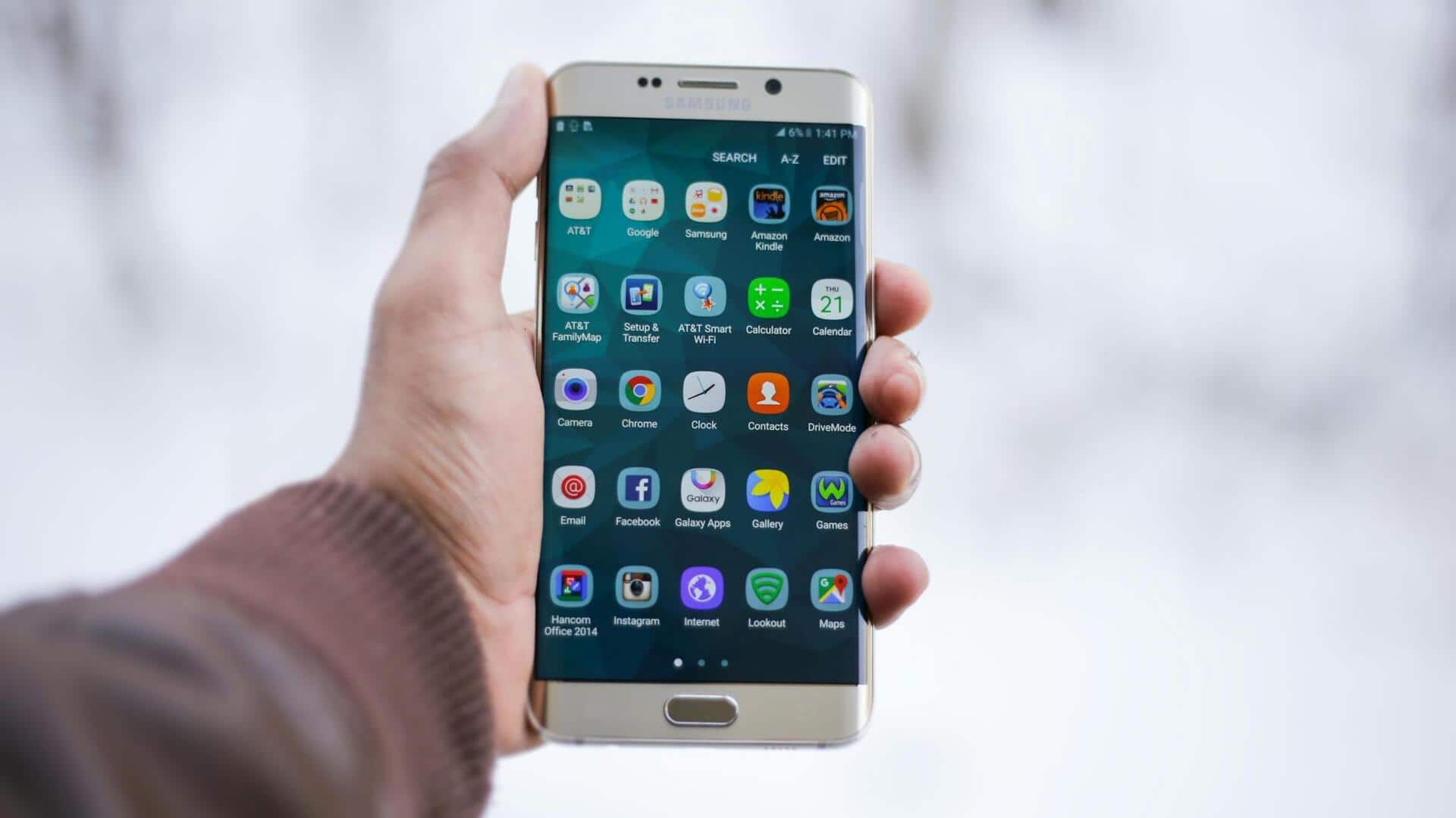
#TechBytes: How to unzip files on your phone
What's the story
Unzipping files on mobile devices can be a tricky affair, particularly when dealing with large archives. However, with the right tools and techniques, the task can be accomplished easily. This article provides practical tips for efficiently unzipping large files on mobile, ensuring you have the necessary space and tools to handle the task without hassle.
Tip 1
Choose the right app
Selecting an appropriate app is crucial for unzipping large files on mobile.
Look for apps that support multiple formats and offer a user-friendly interface.
Popular options include WinZip, RAR, and ZArchiver. These apps provide features like batch processing and file management, making it easier to handle large archives.
Tip 2
Ensure sufficient storage space
Before unzipping a large file, make sure your device has enough storage space.
Large archives can take up a lot of space once extracted, so check your available storage before proceeding.
You can free up space by deleting unnecessary files or using cloud storage services for temporary file storage.
Tip 3
Use Wi-Fi for large downloads
If you're downloading a large zip file before unzipping it, use Wi-Fi instead of mobile data.
This will save your data plan and speed up the download process.
Plus, downloading over Wi-Fi usually provides more stable connections, reducing the chances of download interruptions.
Tip 4
Manage extracted files efficiently
Once you've unzipped a large file, manage the extracted contents efficiently by organizing them into appropriate folders.
This will make it easier to locate specific files later on.
Consider naming conventions that reflect the content or purpose of each file or folder for better organization.
Tip 5
Keep your device updated
Keeping your device updated is important for smooth file extraction processes.
Updates often come with performance improvements and bug fixes that can enhance the functionality of file management apps.
Regularly check for updates in both your operating system and any installed apps related to file handling.