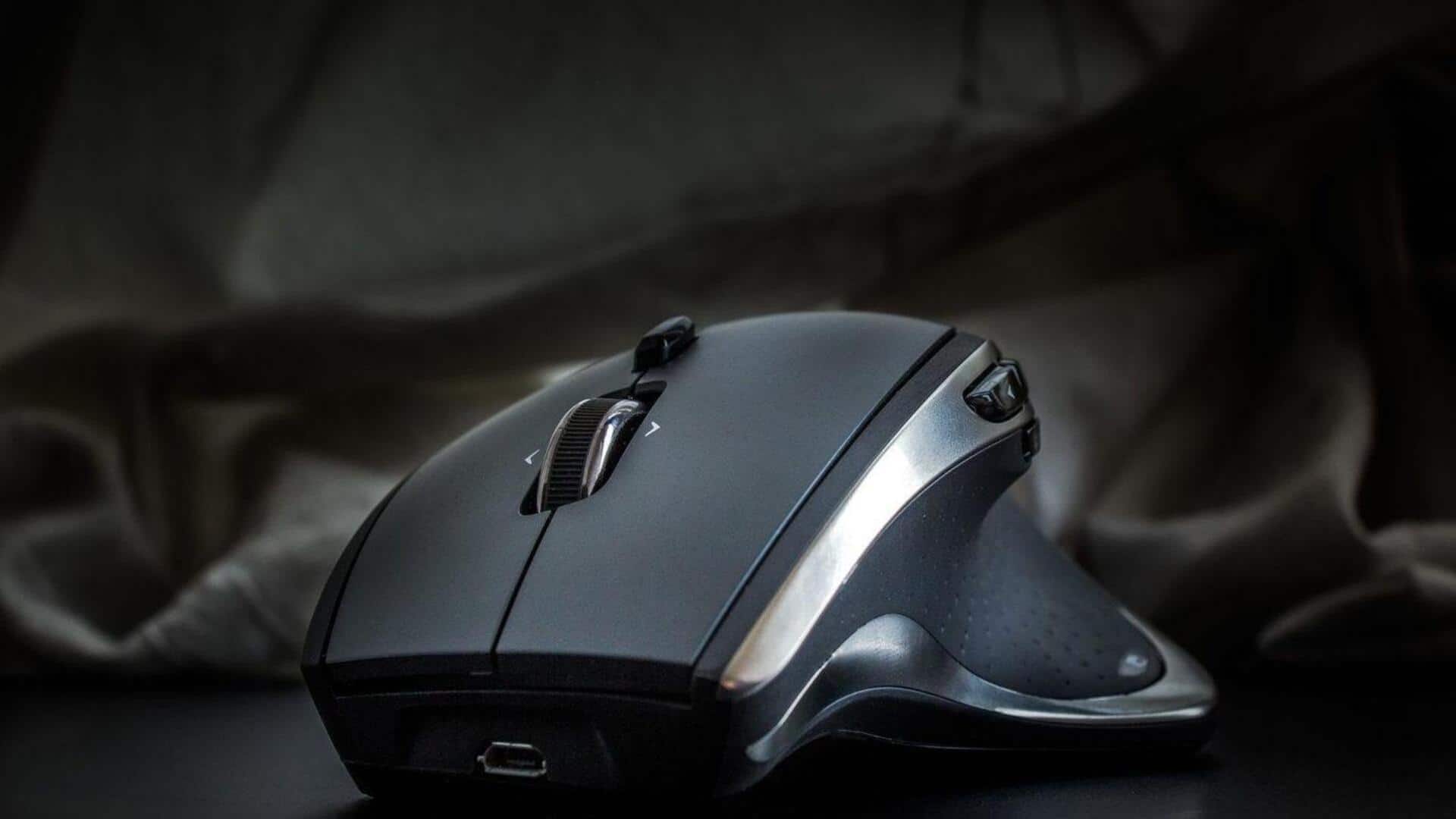
How to control your mouse and increase productivity
What's the story
Mouse sensitivity is key to smooth computer navigation. A well-adjusted sensitivity can make your work efficient, gaming fun, and your overall digital experience better. Here's a guide with five practical tips to improve mouse sensitivity for better accuracy and speed. These tips are for both beginners and those looking to fine-tune their setup. By following these steps, you can get a more responsive and precise mouse control.
Tip 1
Adjust mouse settings in Control Panel
Adjusting mouse settings through the control panel is the first step to improve sensitivity.
By going to the pointer options tab, you can adjust the speed of the pointer.
A higher speed means less physical movement is required for more cursor travel, but it may compromise precision.
Finding the right balance between speed and accuracy is key to improving navigation.
Tip 2
Use mouse acceleration wisely
Mouse acceleration is a feature that adjusts pointer movement based on how fast you move the mouse.
While it can improve efficiency by reducing hand movement, it may also make it harder to predict cursor movement at times.
Experimenting with different acceleration settings can help you find a sweet spot that suits your usage patterns.
Tip 3
Clean your mouse regularly
A dirty mouse can cause erratic movements and affect your sensitivity settings.
Regularly cleaning your mouse ensures that dirt and dust do not interfere with its performance.
Use a soft cloth to wipe down the exterior and make sure that the optical sensor or ball is free from debris.
Tip 4
Update drivers for optimal performance
Keeping your mouse drivers updated ensures that you have the latest performance enhancements and bug fixes from the manufacturer.
Updated drivers can improve compatibility with different operating systems and applications, resulting in smoother navigation and better responsiveness.
Check periodically for updates on the manufacturer's website or use automatic update tools provided by your OS.
Tip 5
Experiment with different surfaces
The surface you use your mouse on can have a big impact on its sensitivity and accuracy.
Some surfaces provide better tracking than others. For example, a mouse pad specifically designed for optical mice usually gives better results than a bare desk or cloth surface.
Experimenting with different surfaces might reveal options that improve your overall experience without changing settings drastically.