
#TechBytes: How to reduce video size on your phone
What's the story
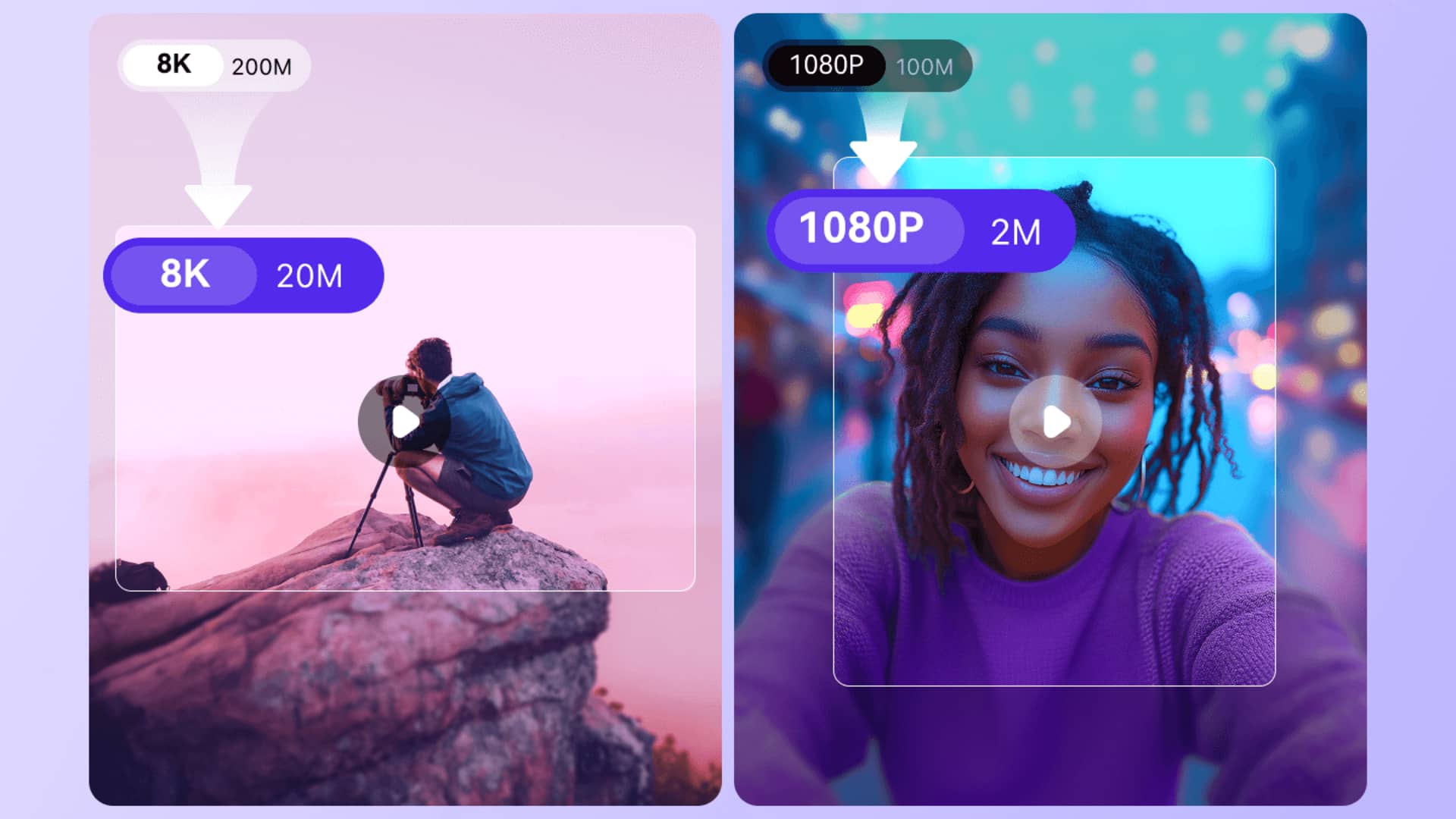
Video compression is an essential tool for saving storage space on mobile phones. By compressing videos, you can save space without compromising much on quality. This is especially useful for those who love to shoot and store videos on their phones. Here are five practical ways to compress video files on mobile phones, making it easier to manage storage and share content efficiently.
Native tools
Use built-in compression features
Many smartphones come with built-in features that allow users to compress videos without the need for additional apps. These features are usually found in the gallery or photos app, where users can select a video and choose an option to reduce its size. This method is simple and doesn't require any technical knowledge, making it accessible for everyone.
Resolution tweaks
Adjust resolution settings
Reducing the resolution of a video can significantly decrease its file size. Most smartphones allow users to adjust the resolution before recording a video. By opting for lower resolutions like 720p instead of 1080p or higher, you can save considerable space while still maintaining decent quality for regular viewing.
Edit clips
Trim unnecessary parts
Trimming unnecessary parts from a video is another effective way to compress its size. Most mobile editing apps offer simple tools to cut out unwanted sections from the beginning or end of a clip. By removing these parts, you not only reduce the length but also the overall file size of the video.
Format change
Convert video formats
Changing the format of a video can also help in compressing it. Some formats are more efficient than others in terms of compression without losing quality. For example, converting from AVI or MOV to MP4 can yield smaller file sizes while maintaining good playback quality on most devices.
App selection
Use third-party apps wisely
If built-in options aren't sufficient, third-party apps provide advanced compression features tailored for specific needs. However, it's important to choose reputable apps with good reviews to avoid compromising device performance or security. These apps often come with customizable settings, allowing users to balance between quality and size according to their preferences.