How to declutter your smartphone storage
What's the story
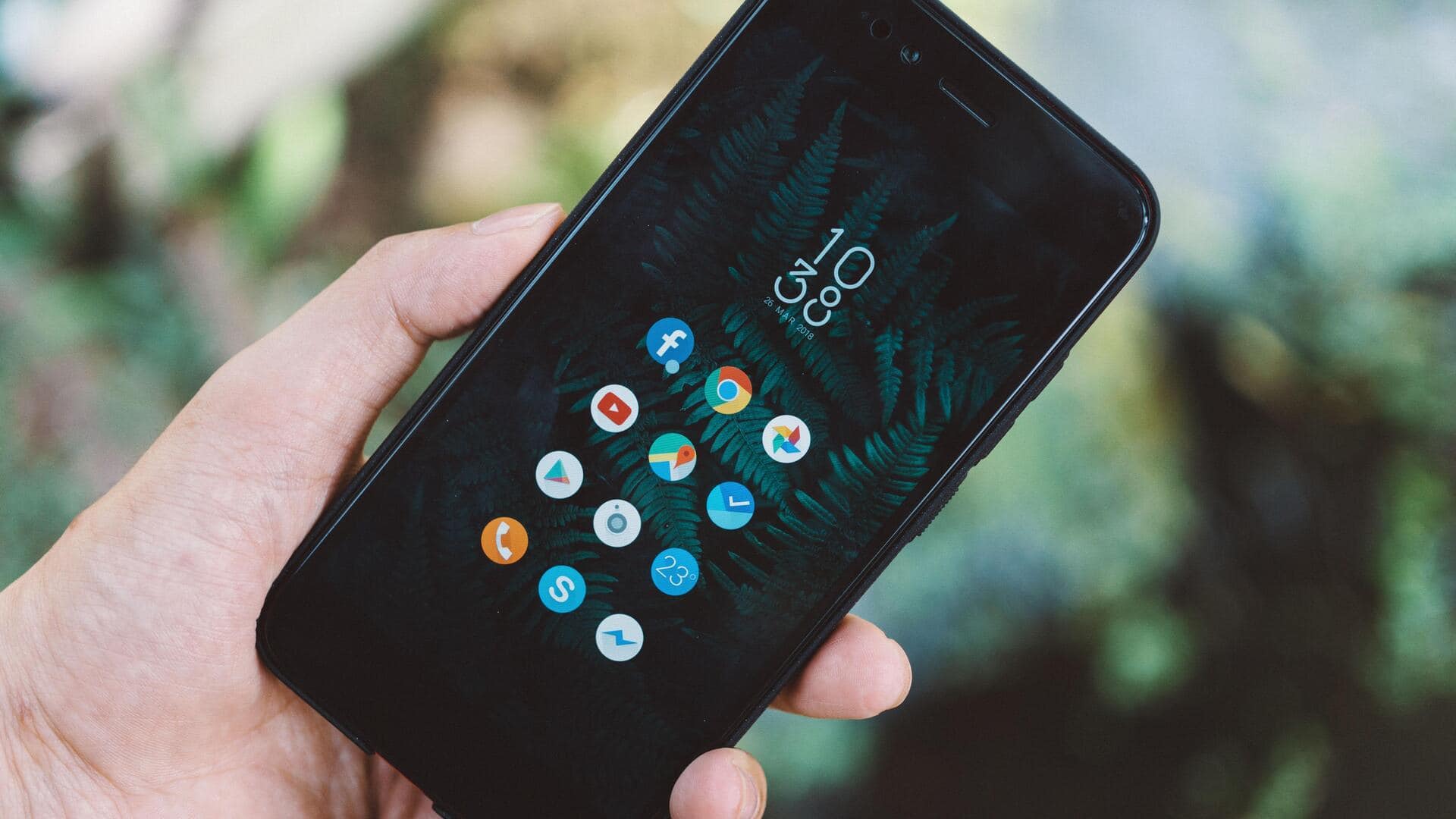
In today's digital age, smartphones are loaded with apps that consume a lot of storage space. However, most of these apps are rarely used or not used at all. By decluttering your smartphone storage, you can improve its performance and make room for more important things. Here are practical tips to identify and remove unnecessary apps and keep your device running smoothly.
Tip 1
Identify unused apps
Start by reviewing all the apps on your smartphone. Check which ones you have not used in the last month or so.
Most smartphones have a feature that tells you how often each app is used.
This data can help you figure out which apps are hogging space without being of any use.
Tip 2
Prioritize essential apps
Focus on keeping only those apps that are essential for your daily tasks or work.
Think about whether an app really adds value to your life or if there is a better alternative that takes less space.
By prioritizing essential apps, you can keep your smartphone clutter-free and efficient.
Tip 3
Use built-in storage management tools
Most smartphones come with built-in storage management tools that help you identify space-hogging apps and files.
These tools give you a detailed breakdown of what is consuming space on your device and suggest ways to free up space.
Using these features can make the decluttering process a lot easier.
Tip 4
Regularly update app settings
Regularly check the settings of each app to ensure they do not store unnecessary data or run in the background when not needed.
Some apps allow you to disable certain features that consume extra storage, such as caching images or downloading updates automatically.
Adjusting these settings can help you save a lot of space over time.
Tip 5
Consider cloud storage solutions
For those who cannot part with certain apps but are running out of local storage, cloud solutions are a great option.
By saving documents, photos, and other data in the cloud instead of on your device, you can free up a lot of space without losing access to important stuff.
This way, you can keep your smartphone's performance intact while having all the important things at hand.