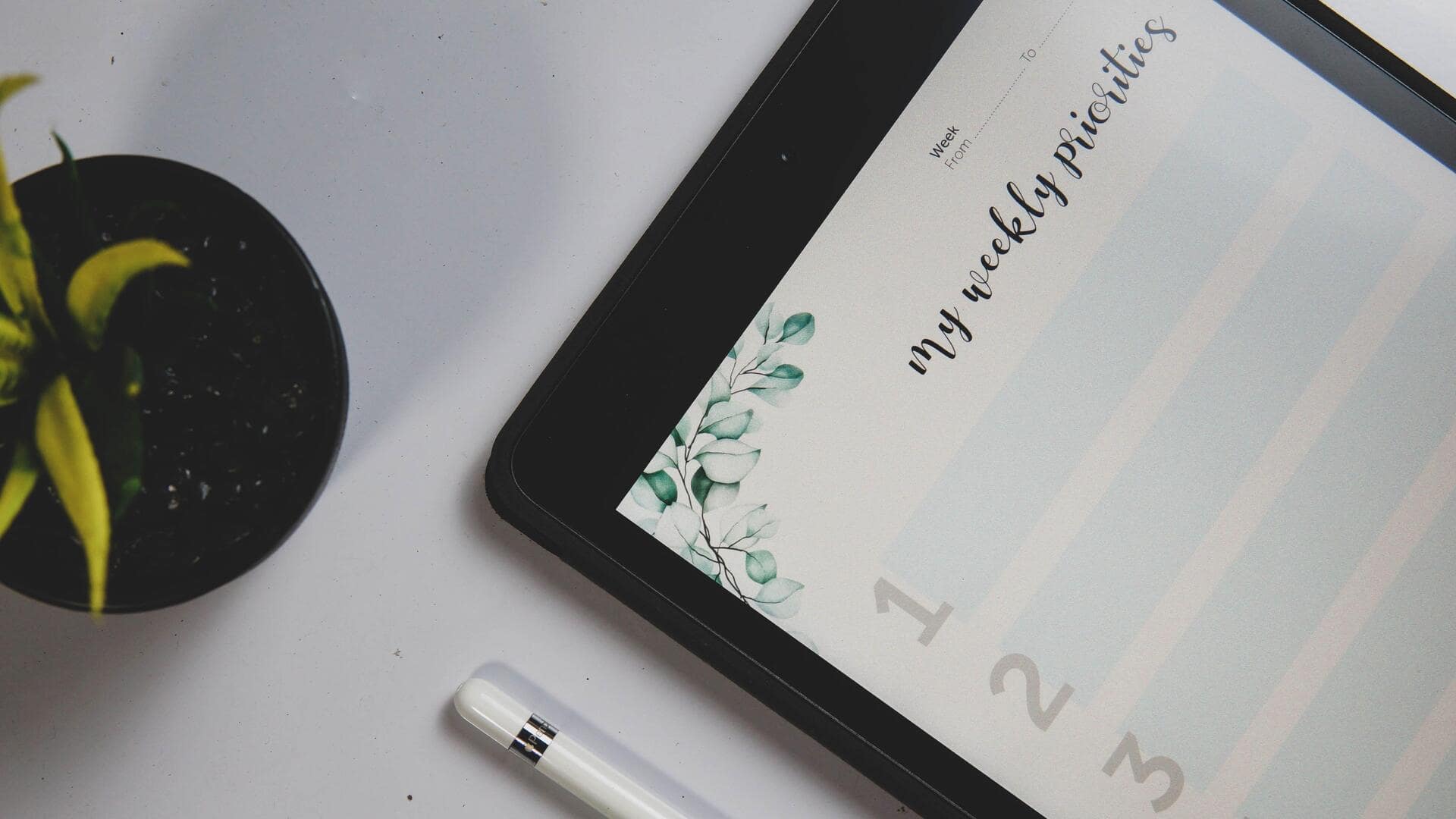
Digital planners: A smart way to manage your tasks
What's the story
Digital planners are becoming increasingly popular as a means to boost productivity and keep tasks organized. These virtual tools provide a flexible, interactive way to plan your day, week, or month. With features like reminders, calendars, and note-taking capabilities, digital planners can help you manage your time more efficiently. Here are five ways to use digital planners for better task management.
Tip 1
Set clear goals and priorities
Digital planners allow users to set clear goals and priorities by providing a visual representation of tasks.
By categorizing tasks based on urgency or importance, you can focus on what needs immediate attention.
This way, you can allocate time effectively and ensure that critical tasks are not overlooked.
Tip 2
Utilize reminders and notifications
One of the most useful features of digital planners is their reminder and notification system.
These features ensure that you do not miss out on deadlines or appointments by sending alerts at preset times.
Customizing these notifications according to your preferences can help you stay on track with your schedule, without the fear of forgetting important events.
Tip 3
Integrate with other tools
Digital planners can also be integrated with other productivity tools, like email clients or project management software.
This integration allows for seamless workflow management by syncing information across platforms.
For example, linking your calendar with an email client can automatically populate events from emails into your planner, keeping everything organized in one place.
Tip 4
Track progress over time
Tracking progress is key to effective task management, and digital planners make it easy to do so.
With features like checklists or progress bars, you can visually see how much of a task has been completed over time.
This not only provides motivation but also helps in identifying areas where improvements are needed.
Tip 5
Customize your planner experience
One of the biggest advantages of digital planners is that they can be customized according to your needs.
From choosing themes and layouts to adding personalized tags for different types of tasks, customization makes sure that the planner fits perfectly into your workflow.
This way, you can create an environment that suits your style of working while enhancing productivity.