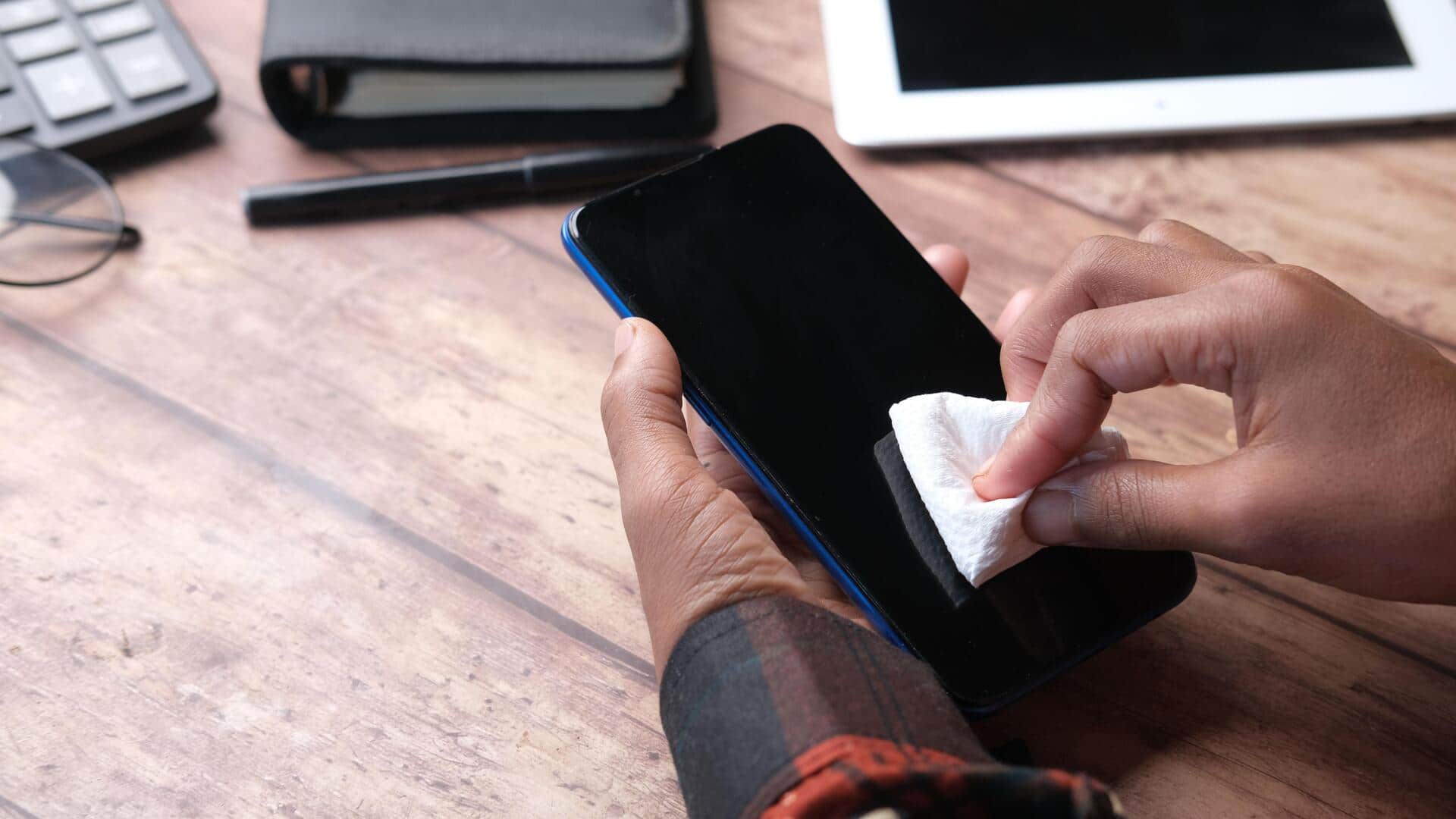
How to clean your gadgets without damaging them
What's the story
Keeping your gadgets clean is essential for their longevity and performance. However, if you do not clean them the right way, you could end up damaging them. Here is how you can keep your devices in top shape without risking any damage. From smartphones to laptops, knowing the right cleaning techniques can keep your devices looking new and functioning properly.
Tip 1
Use microfiber cloths for screens
Microfiber cloths are perfect for cleaning screens of gadgets like smartphones, tablets, and laptops.
They are soft and non-abrasive, which means they will not scratch the surface.
Just slightly dampen a microfiber cloth with water or a screen-safe cleaner and gently wipe the screen in circular motions.
This removes fingerprints and smudges without damaging the screen.
Tip 2
Avoid harsh chemicals
Harsh chemicals can damage the delicate components of your gadgets.
Never use bleach, ammonia-based cleaners, or anything containing alcohol directly on your devices.
These can strip protective coatings, or cause discoloration over time.
Instead, use cleaners specifically designed for electronics, or simply stick to water for most cleaning tasks.
Tip 3
Clean ports and connectors carefully
Ports and connectors are essential for the functioning of your gadgets, but they are also the most vulnerable.
To clean them, use a soft-bristled brush or compressed air to remove dust and debris without causing any damage.
Do not insert anything metal into these openings, as it could short-circuit internal components or cause physical damage.
Tip 4
Regularly dust off surfaces
Dust accumulation can affect the performance of your gadgets by obstructing ventilation and cooling systems.
To avoid this, regularly dust off surfaces with a dry microfiber cloth or an anti-static duster.
Pay special attention to keyboard keys, speaker grilles, and ventilation slots where dust tends to accumulate the most.
This simple step can help maintain optimal airflow and prevent overheating issues in the long run.
Tip 5
Handle with care during cleaning
While cleaning your gadgets, it is important to be gentle.
Do not apply too much pressure while wiping screens, keyboards, or other components, as that can damage sensitive parts.
Instead, use light pressure to avoid damaging delicate parts.
This way, you can keep your devices in good condition and working efficiently.