How to improve your internet speed for streaming
What's the story
In today's digital world, a stable internet connection is a must for seamless streaming. However, many face issues with buffering and slow speeds. This article provides practical tips to enhance your internet stability, ensuring uninterrupted streaming experiences. By following these insights, you can optimize your connection and enjoy smoother access to your favorite content without the frustration of interruptions.
Tip 1
Optimize your router placement
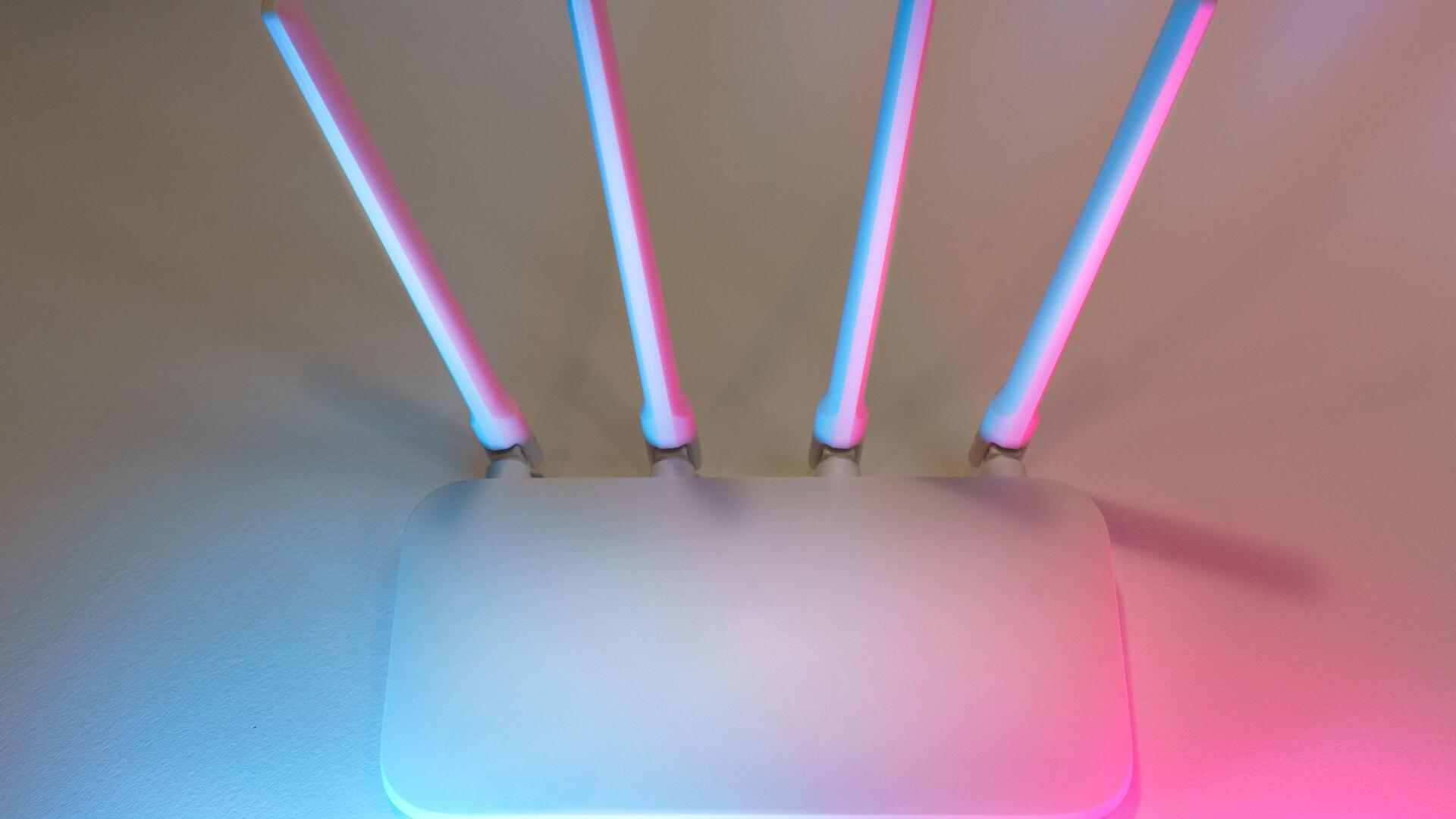
The placement of your router can have a major impact on your internet speed.
Place it at the center of your home for better coverage.
Avoid placing it near walls or obstructions that may interfere with signals.
Keeping it elevated, like on a shelf or table, can also help in distributing the signal evenly throughout the area.
Tip 2
Limit connected devices
Having too many devices connected to the same network can strain bandwidth and slow down speeds.
Disconnect devices that are not being used, or set up a schedule for when certain devices can connect to the network.
This way, you can prioritize bandwidth for streaming during peak usage times.
Tip 3
Update firmware regularly
Keeping your router's firmware up-to-date is essential for ensuring optimal performance and security.
Manufacturers frequently release updates to fix bugs and improve functionality, which can directly impact your internet stability.
By checking for updates regularly, you ensure that your router is equipped with the latest enhancements.
This simple step can lead to a noticeable improvement in your streaming experience, reducing interruptions and enhancing speed.
Tip 4
Use wired connections when possible
Wired connections, through Ethernet cables, are more reliable than Wi-Fi, as they are less prone to interference and congestion.
If possible, connect your streaming device directly to the router using an Ethernet cable.
This can drastically improve speed and reduce latency, making your streaming experience smoother and more enjoyable.
Tip 5
Monitor network usage
Monitoring network usage helps you identify bandwidth hogs that may slow down your connection.
Use network management tools or apps to track data consumption by different devices and applications.
By identifying high usage patterns, you can take steps to manage them effectively, ensuring that your streaming needs are prioritized over other activities on the network.