
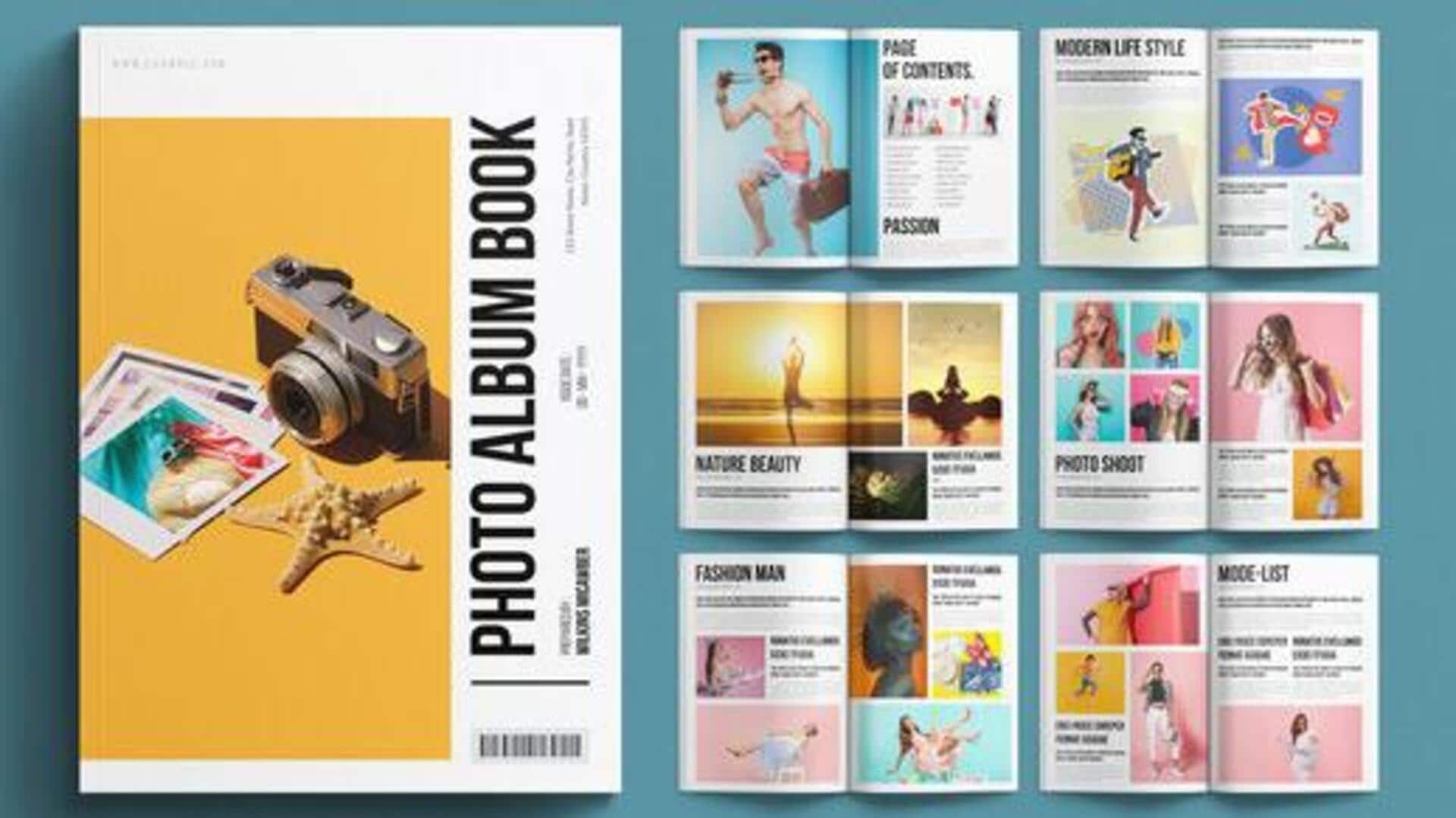
How to organize your photos efficiently using digital albums
What's the story
Digital photo albums have become a popular way to store and share memories. They are not only convenient but also help organize photos in a structured manner. By using digital photo albums, you can easily access, edit, and share your memories with loved ones. This article explores ways to use digital photo albums effectively, enhancing your memory management experience.
Tip 1
Organize photos efficiently
Organizing photos in digital albums makes it easy to find them later. Create folders based on events, dates, or themes. This way, you can quickly locate specific pictures without having to sift through hundreds of files. Most digital album platforms also offer tagging features that let you add keywords or labels to photos for easy searching.
Tip 2
Enhance with editing tools
Digital photo albums usually come with editing tools that let you enhance your pictures before saving them permanently. You can adjust brightness, contrast, and color balance directly within the album interface. Some platforms even offer filters and effects that can make your photos look more professional with just a few clicks.
Tip 3
Share memories easily
One of the biggest advantages of digital photo albums is that they make sharing memories with others so easy. You can share links or invite people to view certain albums privately or publicly, depending on your preference. This way, family members who live far away can still be a part of special moments by viewing shared albums online.
Tip 4
Backup your memories securely
Backing up your digital photo albums is essential to safeguard against data loss due to hardware failures or accidental deletions. Most platforms offer cloud storage options that automatically back up your photos as you upload them. This way, you don't have to worry about losing precious memories due to unforeseen circumstances.
Tip 5
Customize album layouts
Customizing the layout of your digital photo album can make it more visually appealing and personalized. Many platforms provide templates with different styles and arrangements for photos on each page. You can choose one that best fits the theme of the album while ensuring an attractive presentation of your memories.