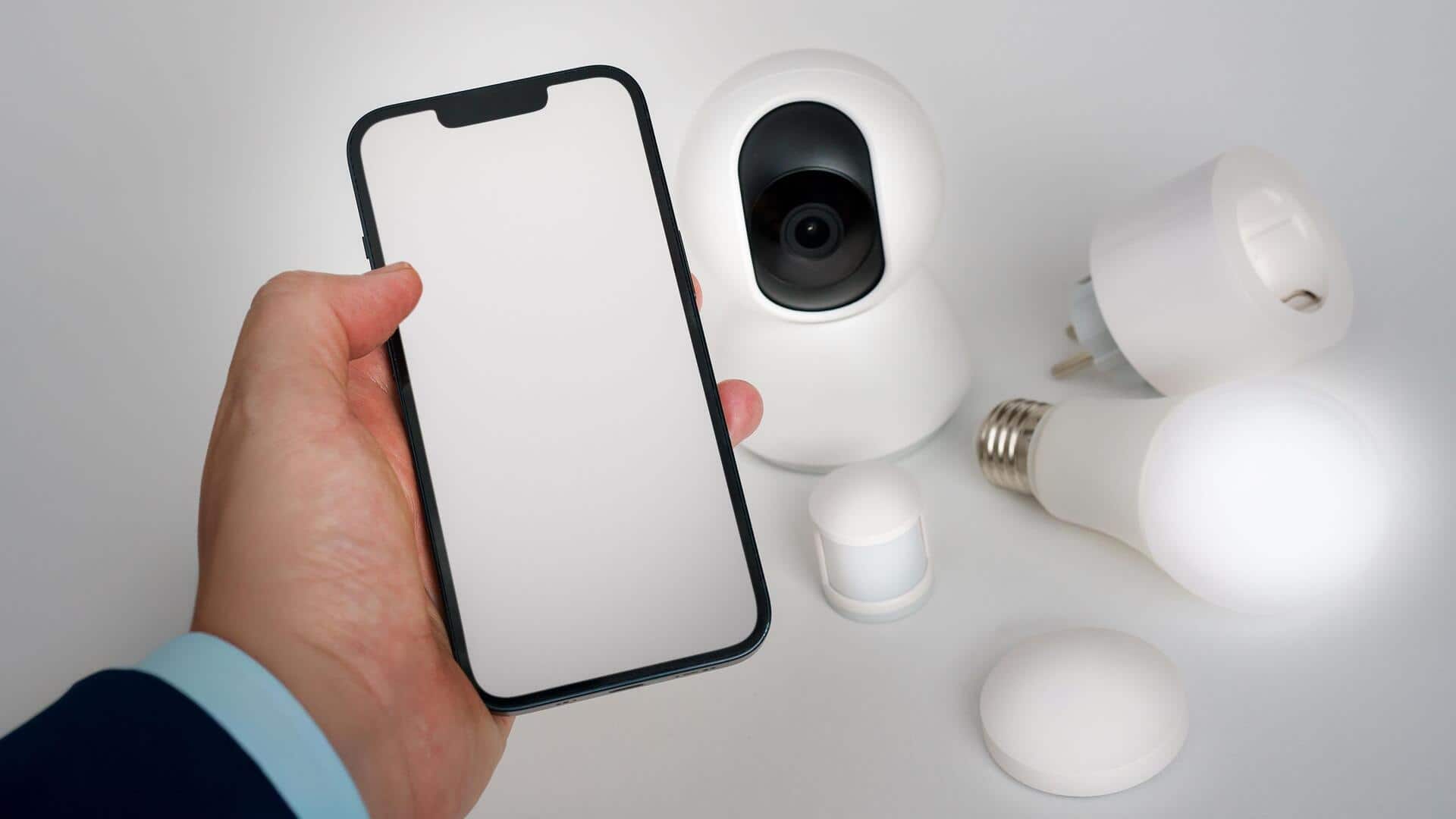
How to turn your old phone into a security camera
What's the story
Repurposing old smartphones as home security cameras can be a cost-effective and innovative solution to enhance your home's security. Instead of discarding outdated devices, you can transform them into functional surveillance tools. This approach not only saves money but also reduces electronic waste. By following a few simple steps, you can set up an effective security system using devices you already own.
App selection
Choose the right app for surveillance
Selecting the right app is crucial for turning your smartphone into a security camera.
Look for apps that offer features like motion detection, cloud storage, and remote access.
Many of these apps are available for free or at a nominal cost. They allow you to monitor live feeds from anywhere via your smartphone or tablet.
Ensure the app is compatible with both Android and iOS if you have multiple devices.
Camera setup
Set up your smartphone's camera
Positioning your smartphone correctly is key to getting the best surveillance footage.
Place it where it can capture the most important areas of your home, such as entry points or common areas.
Use stands or mounts to secure the phone in place, and avoid any obstructions in its view.
Adjust settings like brightness and contrast to ensure clear images under different lighting conditions.
Wi-Fi connection
Connect to Wi-Fi for remote access
Connecting your smartphone to Wi-Fi is essential for remote monitoring capabilities.
Once connected, you will be able to access live video feeds from anywhere using the selected app.
Make sure your Wi-Fi network is secure by using strong passwords and encryption methods. This will protect your surveillance data from unauthorized access.
Power management
Ensure continuous power supply
To keep your smartphone running continuously as a security camera, ensure it has a constant power supply.
Use charging cables that can reach power outlets without creating hazards, like tripping risks.
Some apps also offer battery-saving modes that reduce power consumption while maintaining functionality.
Feature enhancement
Enhance security with additional features
Many apps provide additional features that can further improve your smartphone's role as a security camera.
These include night vision mode, two-way audio communication, and alert notifications when motion is detected.
Explore these options within the app settings to customize your setup according to your specific needs and preferences.