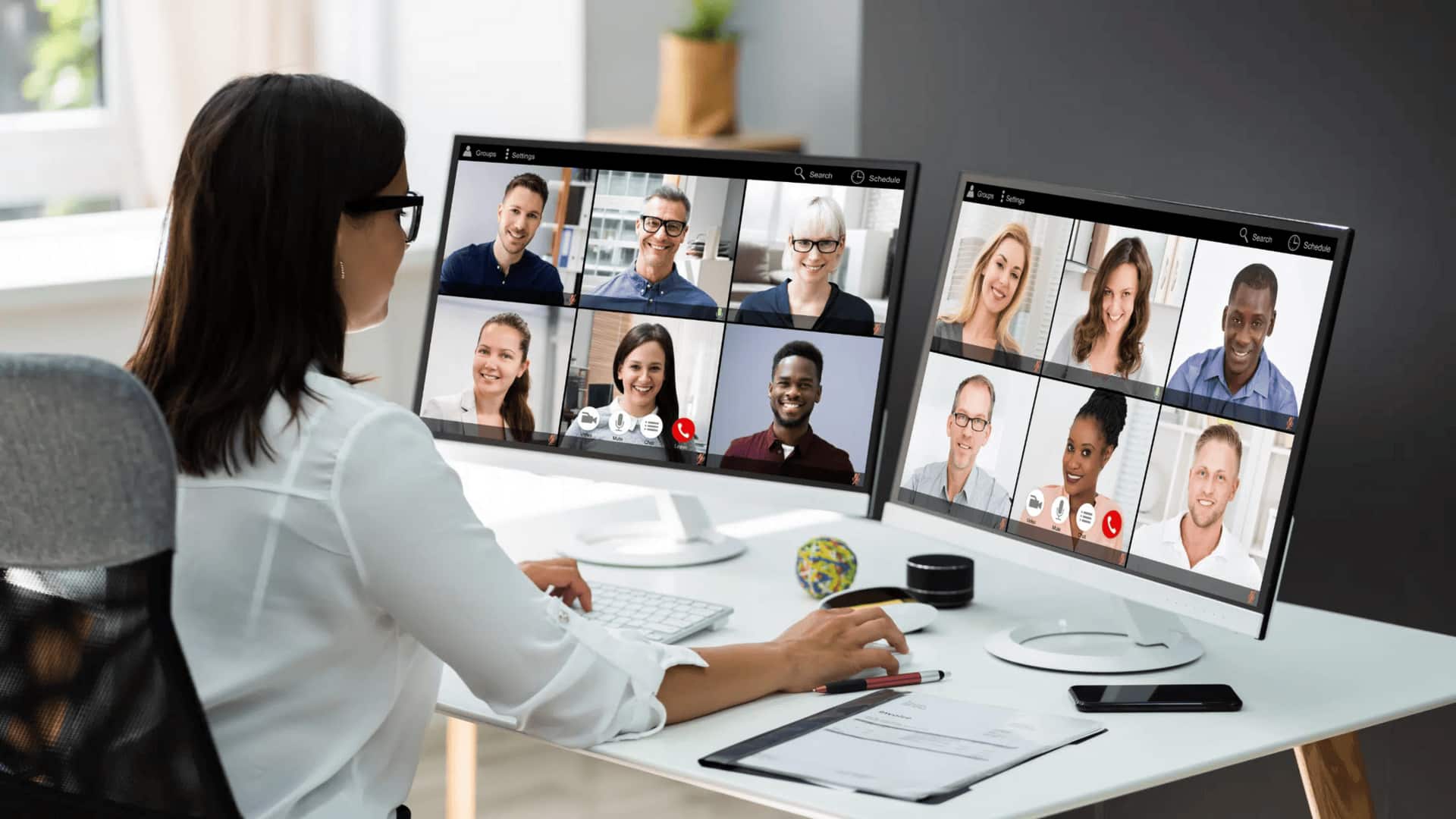
Holding your first video conference? Read these tips
What's the story
Video conferencing has become an integral part of our professional lives. With remote work and global collaboration on the rise, knowing how to conduct oneself in virtual meetings is imperative. Unlike face-to-face interactions, video calls come with their own set of etiquette rules that can make or break the success of a meeting. Here are five essential video conferencing etiquette practices to keep your virtual meetings professional and productive.
Tip 1
Test your technology beforehand
Before you join a video call, make sure your technology is working. Check your internet connection, camera, microphone, and speakers to make sure everything is working as it should. This way, you can avoid technical glitches that can interrupt the flow of the meeting. Joining the call a few minutes early gives you time to resolve any last-minute issues.
Tip 2
Choose an appropriate background
The background you choose for your video call speaks a lot about your professionalism. Opt for a clean and uncluttered background that doesn't distract others on the call. If you don't have a suitable physical space, consider using virtual backgrounds provided by many platforms. This simple step helps maintain focus on the discussion at hand.
Tip 3
Dress professionally even at home
Even if you're working from home, dressing professionally for video calls is a must. Wearing appropriate attire not only makes you look more professional but also mentally prepares you for business conversations. Avoid casual clothing that may give off an impression of being unprofessional or uninterested in the meeting.
Tip 4
Mute when not speaking
To minimize background noise during video calls, always mute your microphone when you're not speaking. This practice ensures that everyone can hear clearly without distractions from ambient sounds such as traffic or household activities. Remember to unmute yourself before contributing to the conversation.
Tip 5
Be mindful of body language
Body language remains key in virtual meetings, just as it does in in-person ones. Maintain eye contact by looking directly into the camera instead of at the screen while speaking or listening. Sit up straight to convey attentiveness and engagement throughout discussions with colleagues or clients online.