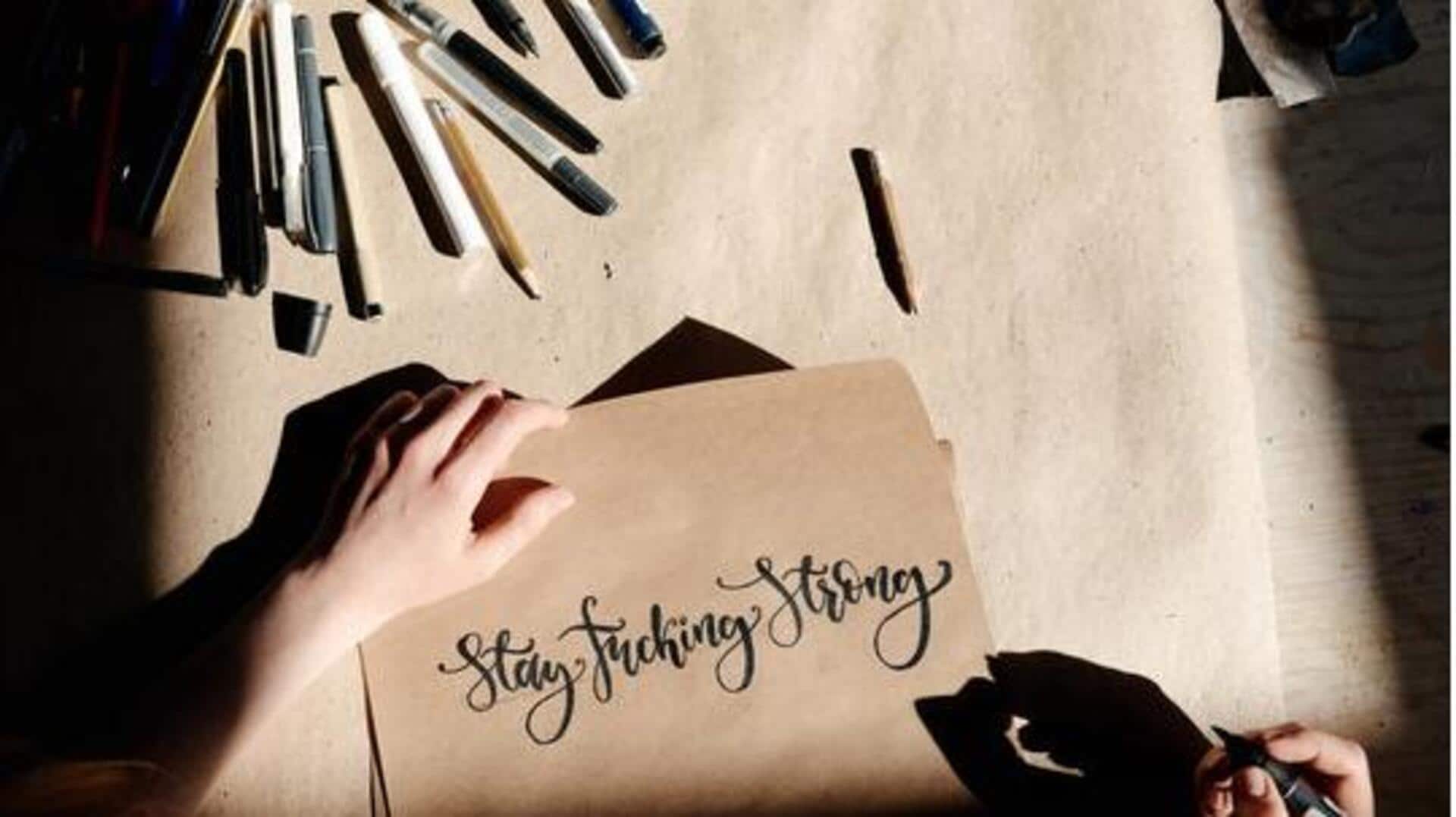
Upgrade your hand lettering game with these AI tools
What's the story
Hand-lettered signage brings artistic flair with precision, and now, AI tools make it easier than ever to design, generate, and refine custom lettering styles for signs, posters, displays. These advanced tools utilize AI to emulate hand-drawn effects, suggest fonts, and optimize designs. Be it a beginner or a professional, these tools can get you professional results in no time. Here are five amazing options that can elevate your hand-lettering projects.
Tool 1
Adobe Fresco with AI brushes
Adobe Fresco provides AI-enhanced brushes that replicate real ink and watercolor strokes.
This particular tool is perfect for practicing hand-lettering on tablets.
Its pressure-sensitive capabilities let you vary line thicknesses for real calligraphy styles like Spencerian or modern scripts.
It also has a cloud sync feature to ensure seamless editing on different devices.
Tool 2
ProWritingAid for lettering refinement
ProWritingAid analyzes your lettering descriptions or text outlines to provide style improvements and readability tweaks. It also checks originality to avoid overused motifs.
Users can upload sketches or prompts to receive input on clarity, flow, and design elements, making sure that signage text looks nice and stands out clearly.
This tool ensures that your lettering projects are both unique and effective.
Tool 3
Grammarly's AI paraphraser and humanizer
Grammarly's tools help you generate initial lettering text prompts by rewriting them for a natural tone and varied phrasings.
The Humanizer feature further enhances AI outputs, making them feel handcrafted, personalized.
This one comes particularly handy for signage quotes or labels that need a personal touch without robotic stiffness.
By making sure the text maintains a human-like quality, it helps deliver engaging, authentic hand-lettered designs.
Tool 4
Jasper with brand voice learning
Jasper's "Jasper IQ" learns your preferred lettering style by looking at the examples you provide.
It then creates custom hand-lettered design ideas or SVG paths for specific needs, like a vintage script for a cafe menu.
This way, the feature streamlines the creative process, ensuring your designs are not just unique but also consistent branding across different projects and applications.
Tool 5
Claude for long-form lettering concepts
Claude excels at creating detailed prompts that are ideal for complex signage designs, be it multi-line designs or themed alphabets.
By describing your vision—say, elegant brush lettering for a storefront—Claude delivers polished concepts that are ready for vectoring.
This particular capability saves a lot of time in ideation, giving designers more space to execute and be creative, all while ensuring the final output matches the concept.