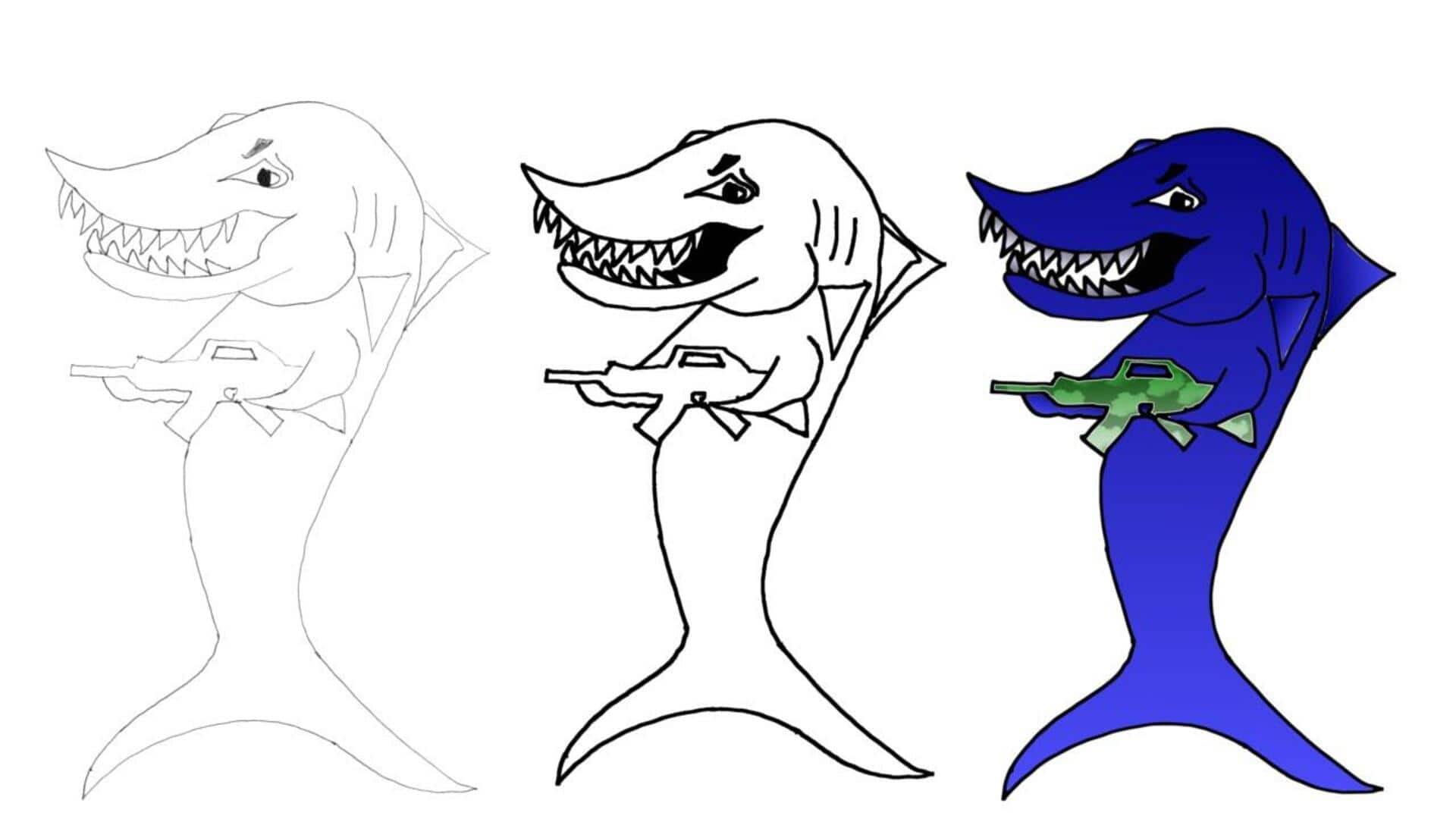
How AI apps help convert your sketches to vector graphics
What's the story
AI-powered applications are changing the game for artists and designers who want to convert their hand-drawn sketches into vector graphics. Normally, this process took hours of manual tracing, but now, it can be accomplished in seconds. These apps generate editable files like SVGs that blend perfectly with popular design tools, including Adobe Illustrator, Figma, and CorelDRAW. The move not only saves time but also makes projects precise and scalable.
#1
VectoSolve: Fast and accurate conversion
VectoSolve is the fastest and most accurate AI digitizer you will ever find. Updated in March 2026, it traces your sketch lines with 98% accuracy in two to five seconds.
All you have to do is upload your scanned or photographed sketch (300+ DPI, good lighting). The app automatically detects edges, removes backgrounds, and outputs clean vectors (SVG, PDF, EPS, or DXF).
No software download or signup required for the first conversion.
#2
Vector Ink: Seamless sketch to SVG feature
What also sets Vector Ink apart is its Sketch to SVG feature showcased in 2026 tutorials.
The tool imports rough drawings straight from the home screen and creates fully editable vectors - without the need to use pen tools or follow image trace techniques.
It is perfect for creating logos and illustrations that need instant refinement and high-quality exports up to 2,400 pixels.
#3
Kittl's AI vectorizer: Broader image-to-vector needs
Catering to broader image-to-vector needs, Kittl's AI Vectorizer converts any raster graphic into crisp SVGs within seconds.
Its simple upload process ensures you get professional results (without any quality loss on scaling) that are perfect for designers and brands.
This way, it becomes an excellent choice for anyone looking to preserve the organic feel of hand-drawn art while enabling scalability.
Tip 1
Tips for optimal results with AI tools
For best results with all these AI tools, begin with a high-contrast scan on white paper.
Make sure your sketches are clear by using graphite, ink, marker, or charcoal drawings in good lighting conditions at a resolution of at least 300 DPI before uploading them into the app of your choice.