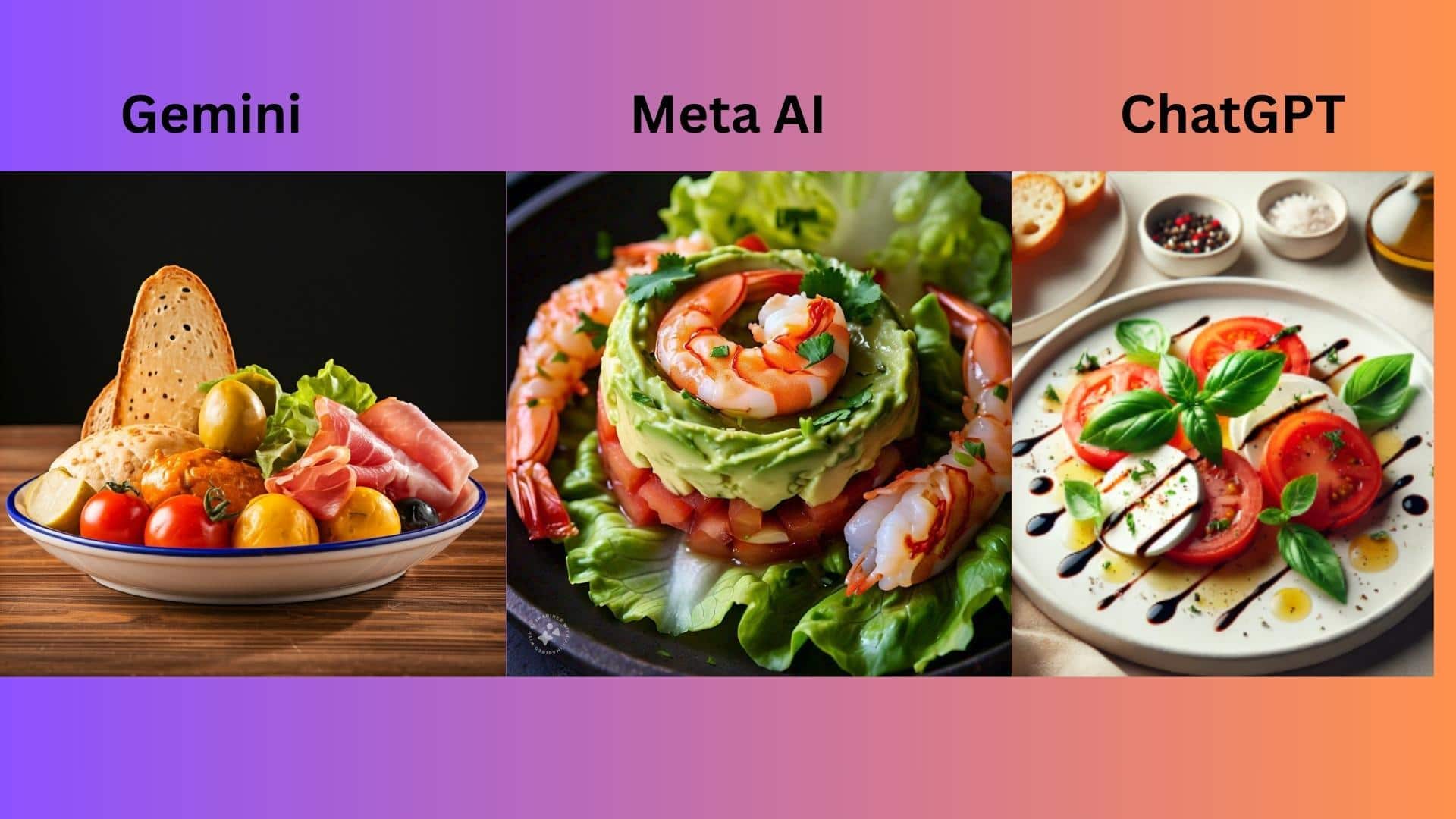
Make your cooked food visually appealing with these AI tools
What's the story
In the fast-paced world of professional kitchens and home cooking, presenting dishes with visual appeal is key to delighting customers and diners. AI tools have revolutionized this by generating stunning visuals, layouts, and designs tailored to food themes. This makes it easier for chefs, restaurateurs, and food enthusiasts to create professional plating guides, menu displays, and social media posts without design expertise.
#1
Canva's Magic Design for culinary presentations
Canva's Magic Design is a clear winner when it comes to culinary presentations.
This AI feature instantly creates polished slides, menus, or graphics from basic text prompts such as "elegant plating for a risotto" or "vibrant dessert showcase."
It uses a huge library of premium food images, icons, and templates.
Restaurants employ it to create stunning posts and menus in minutes, with scope for tweaks.
#2
Prezi AI for interactive food demos
Prezi AI provides dynamic zoom-based canvases ideal for interactive food demos or recipe walkthroughs.
Just enter a prompt like "step-by-step plating," and it generates a complete presentation with AI-generated images and fluid narratives that take viewers from overview to details.
Its video presenting mode is perfect for hybrid cooking classes or online tutorials with easy customization options.
#3
Gamma AI's speedy culinary visuals
Gamma AI excels in speed when you need quick visuals for your food.
A prompt such as "modern salad plating ideas" generates scrollable web-style decks with clean layouts within seconds.
These would be perfect for sharing plating techniques on social platforms or staff training sessions without going through the hassle of manual formatting.
#4
Beautiful.ai automates professional designs
Beautiful.ai automates professional designs specifically for food presentations, making it an ideal tool for chefs and restaurateurs.
Its smart slides adapt automatically as you add photos or descriptions of your dishes, ensuring balanced and visually appealing outputs.
This proves particularly useful for creating recipe books, menu engineering visuals, or any culinary presentation without manual formatting efforts, saving time and boosting creativity.
Tip 5
Microsoft Copilot in PowerPoint integration
Microsoft Copilot integrates seamlessly into PowerPoint, making it ideal when creating formal culinary reports or pitch decks related to optimal dessert presentation strategies, among others.
It suggests layouts, visuals, summaries while pulling data and relevant trends within the industry context.
This effortlessly enhances the overall quality of the output produced through this toolset available today.