Apple's latest update fixes key iPhone 18 Pro bugs
What's the story
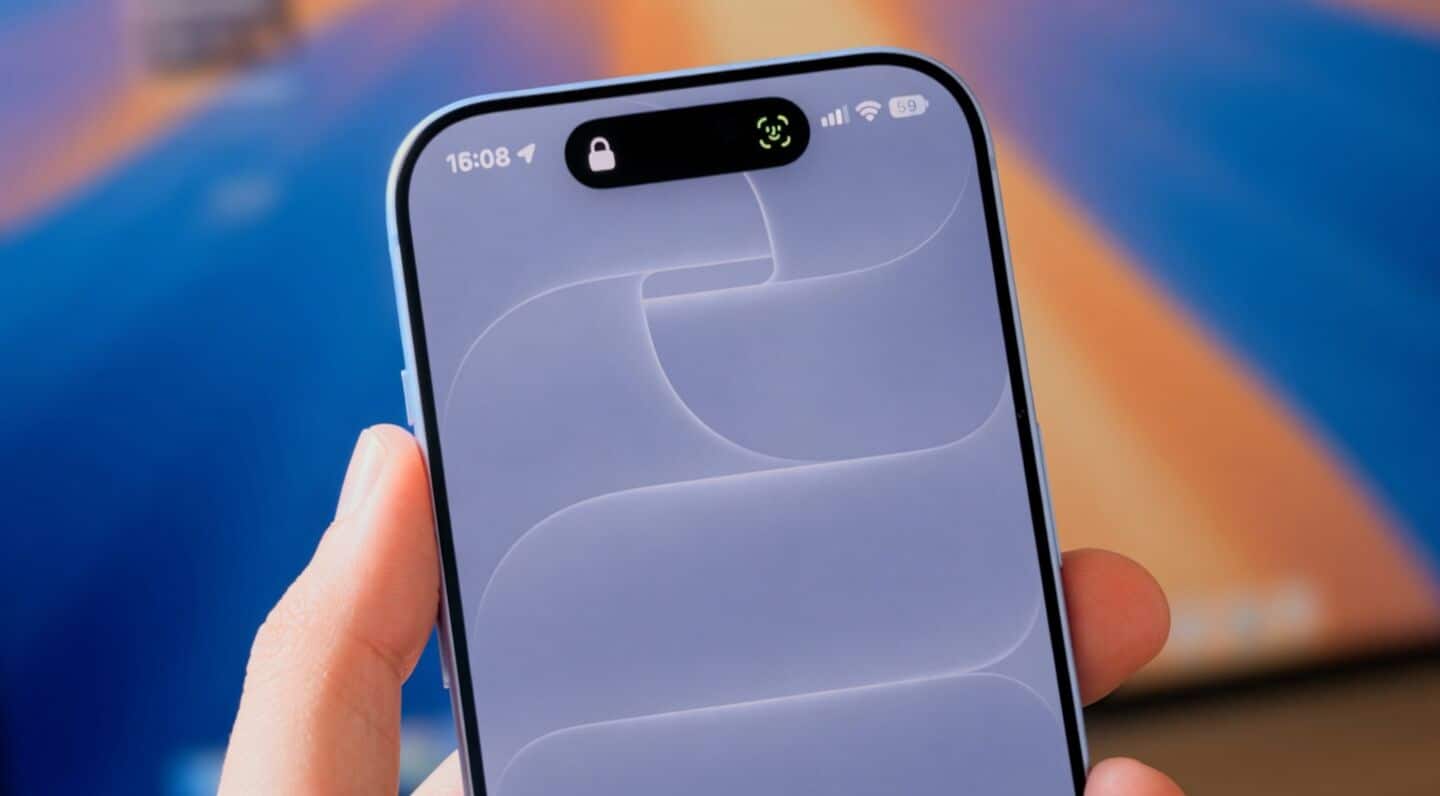
Apple has released iOS 27.0.1 update, primarily aimed at fixing bugs that have been plaguing the new iPhone 18 Pro models. The update comes after several complaints from users of these devices about unexpected restarts when Face ID authentication fails. Even though some customers had their devices replaced by Apple, the problem continued to persist until this latest software release was made available.
Additional fixes
Other fixes included in the update
Along with the Face ID issue, the iOS 27.0.1 update also tackles a color artifact problem in photos taken at 2x zoom on the iPhone 18 Pro.
It also fixes a glitch that made devices unresponsive when users opened Notification Center and Control Center simultaneously.
While this didn't cause permanent damage and could be resolved with a forced reboot, it was still a potentially annoying bug for users who were unaware of their phones would resume operation after restarting it.
Installation guide
How to install iOS updates on your device
Installing iOS updates on your iPhone is a pretty straightforward process.
Just head over to the Settings app, select General, and look for Software Update.
Once you see iOS 27.0.1 there, tap Download and Install.
The installation time may vary depending on your internet connection speed but don't worry if it takes longer than expected as this is completely normal behavior of Apple's software update system.