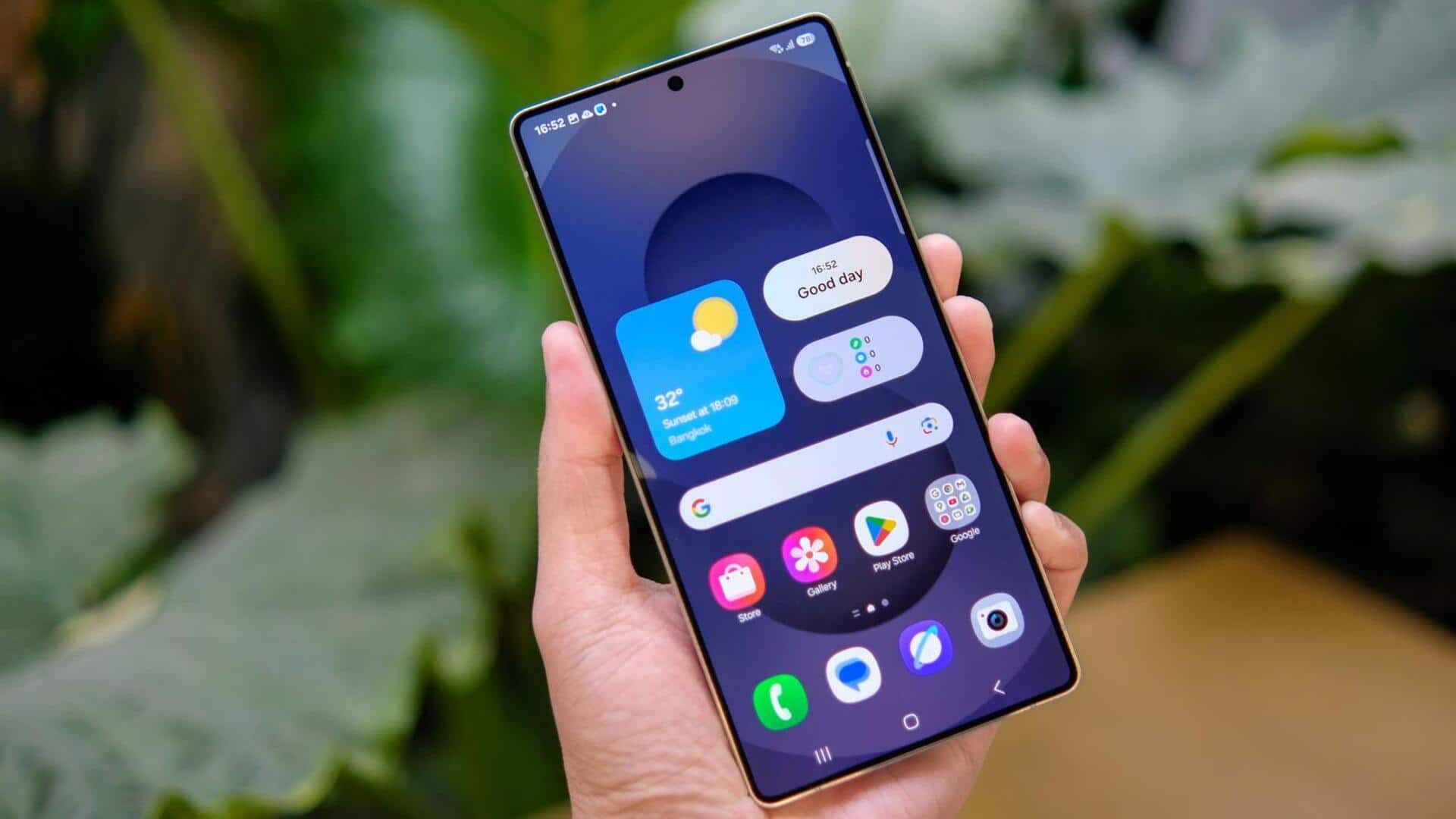
#TechBytes: How to create custom smartphone widgets
What's the story
Creating custom smartphone widgets can be a fun way to personalize your device and make it more functional. With the right tools and knowledge, you can design widgets that suit your style and needs. This article provides practical tips on how to create widgets, covering essential aspects like design, functionality, and usability. Whether you are a beginner or have some experience, these insights will help you craft effective smartphone widgets.
Tip 1
Choose the right platform
Selecting the right platform is crucial for widget creation. Depending on whether you are developing for Android or iOS, the tools and guidelines differ.
Android offers more flexibility with its widget design, while iOS has stricter guidelines.
Make sure you are familiar with the platform's SDKs, and design principles to ensure compatibility and optimal performance.
Tip 2
Focus on user interface design
A user-friendly interface is key to any successful widget.
Keep the layout simple, intuitive, and visually appealing.
Use consistent colors, fonts, and icons that match the overall theme of the device's interface.
Prioritize essential information display without cluttering the screen space.
Tip 3
Optimize for performance
Performance optimization is key to ensuring that your widget runs smoothly without draining battery life or slowing down other apps.
Use efficient coding practices to minimize resource consumption.
Test your widget on multiple devices to ensure it performs well under different conditions.
Tip 4
Incorporate interactive features
Adding interactive elements can significantly enhance user engagement with your widget.
Consider incorporating features like touch responses, or dynamic content updates based on real-time data inputs, such as weather updates or calendar events.
These elements make the widget more functional and enjoyable for users.
Tip 5
Test thoroughly before launch
Thorough testing before launch is important to catch any bugs or issues that might have been missed during development.
Test across different devices with varying screen sizes and operating system versions to ensure compatibility.
Gather feedback from beta testers, who can provide valuable insights into usability improvements before releasing it widely.