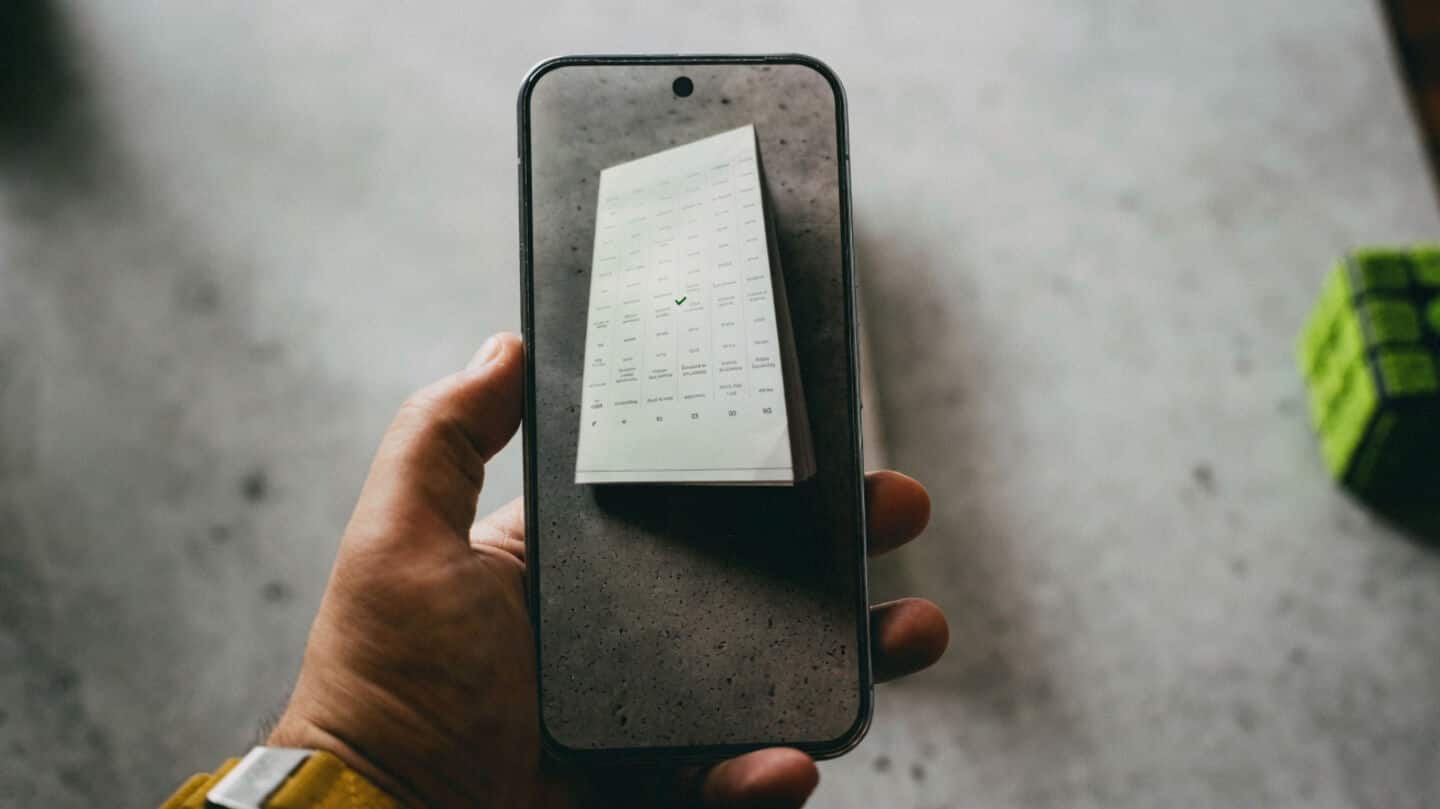
Google Drive gets upgraded scanner, capturing multiple pages at once
What's the story
Google Drive has started rolling out an updated document scanner for Android devices. The new design comes with advanced on-device capabilities and has been part of a beta release that started last year. Users were given the option to revert to the old scanner during this testing phase, but now it seems like the beaker icon in the top-right corner has been removed from screen recordings shared by Sameer Samat of Android.
Improved functionality
Material 3 viewfinder and smart batch scanning
The revamped document scanner comes with a Material 3 Expressive viewfinder and Smart Batch Scanning.
This feature lets you scan multiple pages at once, almost like recording a video instead of clicking separate pictures.
A preview appears automatically at the bottom of the interface, giving users immediate feedback on their scans.
You can also disable auto-scanning by hitting the pause button next to capture, and use the system file picker for images already taken.
Smart enhancements
Auto-Best frame and duplicate detection features
The new document scanner also comes with Auto-Best Frame and Duplicate Detection features.
The former automatically replaces blurry scans with the best quality frame available, while the latter skips the pages that have already been scanned.
These intelligent enhancements are designed to make your scanning experience smoother and more efficient.
Performance boost
Requirements for the new scanner
The new document scanner uses on-device processing to deliver fast performance, offline availability, and complete data privacy.
However, it should be noted that this feature is only available on Android devices with a minimum of 8GB RAM.
The upgraded scanner is powered by Google Play services and can also be found in other apps such as Files by Google.