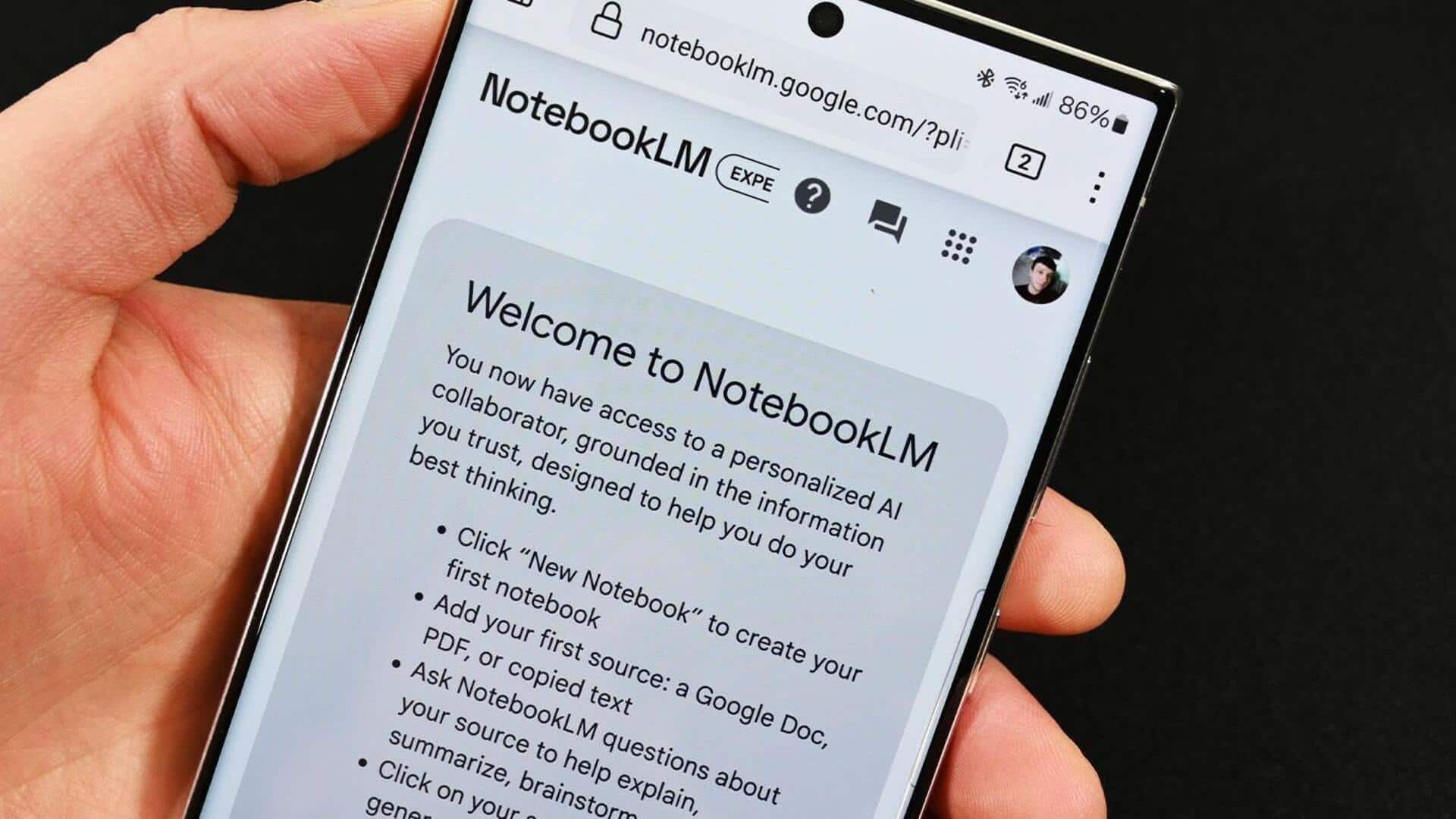
Google NotebookLM can now turn your research into 60-second videos
What's the story
Google has announced a major upgrade to its NotebookLM tool, allowing it to convert lengthy research documents into short, 60-second explainer videos. The new feature, called Short Video Overviews, is available for Google AI Ultra and Pro subscribers. It works by taking the sources you upload to the app and creating vertical AI clips of up to a minute long.
User guide
How to generate a video in NotebookLM
To create a video, users need to go to NotebookLM on the web or app, select a notebook and click "Video" from the Studio column on the right side of the screen.
Then, they have to choose "Short," pick a topic for NotebookLM to focus on (or enter their own), and click "Generate."
The feature is currently available only in English, with support for free users coming soon.
Tech upgrade
The new Nano Banana 2 Lite engine
The latest feature of NotebookLM is powered by Google's new Nano Banana 2 Lite engine, also known as Gemini 3.1 Flash-Lite Image.
This is the company's fastest and most cost-effective image generation model yet, offering a four-second image generation time and improved visual quality over its predecessor, Gemini 2.5 Flash Image (the first Nano Banana).
New release
Gemini Omni Flash model goes into public preview
Along with the update to NotebookLM, Google has also released its Gemini Omni Flash model for public preview.
This model is designed for full video generation, featuring conversational editing (relighting scenes and swapping characters with natural language) and multimodal inputs.
It provides native audio pairing for each video output and synchronizes on-screen text with kinetic movements.