From AI to UI: Top new features in Android 17
What's the story
Google has unveiled the major changes coming with its next operating system update, Android 17. The announcement was made during a special episode of the Android Show, ahead of the highly anticipated I/O developer conference that kicks off on May 19. The upcoming software updates were also teased alongside new Android-powered Googlebook laptops and several updates for Android Auto.
AI enhancements
AI-enabled features in Android 17
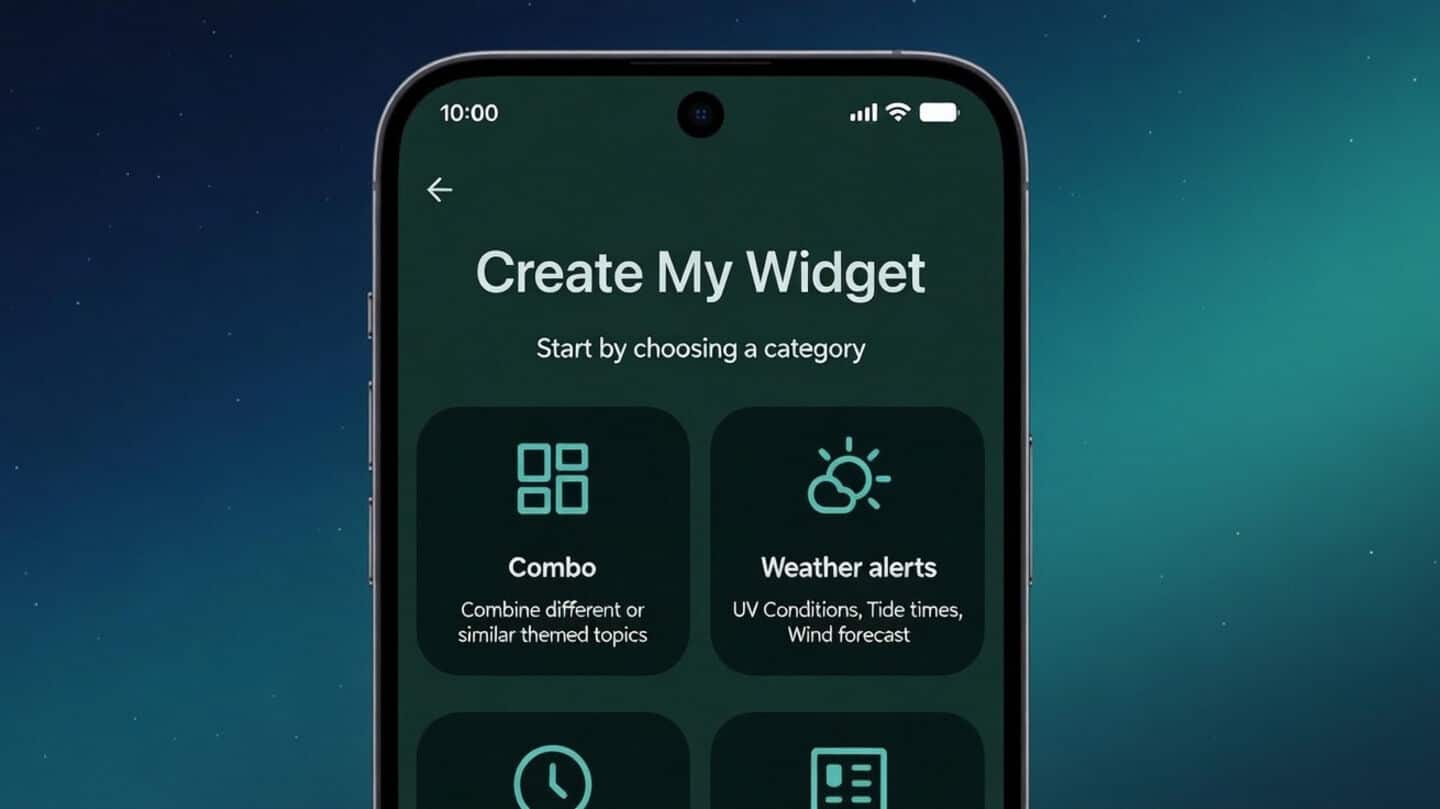
Android 17 will bring a number of new AI-enabled features. Among the group, Rambler looks interesting. It's a real-time transcription assistant that polishes your speech on the fly by removing verbal clutter like "um" or "ah." Chrome's "auto browse" feature is set to debut on Android in late June, accompanied by a suite of AI enhancements. Another interesting addition is Create My Widget which lets you build custom homescreen widgets from natural language inputs.
User experience
Emoji overhaul in Android 17
Android 17 will also bring a complete overhaul of its emoji set, replacing the existing cartoonish versions with more three-dimensional ones. The update will first be available on Pixel phones later this year. Another interesting addition is the Pause Point feature, which lets users label certain apps as "distracting." If you try to open one of these apps, a prompt will appear suggesting breathing exercises or opening a more productive app instead.
Content creation
Other notable additions in Android 17
Android 17 also introduces Screen Reactions, a feature that lets you record video from your selfie camera and what's on your screen at the same time. This will be especially useful for content creators looking to make reaction videos. Google is also expanding its Quick Share feature to more phones, including those from Xiaomi, Honor, and OnePlus.
Transition tools
Seamless switch to Android from iPhone
Google and Apple have been working on easier ways to switch between platforms. As part of this effort, iOS 26.3 added support for a new wireless way to transfer files, contacts, messages, home screen layouts, and eSIMs from an iPhone to an Android device. However, it doesn't work yet as it needs a compatible Android 17 device for the transfer process.
Security upgrades
Security improvements in Android 17
Android 17 also comes with a host of small security improvements. These include collaborations with certain banks to block calls spoofing their number (if you have their banking app installed), improved malware detection scanning app behavior for suspicious activity like SMS forwarding or launching in the background, and Chrome's safe browsing mode scanning app APK downloads for known malware.