Google's AI Mode now opens source links without leaving chat
What's the story
Google has announced an upgrade to its AI Mode in Chrome, a feature that will let users open source links alongside their chat. The update is aimed at improving user experience by allowing them to ask follow-up questions about the content on the page. Instead of opening a new tab, clicking on a source will now open the website next to AI Mode.
Feature evolution
AI Mode is a chatbot-like search feature
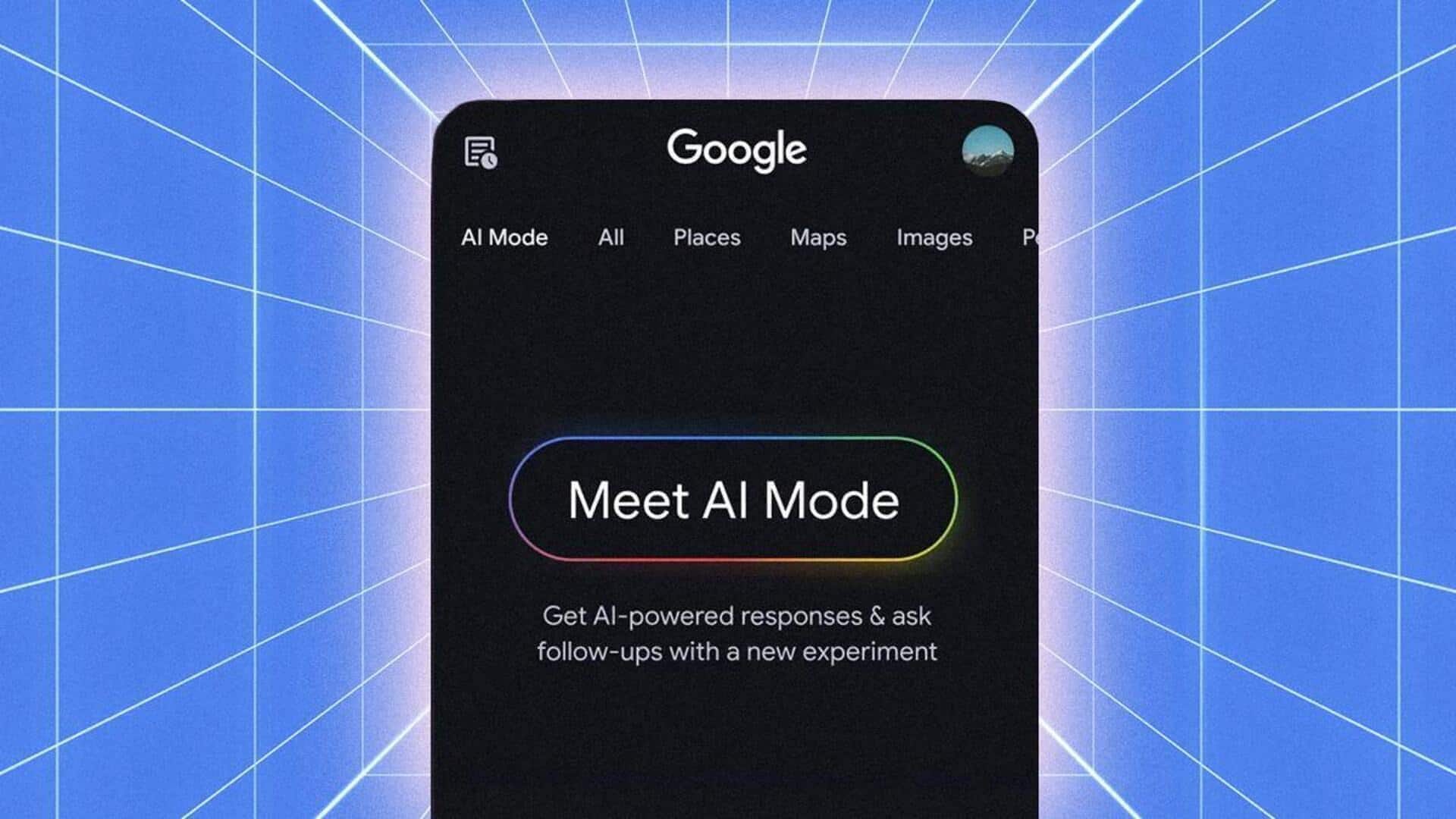
AI Mode, which was launched last year, is a chatbot-like search feature within a tab on the left side of Google's search engine.
Over the past year, Google has added several new features to this tool. These include generating images of outfits and decor from descriptions, visualizing travel plans, and finding restaurant reservations.
The tech giant has also started displaying source links more prominently amid concerns that its AI-powered search features are hurting traffic to news publishers and other sites.
User control
You can now add specific tabs to your search
Along with the link-opening update, Google has also added a new feature to AI Mode.
Now, users can select specific tabs for the mode to draw from, instead of pasting separate links.
This is done by clicking on the "plus" button in AI Mode or Google's search box and selecting from a list of recent tabs.
Google says users can also add images or files to these searches.
Availability
How to access the latest updates
The latest updates to AI Mode are available for users in the US, with a global rollout expected "soon."
You can find your recent tabs in the "plus" menu on Google's search bar.
To use these new features, you need Chrome version 146.0.7680.174 or later.
In Chrome, click on the ellipsis icon at the top, go to Help and select About Google Chrome to check and update your current version if needed.