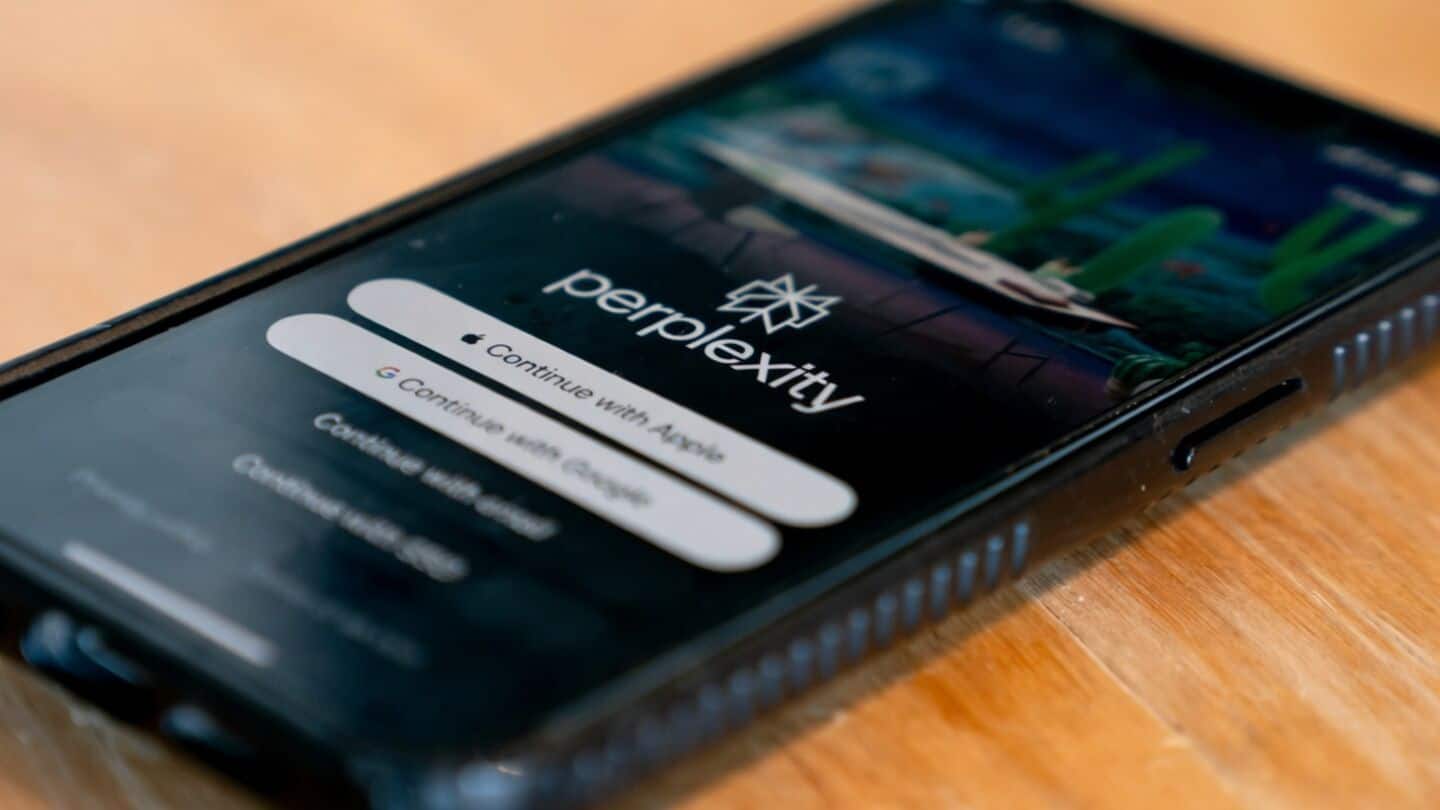
How Airtel users can cancel Perplexity Pro subscription before renewal
What's the story
Airtel users who activated the free one-year Perplexity Pro subscription via the Airtel Thanks app may soon see their complimentary access come to an end. The offer, which was launched in 2025 as a partnership between Perplexity and Airtel, was initially free but later required users to add payment details for continued service. Now, with the promotional period ending, those not wanting to continue with a paid membership need to cancel it before renewal.
Cancelation process
Steps to cancel on desktop or mobile browser
To cancel the subscription, users must visit the Perplexity website on a desktop or mobile browser and log in.
From there, they should click on their profile icon or name at the bottom left corner and select 'All Settings' from the menu.
Under subscriptions, they can find 'Thanks for subscribing to Perplexity Pro,' click 'Manage' next to it, and then proceed with cancellation by selecting a reason and confirming their decision.
Verification steps
What to check after cancellation
After canceling, users are taken back to the Perplexity home screen where a confirmation message should show their subscription has been canceled.
To double-check, they can go back to 'All Settings' and open the subscription section again.
Instead of an active recurring subscription, it should show a message saying their plan will end on a specific date.
Platform variation
Things to keep in mind
The cancellation process may differ slightly on Android and iPhone.
iPhone users who subscribed via Apple's payment system might have to manage billing through their Apple account instead.
To avoid automatic charges after the free promotional period ends, users are advised to complete the cancellation before the renewal date.