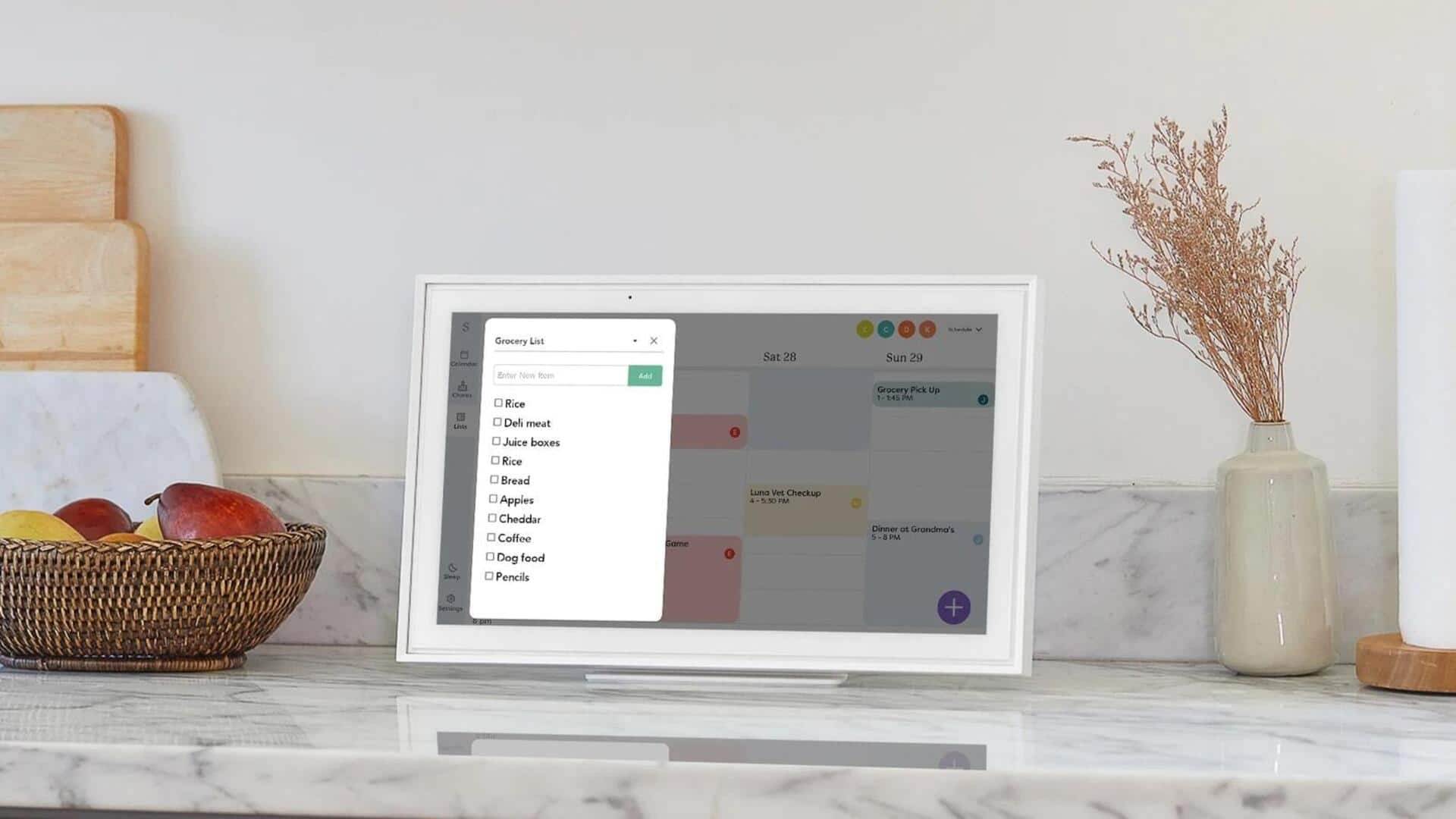
#TechBytes: How to keep your digital calendar private
What's the story
In today's digital age, calendars have become an integral part of our daily lives. They help us manage time, schedule appointments, and keep track of important events. However, with the convenience of digital calendars comes the risk of privacy breaches. Knowing how to keep your calendar private is important to protect personal information from being accessed by unauthorized users. Here are some practical tips to keep your digital calendar secure.
Tip 1
Use strong passwords
A strong password is the first line of defense against unauthorized access to your calendar.
Make sure your password is at least eight characters long and includes a mix of letters, numbers, and special symbols.
Avoid using easily guessable information, like birthdays or names.
Regularly update your password, and never share it with anyone you do not trust completely.
Tip 2
Enable two-factor authentication
Two-factor authentication (2FA) adds an extra layer of security by requiring a second form of verification beyond just the password.
This could be a code sent to your phone or an authentication app.
Enabling 2FA makes it much harder for anyone to gain access even if they know your password.
Tip 3
Adjust sharing settings carefully
Most digital calendars allow you to share events with others, but it is important to adjust these settings carefully.
Only share events with people who absolutely need to know them, and consider using private event options for sensitive information.
Review sharing permissions regularly to ensure they align with your privacy preferences.
Tip 4
Regularly review connected apps
Many apps integrate with digital calendars for added functionality, but these integrations can also pose privacy risks if not managed properly.
Regularly review which apps have access to your calendar, and consider disconnecting those that aren't essential or trustworthy.
Be cautious about granting permissions that could expose personal information.
Tip 5
Keep software updated
Keeping your calendar app and device software updated is key to protecting your data from vulnerabilities that hackers may exploit.
Developers regularly release updates with security patches that fix known issues.
By enabling automatic updates, you can ensure that your system is always protected without having to do anything manually.
This way, you can keep your digital calendar secure from potential threats.