iOS 27 releases today: New features and how to update
What's the story
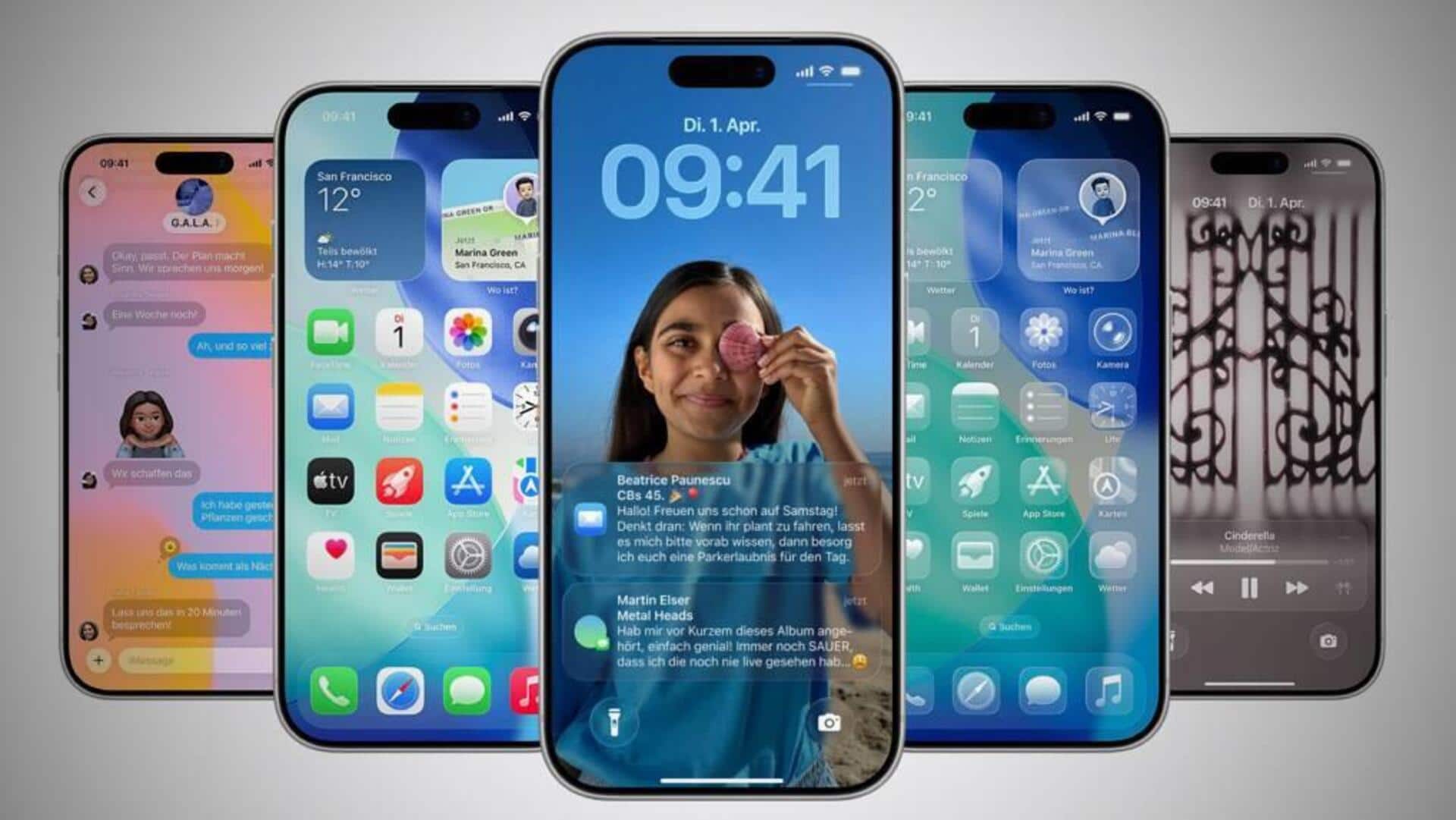
Apple will start rolling out the highly anticipated iOS 27 update for compatible iPhones today. The new software, which was first previewed at WWDC 2026, comes with a host of new features and improvements. These include a redesigned Siri experience powered by Apple's Foundation Models and Google's Gemini, a refreshed Liquid Glass interface, Visual Intelligence upgrades, and enhanced parental controls.
Update availability
iOS 27 release time, availability
The iOS 27 update will be available globally, including in India. However, Apple has not given a specific time for its release.
Historically, major iOS updates have started rolling out around 10am PT (approximately 10:30pm IST).
The update will be delivered as an over-the-air (OTA) software update on compatible iPhones.
User guide
How to download and install iOS 27 on your iPhone
The iOS 27 update is compatible with iPhone 11 and newer models, as well as the second- and third-generation iPhone SE.
To install it, users have to open the Settings app on their iPhone, tap on General, select Software Update, wait for their device to check for available updates, then tap Download and Install when prompted.
The availability of the update can vary slightly between devices and regions, so users may not necessarily see it immediately after the rollout begins.
Feature highlights
Revamped Siri AI experience
One of the biggest changes in iOS 27 is a revamped Siri AI experience. The update comes with a dedicated Siri app for initiating conversations and revisiting previous interactions.
The new Siri is claimed to combine Apple's Foundation Models with Google's Gemini models, gaining personal context capability to retrieve information from apps and perform actions across supported apps.
Enhanced features
Liquid Glass interface gets more customization options
The iOS 27 update also expands Visual Intelligence, allowing users to analyze objects and scenes through the Camera app, ask Siri questions about what they see, or perform relevant actions.
The Liquid Glass interface from iOS 26 gets more customization options with this update. Users can now adjust the intensity of transparent interface elements as per their preference.
App upgrades
Other changes in iOS 27
The iOS 27 update also brings more intelligence to Photos, Safari, Wallet, and Shortcuts apps.
It introduces a host of changes for parental controls including Ask to Buy, Ask to Browse, contact approvals, Time Allowances, and schedules.
Other changes include a redesigned Phone app and contextual suggestions in Messages and Mail.