OpenAI brings Codex computer use feature to Windows
What's the story
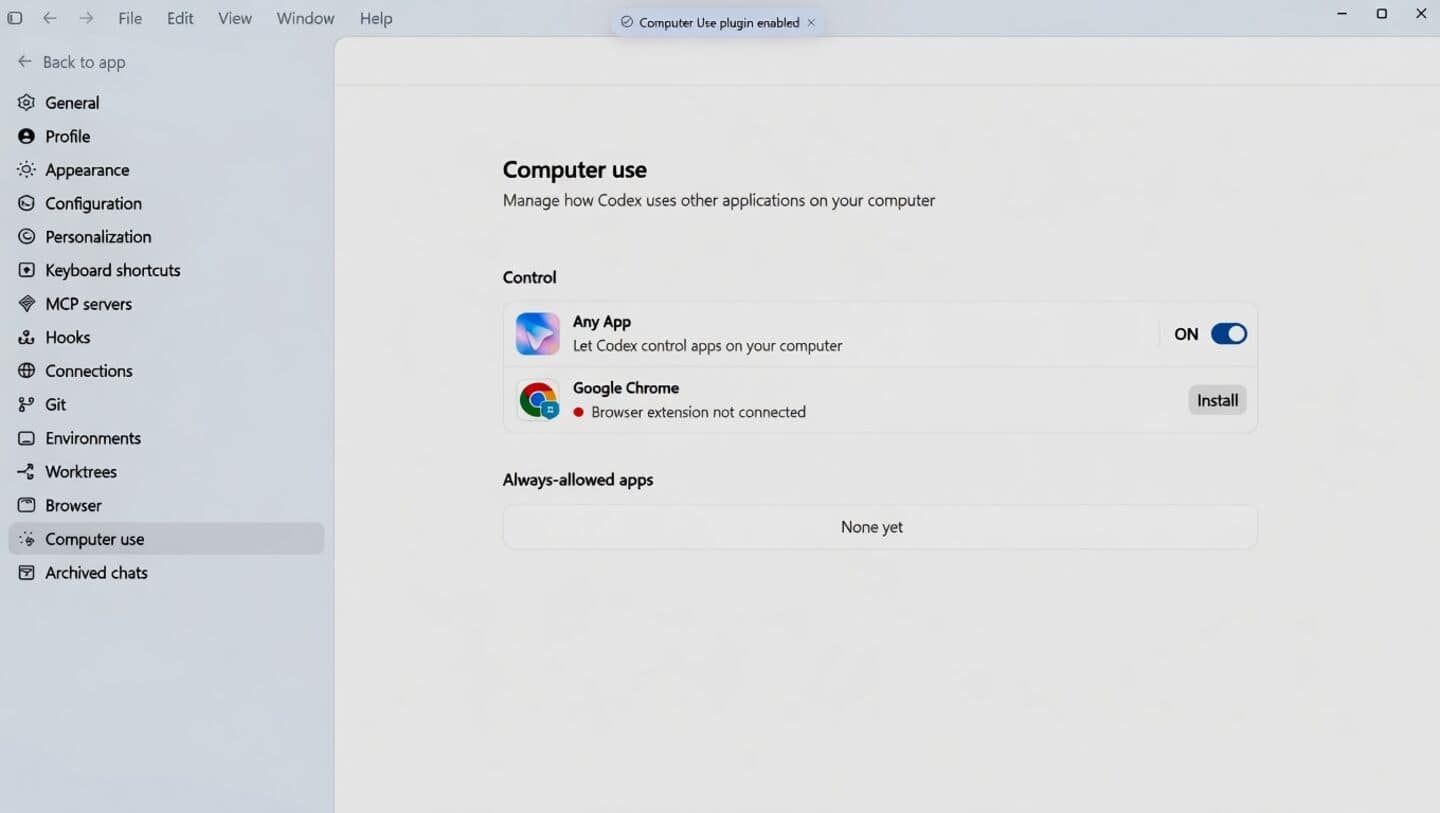
Following its debut on Mac, OpenAI's Codex computer use feature is now coming to Windows, allowing the app to view your screen and carry out tasks on your device. Users can also monitor and review ongoing tasks remotely through the ChatGPT mobile app. The company revealed the new feature in a post on X, stating, "Computer use now works on Windows, so Codex can take action on your Windows computer."
User benefits
Codex is now available in ChatGPT mobile app
OpenAI recently brought Codex capabilities to the ChatGPT mobile app.
Rather than generating code entirely on your phone, the mobile app functions as a remote command center for your Codex desktop or cloud environment.
This means you can use _@computer_ or specific app references (like @Paint) in your prompts after enabling computer use in Codex settings.
The AI will then take over your computer and perform tasks on your behalf, making it a lot easier to manage work remotely.
Information
A major addition to the Windows developer loop
The Codex app is a major addition to the Windows developer loop, giving users more control and flexibility. The ability to use AI for testing apps, debugging flows, and reviewing work directly in their project context is a big step forward.
Twitter Post
Codex can now take action on your Windows computer
Windows users, this one’s for you.
— OpenAI (@OpenAI) May 29, 2026
Computer use now works on Windows, so Codex can take action on your Windows computer.
And with Windows support for Codex in the ChatGPT mobile app, you can start, review, and steer tasks on the go while work continues on your Windows machine.… pic.twitter.com/OPIxOcP4Nl