OpenArt: Your go-to AI app for digital art
What's the story
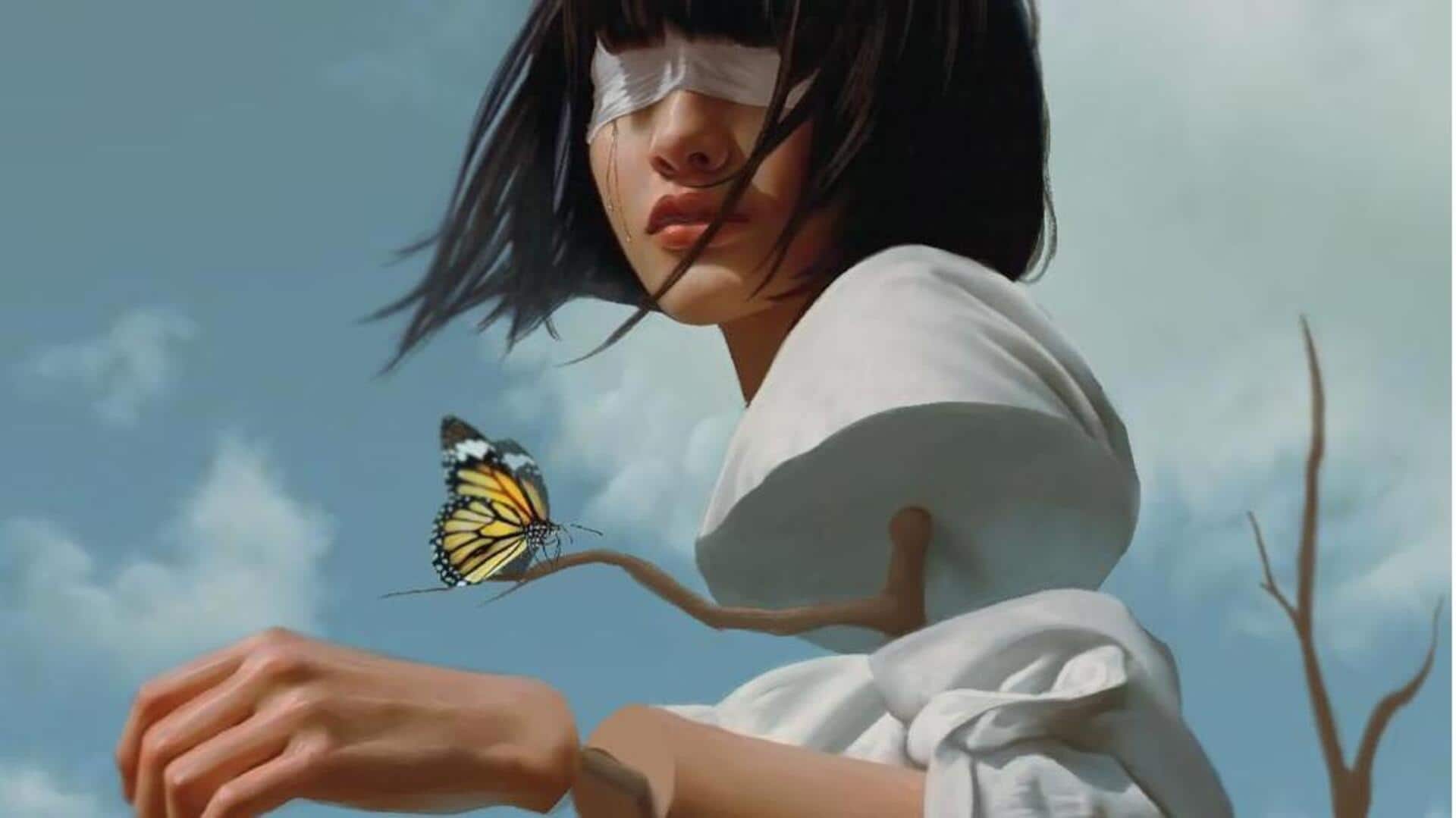
OpenArt is an all-in-one AI app for surreal digital art. It combines several advanced models into a single platform, allowing artists to create dreamlike visuals without multiple subscriptions or complex setups. This web-based tool lets you play with prompts, creating bizarre landscapes and impossible structures that defy reality. OpenArt supports top 2026 models like Flux Max, Nano Banana, and Cream 4.0, each with unique features for crafting ethereal and imaginative scenes.
Model #1
Flux Max: Lighting and texture excellence
Flux Max is known for its phenomenal lighting and texture capabilities, making it perfect for nailing surrealism's ethereal quality.
This model delivers balanced results, elevating the dreamlike quality of digital art.
With the advanced capabilities of this model, artists can paint otherworldly visuals with the most intricate details.
Its handling of complex lighting scenarios ensures that every piece has a captivating depth.
Model #2
Nano Banana: Precision in edits
Nano Banana provides exact control over edits and intricate details of digital art creation.
It is amazing at twisting perspectives, creating impossible geometries, and giving artists the freedom to tread the path of their creativity.
This model is ideal for anyone looking for detailed control over the elements of their art without compromising on the surrealism.
Its precision makes it a must-have in any artist's toolkit.
Model #3
CREAM 4.0: Versatile high-definition outputs
Cream 4.0, also known as Seedream, offers versatile HD outputs with strong prompt adherence at an affordable price point.
This model is perfect for generating artistic pieces with conceptual depth, ideal for non-literal scenes.
Its ability to deliver high-quality images quickly makes it an attractive option for artists wanting to explore new creative avenues without breaking the bank.
Tip #1
Getting started with OpenArt
To get started with OpenArt, head over to its web app and type in a descriptive prompt like "a vast desert with clocks dripping from giant hands under a fractured sky."
Choose your desired model like Flux Max to create variations in seconds.
The platform provides free tiers with starter credits, but paid plans provide unlimited access with advanced features like upscaling—ideal for refining your surreal masterpieces quickly.