Why Microsoft's new Outlook is slow to respond
What's the story
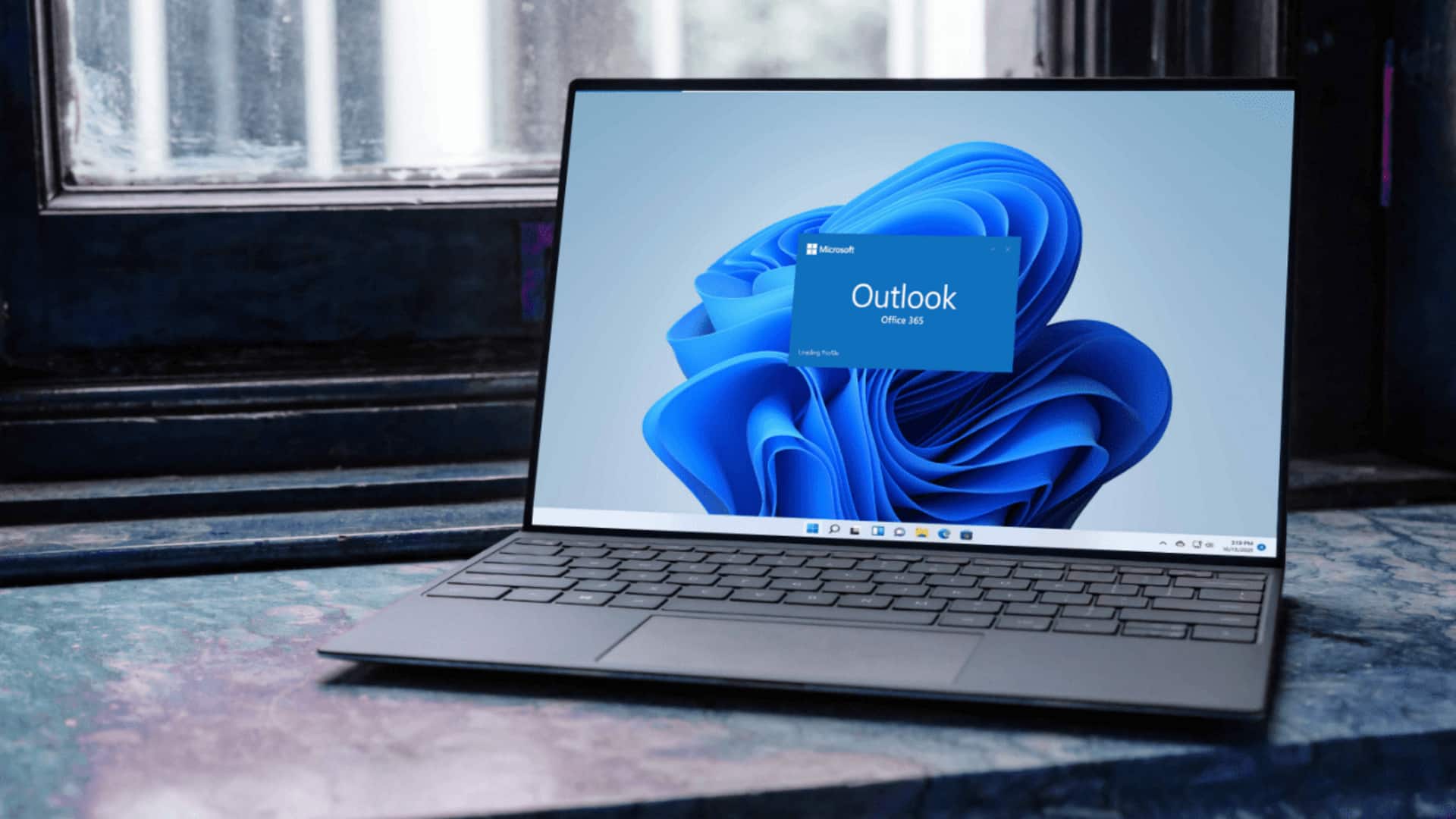
Microsoft's latest version of Outlook for Windows has been criticized for its slow performance, particularly when it comes to opening emails from notifications. The issue is especially noticeable when compared with the classic version of the app. Both versions come bundled with Windows 11, but their underlying technology differs significantly. The classic version is a Win32 desktop app, while the new one is based on WebView2 and essentially loads Outlook.com in a browser window.
Technical challenges
Web-based architecture causes delays
The new Outlook's slow performance isn't just a minor inconvenience; it's a result of its web-based architecture.
Every interaction with the app, including clicking on a notification, triggers a browser-like process chain.
This involves initializing or resuming its web layer, authenticating, loading the relevant mail thread, and rendering it through the WebView2 engine.
This complex process can take time and lead to delays in opening emails directly from notifications.
Resource usage
New Outlook consumes 4 times more RAM
The new Outlook runs as 10 separate processes in Task Manager, compared to the classic version's single compact process.
Each of these processes is a browser component that consumes memory individually and takes time to resume from a suspended state when you click a notification.
The new app also consumes between 490MB and 636MB of RAM while idle, which is four times more than the classic version's idle usage of around 117MB to 148MB.
Gradual improvements
Updates address initial shortcomings
Despite its initial shortcomings, the new Outlook has improved significantly since its launch.
The March 2026 update introduced better folder search options and improved shared mailbox access.
The May 2026 update added automapped calendar support, ensuring that switching from Classic to new Outlook wouldn't drop shared calendars.
A June 2026 update confirmed five major additions, including an all-accounts inbox view (Unified Inbox) coming in August 2026, improved mail merge capabilities, and expanded .PST support.
Upcoming features
Microsoft pushes new Outlook at enterprises
Microsoft has been pushing the new Outlook at enterprises, but delayed the forced opt-out deadline to March 2027 from an earlier April 2026.
The company has also touted 15 productivity features as reasons to switch from Classic. These include offline access, richer Copilot integration, faster search capabilities, improved calendar controls, and more.
Despite its limitations with notification handling speed, the new Outlook continues to improve with each update.