How to use your smartphone's privacy features
What's the story
Smartphones have become an integral part of our lives, but they also pose a threat to our privacy. Thankfully, most smartphones come with built-in privacy features that can help you protect your personal data. By using these features, you can have better control over who gets to access your information and how it is used. Here are some practical tips to use these privacy tools.
Tip 1
Adjust app permissions
One of the first things you should do is check app permissions on your phone.
Most apps ask for access to things like the camera, microphone, and location, even when it is not required.
By adjusting these permissions in the settings menu, you can limit what information apps can access.
This way, you can ensure that only the necessary apps have access to sensitive data.
Tip 2
Enable two-factor authentication
Two-factor authentication (2FA) adds an extra layer of security by requiring a second form of verification before granting access to accounts.
Most smartphones support 2FA for various services, like email and social media accounts.
By enabling this feature, you can significantly reduce the risk of unauthorized access, even if someone gets hold of your password.
Tip 3
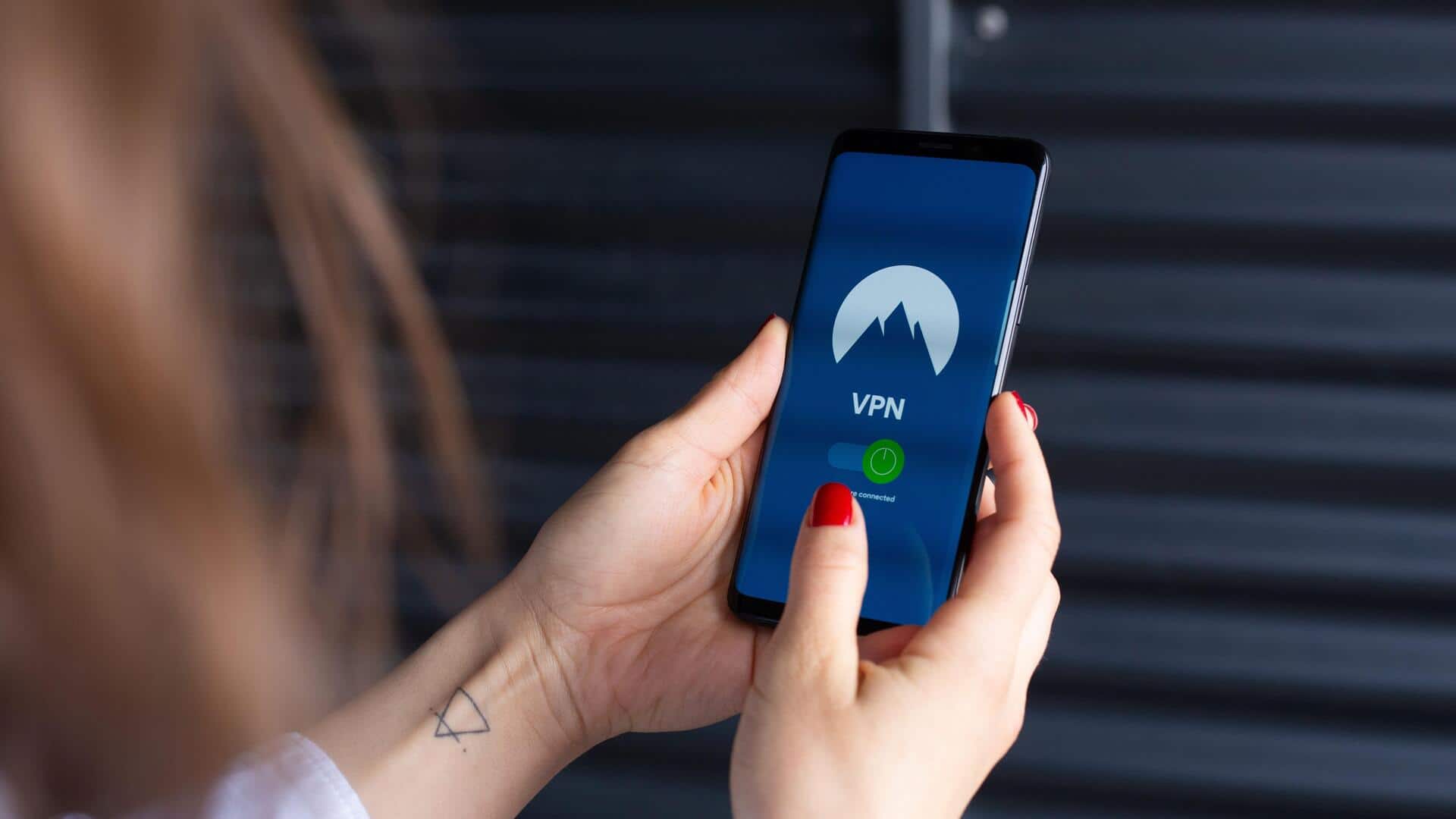
Use built-in VPN services
Some smartphones also come with built-in virtual private network (VPN) services that encrypt your internet connection.
This way, your online activities remain private from prying eyes on public Wi-Fi networks.
Using a VPN not only secures your data but also masks your IP address, adding another layer of anonymity while browsing.
Tip 4
Regularly update software
Keeping your smartphone's software updated is critical for privacy and security.
Updates often include patches for vulnerabilities that could be exploited by hackers or malicious software.
By regularly checking for updates in the settings menu and installing them promptly, you ensure that your device has the latest protections against emerging threats.
Tip 5
Utilize privacy-focused settings
Most smartphones also come with privacy-focused settings such as Do Not Track or Limit Ad Tracking.
These features minimize how much data is collected by advertisers and other third parties when you use apps or browse online.
Enabling these settings gives you greater control over how your information is shared, without compromising functionality.