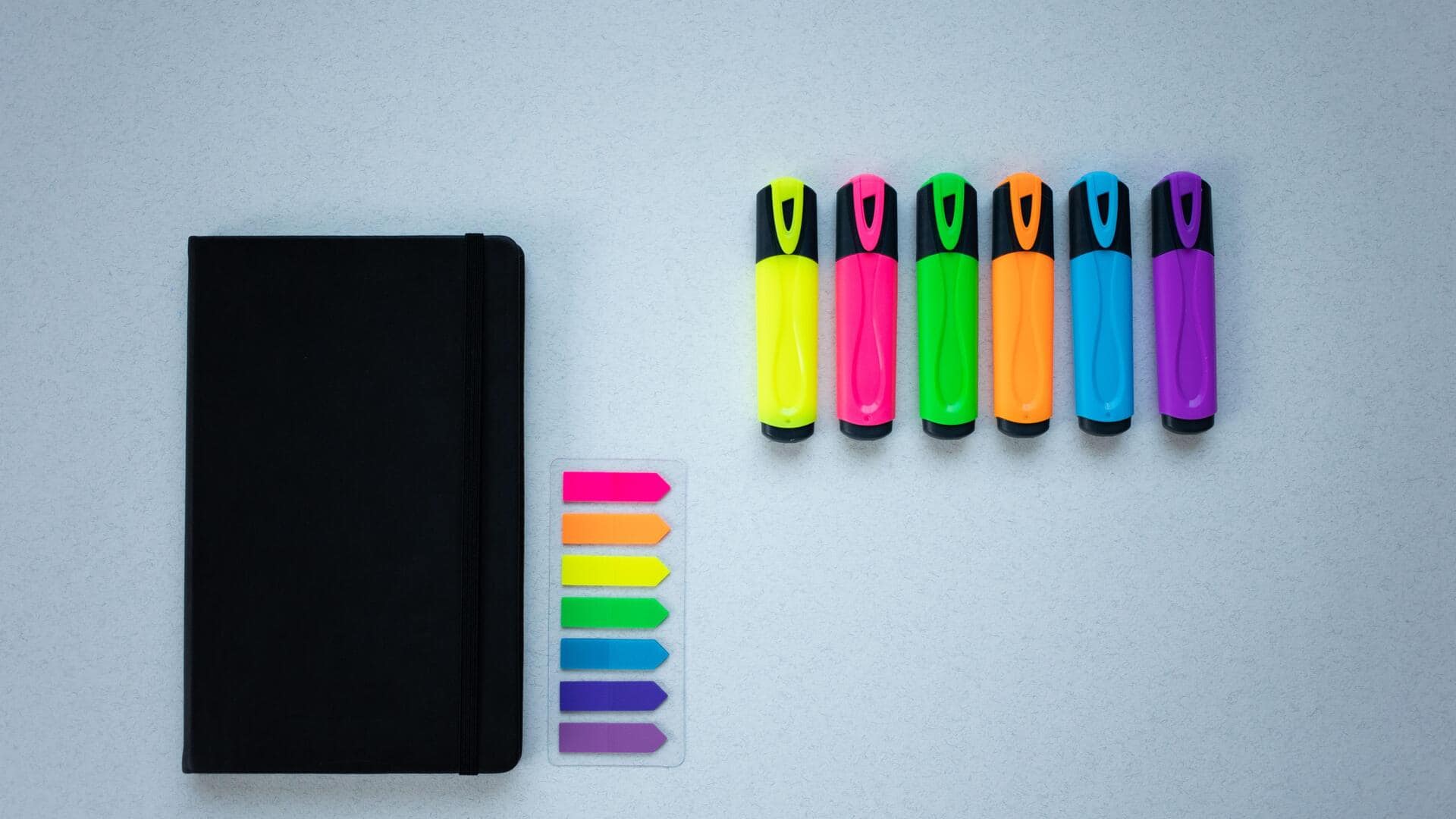
Color coding: A productivity hack you must try
What's the story
Color coding is a simple yet effective way to boost productivity. By associating colors with tasks, you can easily prioritize and organize your work. This technique helps in reducing stress and increasing efficiency by providing a visual cue that guides your actions. Whether it's managing your calendar or sorting files, color coding can streamline your workflow and help you focus on what's important.
Tip 1
Organizing tasks with colors
Assigning specific colors to different categories of tasks can make a world of difference in how you manage your time.
For instance, use red for urgent tasks, blue for meetings, and green for low-priority items.
This way, you can quickly scan your to-do list and identify what needs immediate attention.
The visual differentiation helps in reducing decision fatigue and ensures that critical tasks are not overlooked.
Tip 2
Enhancing calendar efficiency
Integrating color coding into your calendar can make scheduling a lot easier.
By using distinct colors for personal commitments, work-related events, and leisure activities, you get a clear overview of your day/week/month at a glance.
This method not only helps in balancing different aspects of life but also makes it easier to spot scheduling conflicts early on.
Tip 3
Streamlining digital files
Digital file management becomes a breeze with color coding.
Assign colors to folders based on project status or priority levels.
For example, use yellow for ongoing projects, orange for pending review, and purple for completed tasks.
This visual system makes it easy to locate files quickly without having to read through every folder name.
Tip 4
Improving note-taking efficiency
Color coding notes is an excellent way to enhance learning and retention.
By highlighting key points or sections with different colors, you create a visual hierarchy that aids memory recall during study sessions or meetings.
For instance, use pink highlights for definitions, orange underlines for examples, and green circles around important concepts.
Tip 5
Simplifying email management
Managing emails becomes less daunting with a color-coded system in place.
Assign specific colors to labels based on urgency or response type, such as red for high-priority emails and blue for newsletters you can read later.
This way, you can keep your inbox organized without missing out on important messages.