
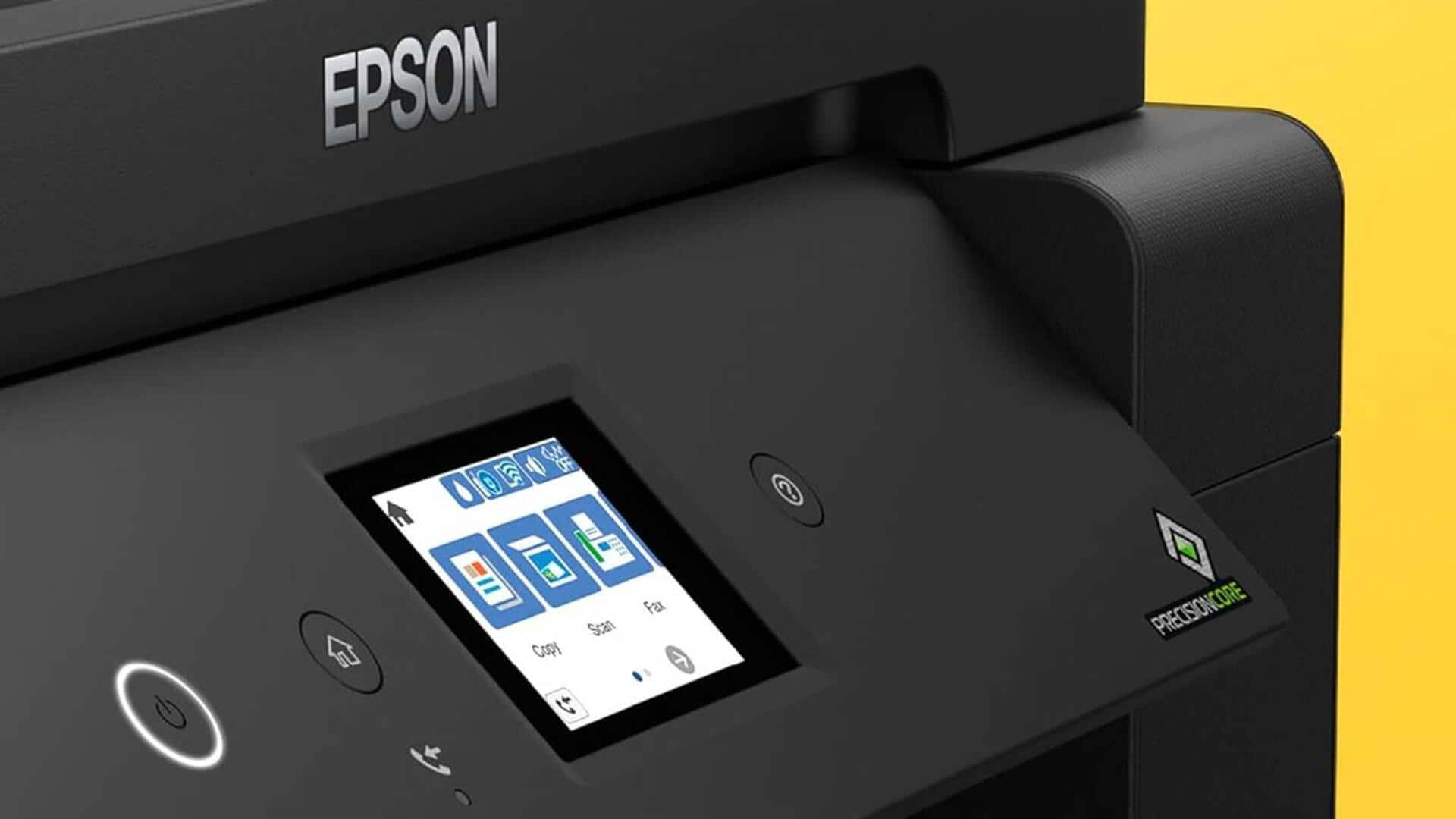
#TechBytes: Boost your printer's performance with these software tricks
What's the story
Optimizing printer performance can save time and resources, especially for those who rely on printing tasks regularly. By focusing on software settings and updates, users can significantly enhance their printer's efficiency without investing in new hardware. This article provides practical insights into various software tricks that can help streamline printing processes, reduce errors, and improve overall output quality.
Tip 1
Update printer drivers regularly
Keeping printer drivers updated is essential for optimal performance. Manufacturers frequently release updates to fix bugs, enhance compatibility, and add new features. By regularly checking the manufacturer's website or using automatic update tools, users can ensure their printers are running the latest software. This not only improves functionality but also prevents potential issues that may arise from outdated drivers.
Tip 2
Adjust print settings wisely
Tweaking print settings can have a huge impact on speed and quality. For example, switching from color to black-and-white mode for non-essential documents can speed up printing and save ink. Similarly, adjusting the resolution settings according to the document type can also ensure efficient use of resources while maintaining acceptable quality standards.
Tip 3
Utilize print queue management
Managing the print queue effectively is key to ensuring smooth operations, especially in busy environments. Prioritizing important jobs or canceling unnecessary ones helps in reducing wait times and preventing bottlenecks. Most operating systems provide built-in tools for monitoring and managing print queues, allowing users to have better control over their printing tasks.
Tip 4
Enable duplex printing options
Enabling duplex printing options not only saves paper but also reduces printing costs considerably. Most modern printers come with duplex capabilities, which can be easily activated through the software settings menu. By defaulting to double-sided printing wherever possible, users contribute to environmental sustainability while also cutting down on expenses.
Tip 5
Monitor ink levels proactively
Proactively monitoring ink levels helps in avoiding unexpected interruptions during critical printing tasks. Most printer software comes with features that provide real-time updates on ink status. By keeping an eye on these alerts, users can plan replacements ahead of time, ensuring uninterrupted workflow and avoiding last-minute scrambles for supplies.