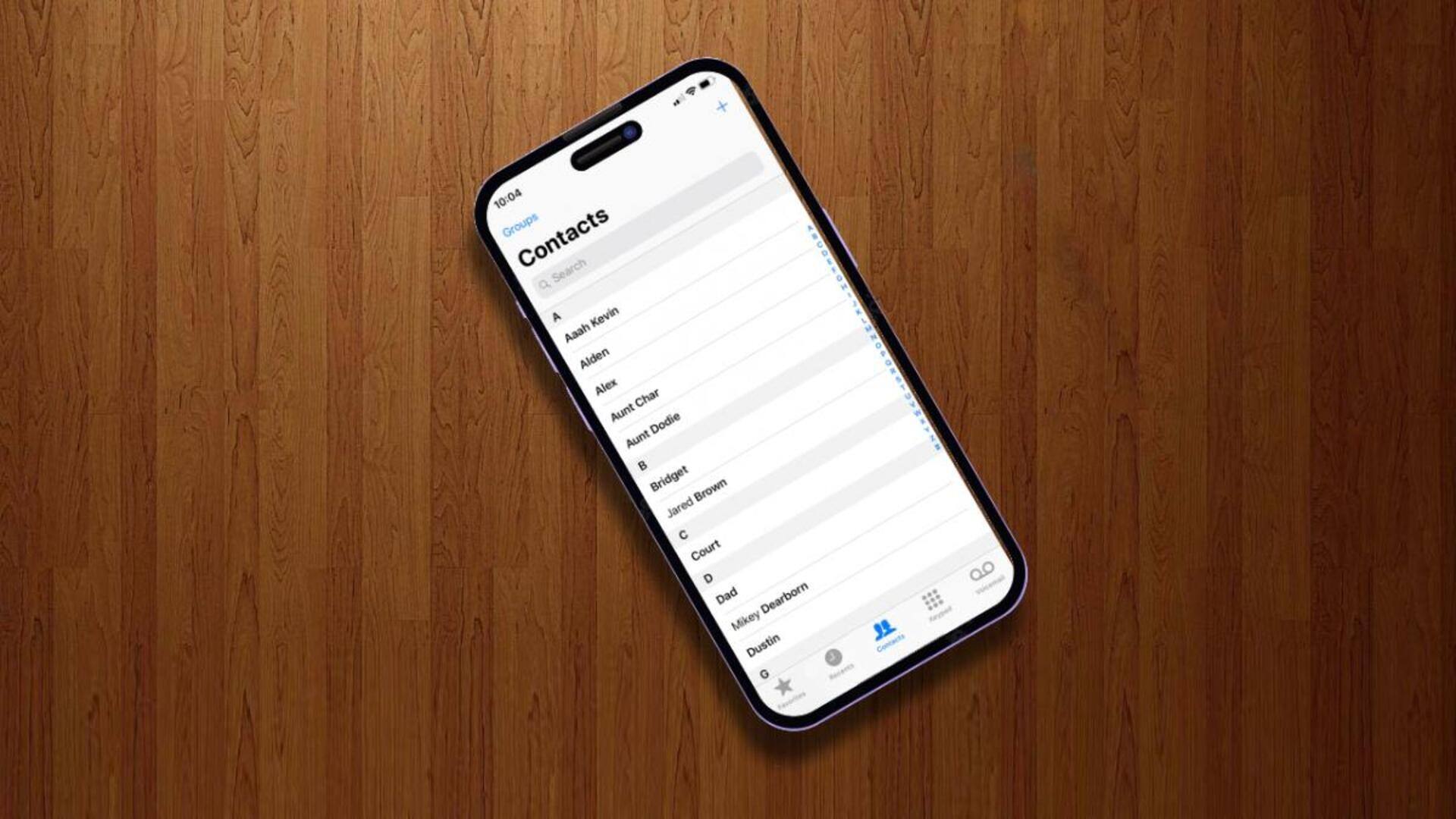
#TechBytes: How to merge duplicate contacts on your phone
What's the story
Managing contacts can be a daunting task, especially when duplicates start to clutter your phonebook. However, with the right tools and techniques, you can easily automate the process of merging these duplicates. This not only streamlines your contact list but also ensures that you have accurate and up-to-date information at your fingertips. Here are some practical ways to automate merging duplicate contacts on your phone.
Native tools
Use built-in phone features
Most smartphones come with built-in features to detect and merge duplicate contacts. These tools usually scan your contact list for similar names or numbers and give you an option to merge them automatically. By using these native features, you can save time and effort without having to install additional apps. Just check the settings in your phone's contacts app to see if this feature is available.
External solutions
Leverage third-party apps
There are several third-party apps specifically designed for managing duplicates in contact lists. These apps often offer more advanced algorithms for detecting duplicates than native phone features. They can analyze multiple fields like email addresses, phone numbers, and even social media profiles to find matches. While some of these apps are free, others may charge a small fee for premium features.
Cloud integration
Sync with cloud services
Syncing your contacts with cloud services like Google or iCloud can also help in managing duplicates efficiently. These services usually have built-in tools that automatically detect and merge duplicate entries across devices. By keeping your contacts synced with the cloud, you ensure that any changes made on one device reflect on all others, keeping your contact list consistent.
Routine updates
Regular maintenance checks
Regularly checking your contact list for duplicates is key to keeping it organized. Set reminders every few months to review and clean up your contacts using either built-in phone features or third-party apps. Regular maintenance prevents the buildup of duplicate entries over time, keeping your contact list neat and easy to navigate.
User awareness
Educate users about best practices
Educating users about best practices for adding new contacts can help reduce duplicates from the get-go. Encourage consistent naming conventions, like including first and last names, and double-checking existing entries before creating new ones. User awareness goes a long way in minimizing manual corrections later on, making automated merging processes more efficient when required.