#TechBytes: This is how to check your laptop's battery health
What's the story
Monitoring your laptop's battery health is essential to ensure it runs efficiently. Windows offers a few built-in tools to check the battery's condition and performance. By using these tools, you can keep an eye on how your battery is performing and take necessary steps to improve its lifespan. Here's how you can use Windows to check your laptop's battery health.
Tip 1
Using Windows PowerShell
Windows PowerShell is another powerful tool that can give you detailed information about your laptop's battery health.
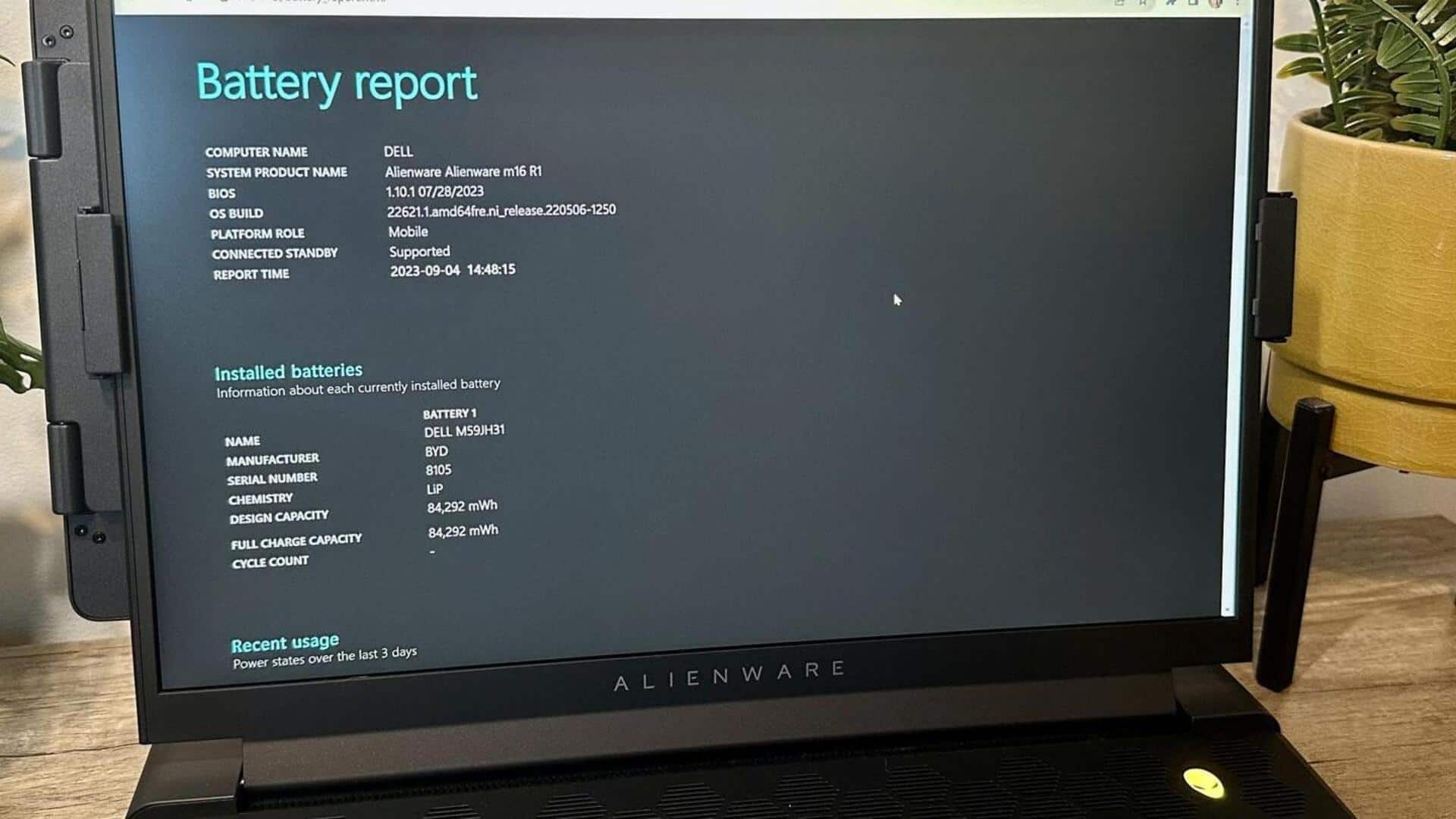
Just open PowerShell as an administrator and type the command "powercfg /batteryreport."
This will generate a report saved in HTML format, giving you details about the battery's design capacity, full charge capacity, and cycle count.
This report can help you determine if your battery needs replacement or if it's still good.
Tip 2
Checking battery settings
Another way to check your laptop's battery health is through the settings menu in Windows.
Go to Settings > System > Power and sleep > Additional power settings.
Here, you can see different power plans and their effects on your laptop's performance.
You can also check the estimated time left on your current charge and adjust settings for better efficiency.
Tip 3
Monitoring with third-party apps
While Windows provides basic tools for monitoring battery health, third-party apps can offer more detailed insights.
These apps often provide real-time monitoring of battery performance, notifications for charging cycles, and tips for optimizing usage patterns.
They can be especially useful if you frequently use power-intensive applications or need precise control over energy consumption.
Tip 4
Understanding battery cycles
A battery cycle is defined as the process of fully draining and recharging a battery, even if not in one go.
Most laptop batteries are designed for 300-500 cycles before they start to degrade significantly.
By monitoring cycle count through tools like PowerShell or third-party apps, you can determine how much life your current battery has left and when it might be time for a replacement.