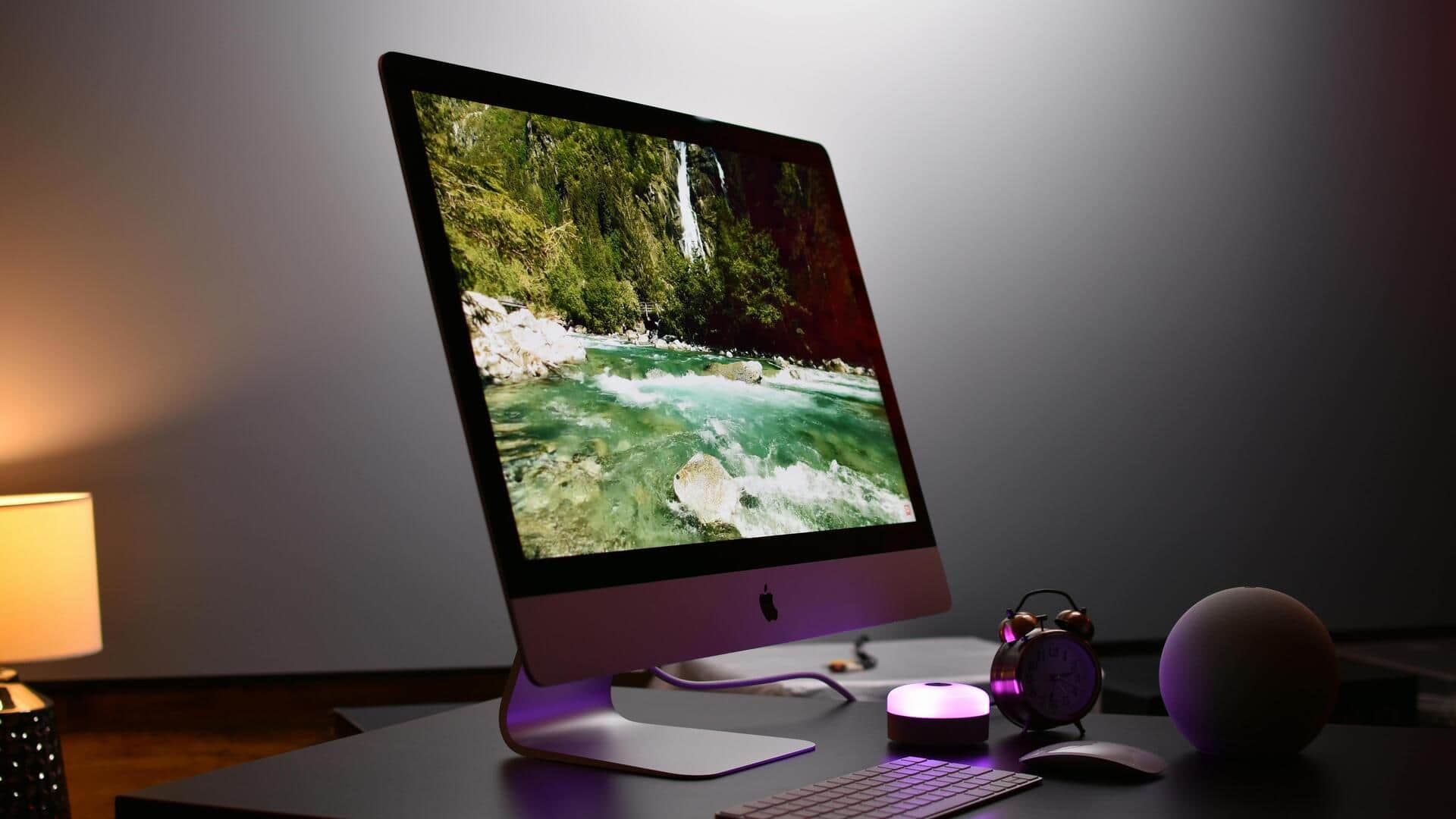
How to customize your desktop for productivity
What's the story
Customizing your desktop can make a world of difference in productivity. By organizing your workspace, you can minimize distractions and focus on what matters the most. Here are five practical ways to customize your desktop for better productivity. These tips are easy to follow and can be adapted to suit individual preferences and work styles. Whether you're a student or a professional, these changes can help you create an efficient digital environment.
Tip 1
Organize your icons efficiently
Organizing desktop icons is key to keeping it clutter-free.
Group similar icons into folders, or use the taskbar for frequently used apps.
This way, you minimize visual clutter and access tools quickly.
A clean desktop lets you focus better on tasks without getting distracted by unnecessary visuals.
Tip 2
Utilize virtual desktops
Virtual desktops allow you to create multiple workspaces on one machine.
Each desktop can be dedicated to specific tasks or projects, keeping related files and applications together.
This separation helps in managing different workflows efficiently, without mixing things up in one place.
Tip 3
Customize wallpaper and themes
A personalized wallpaper and theme can make your desktop more inviting and less stressful.
Choose backgrounds that inspire you or are calming, yet professional.
Customizing themes also allows you to highlight important elements, like the taskbar or folders, making them easier to find.
Tip 4
Adjust display settings for comfort
Adjusting display settings is essential for comfort during long hours of work.
Tweak brightness, contrast, and resolution according to your preference to avoid eye strain.
Also, consider using night mode during the evening hours to reduce blue light exposure, which can disrupt sleep patterns later.
Tip 5
Implement productivity tools
Integrating productivity tools like task managers or calendar apps directly onto your desktop can streamline daily routines.
These tools provide quick access to schedules and reminders, ensuring that you stay organized throughout the day.
By having them readily available, you can manage time more effectively and prioritize tasks with ease.