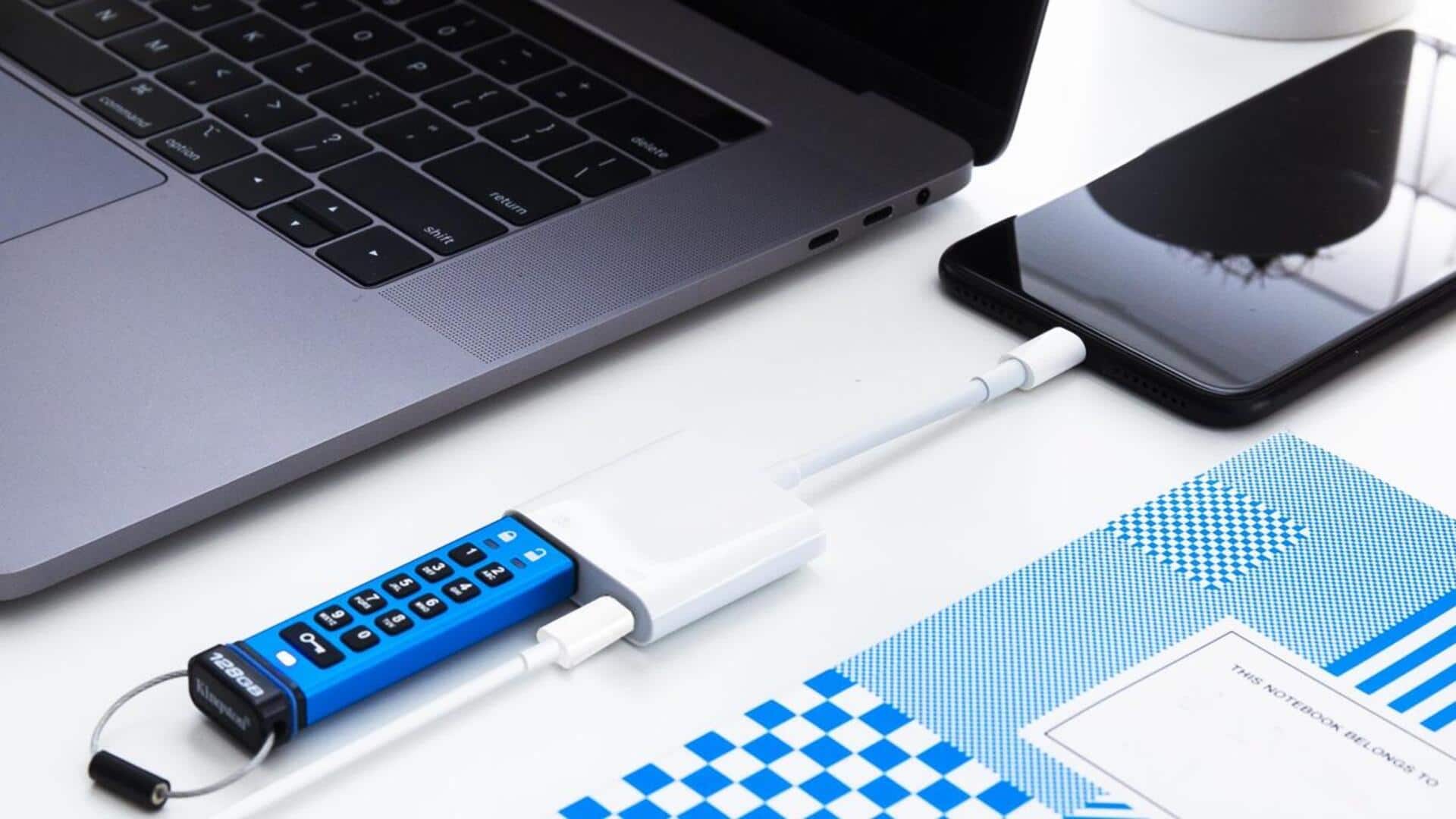
#TechBytes: How to encrypt USB drive
What's the story
Encrypting USB drives is a smart way to secure sensitive data. With the rise of cyber threats, it is important to protect personal and professional information stored on portable devices. By encrypting a USB drive, you can ensure that only authorized users can access its contents. This article provides practical tips on how to effectively encrypt USB drives, making them more secure against unauthorized access and data breaches.
Tip 1
Use built-in encryption tools
Most operating systems come with built-in encryption tools that are easy to use. Windows has BitLocker, while macOS offers FileVault. These tools let you encrypt your entire USB drive with a password, making it nearly impossible for anyone without the password to access the data. Using these built-in options is often the easiest way to add a layer of security without having to install additional software.
Tip 2
Choose reliable third-party software
If your operating system doesn't offer encryption or you want more features, consider third-party software solutions. Many reliable programs offer advanced encryption options and support for various file formats. When choosing third-party software, ensure it has good reviews and meets industry standards for data protection. This way, you can be sure your encrypted data is safe from unauthorized access.
Tip 3
Regularly update encryption passwords
Just like any other security measure, regularly updating your encryption passwords is key to keeping your data safe. Make it a habit to change passwords every few months or after any suspected security breach. Use strong passwords that combine letters, numbers, and special characters to make it harder for anyone to guess or crack them.
Tip 4
Backup encrypted data securely
Backing up your encrypted data is important, but it should be done securely. Store backups on secure cloud services or other encrypted drives, so that they are not exposed to unauthorized access. Regularly check backup integrity by restoring files from time to time, ensuring that your encrypted backups are working as intended, and your data remains safe.