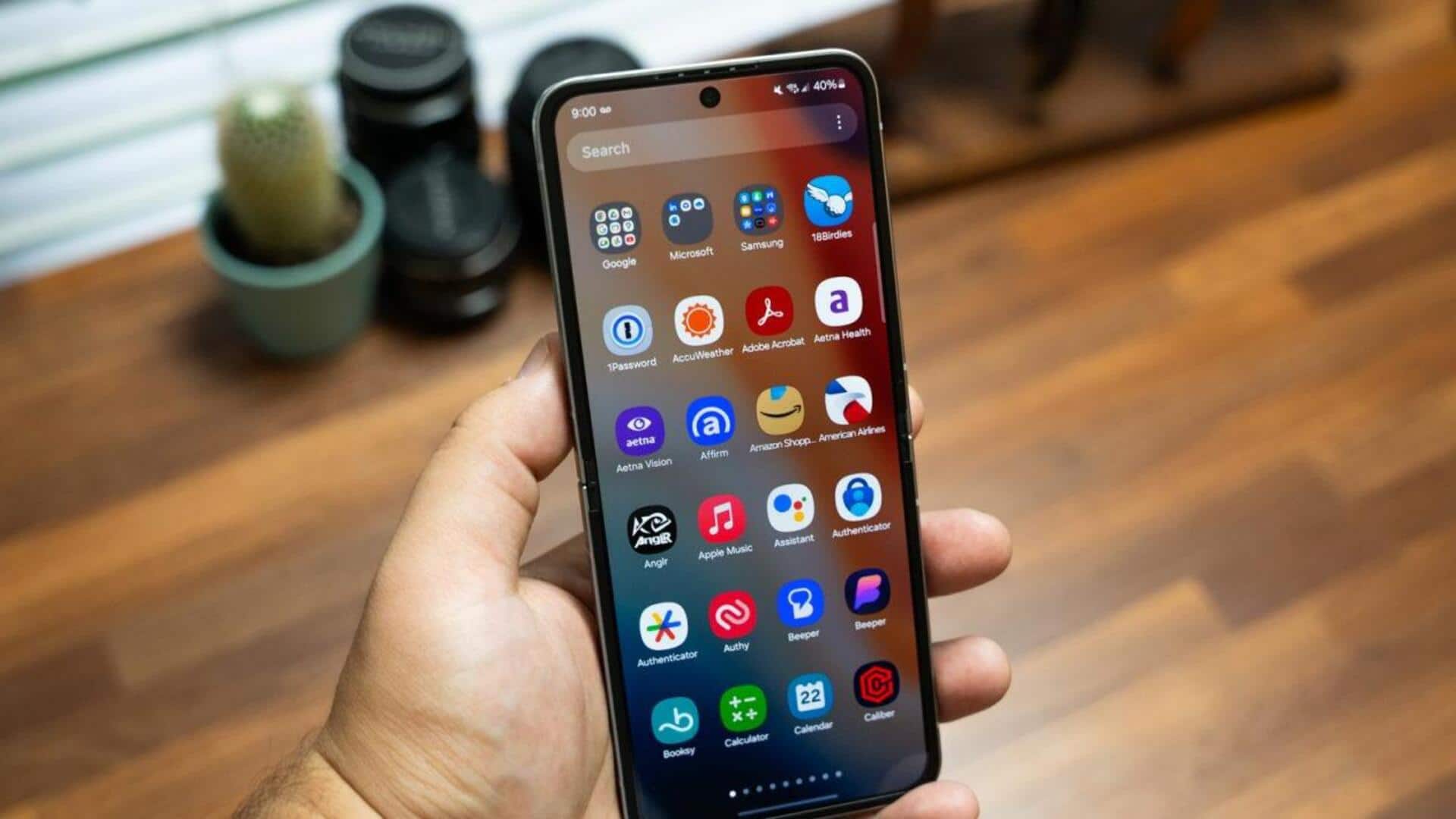
#TechBytes: How to organize apps on your phone
What's the story
Organizing your phone's app drawer can make a world of difference in how quickly you access your favorite apps. A well-structured app drawer not only saves time but also reduces the stress of searching for an app among dozens of others. By following a few simple steps, you can create an efficient system that suits your usage patterns and preferences. Here are some practical tips to help you organize your app drawer effectively.
Tip 1
Categorize apps by function
Grouping apps by their function is a smart way to keep them organized.
For example, you can create categories such as "Productivity," "Social Media," and "Games." This way, you can easily find what you're looking for without having to scroll through endless lists.
Most smartphones allow you to create folders or labels in the app drawer, making it easier to categorize and access apps quickly.
Tip 2
Prioritize frequently used apps
Placing frequently used apps at the top or in easily accessible folders can save a lot of time.
Identify the apps you use daily, and ensure they are just a tap away.
Some devices even offer features that suggest which apps should be prioritized based on usage patterns. This makes it easier to keep important tools within reach.
Tip 3
Utilize search functionality
Most modern smartphones come with a search function in the app drawer, allowing you to quickly find any app by typing its name.
This is especially useful if you have a lot of apps and don't want to spend time organizing them into folders.
Just type the first few letters of an app's name, and it'll pop up instantly, saving time and effort.
Tip 4
Regularly review and update your apps
Periodically reviewing your app collection is key to keeping your organization system efficient.
Delete unused apps that take up space and update those that are outdated or not functioning properly.
A regular review ensures that only relevant and functional apps are present in your drawer, keeping it clutter-free and efficient.
Tip 5
Customize app drawer settings
Most smartphones also let you customize how the app drawer looks and works, which can be useful for organizing.
You can change things like grid size, icon size, and even sort order (alphabetical or by usage frequency).
Customizing these settings according to your liking can make navigation smoother and improve overall efficiency when accessing different applications on your device.