
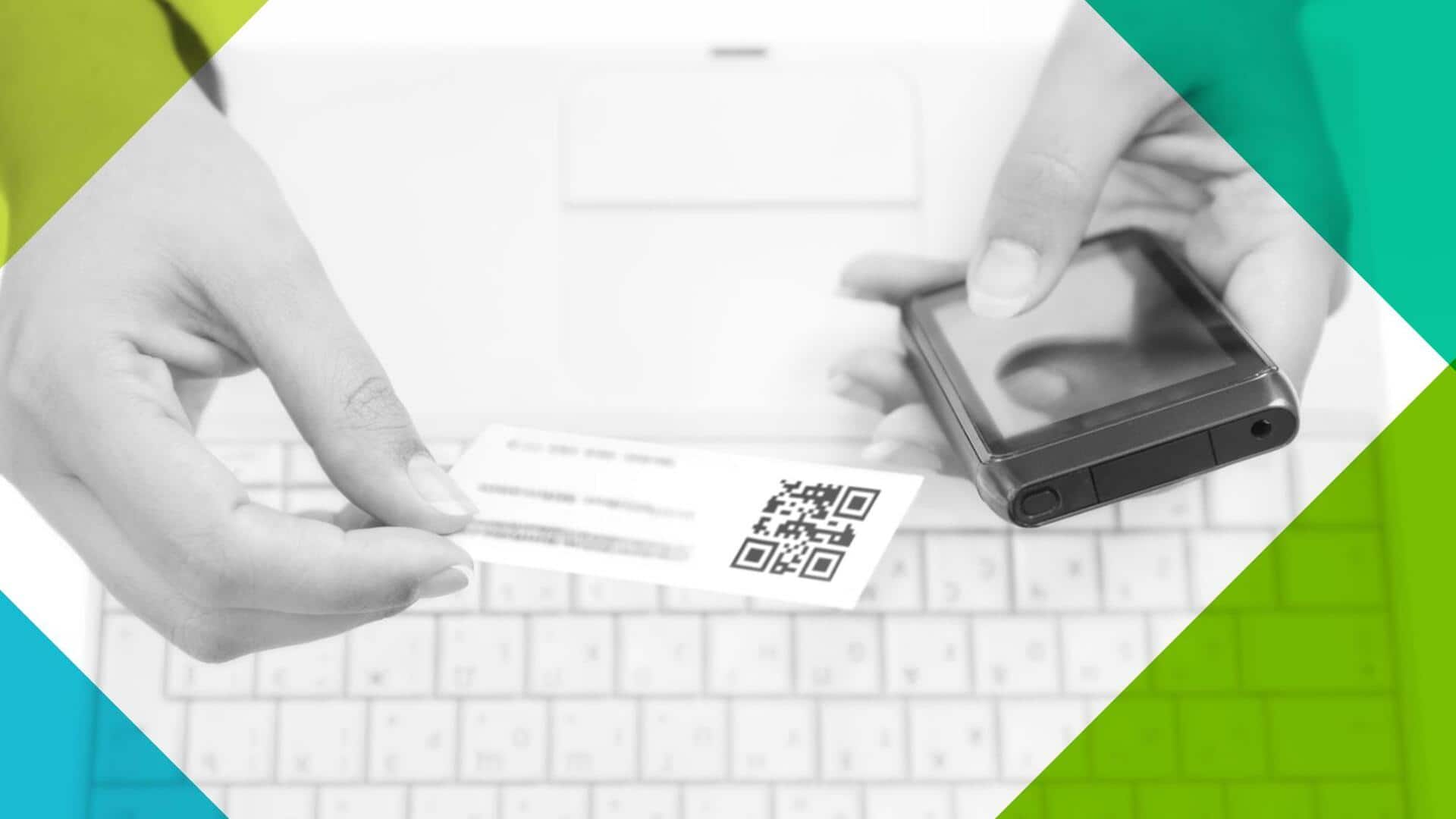
Want to digitize business cards? Here are the steps
What's the story
In today's fast-paced world, the ability to quickly digitize business cards can save a lot of time and effort. With the right tools and techniques, you can easily convert physical cards into digital formats. This not only helps in organizing contacts but also ensures that important information is not lost or misplaced. Here are some practical tips to help you efficiently digitize business cards.
Tip 1
Utilize scanning apps for efficiency
Scanning apps are a great way to digitize business cards quickly. These apps use your phone's camera to capture the card's details and convert them into digital text. Most of these apps also offer features like automatic cropping and text recognition, making the process a breeze. By using a scanning app, you can save time and minimize manual data entry errors.
Tip 2
Organize contacts with cloud storage
Once you've scanned the business cards, store them in cloud storage services like Google Drive or Dropbox. This way, you can access your contacts from anywhere, anytime, and on any device. Plus, cloud storage provides an extra layer of security by backing up your data online. Organizing contacts in folders or categories can further simplify retrieval when needed.
Tip 3
Leverage OCR technology for accuracy
Optical Character Recognition (OCR) technology is key to accurately converting scanned images into editable text. Most scanning apps have OCR capabilities, which ensure that the details on business cards are accurately captured without any errors. This way, you can avoid the hassle of manually correcting mistakes and make sure that all information is stored correctly in your digital contact list.
Tip 4
Regularly update your contact list
To keep your digital contact list accurate and up-to-date, make it a point to regularly review and update the information. Remove duplicates, correct any inaccuracies, and add new contacts as needed. Regular updates ensure that you always have access to the latest information when you need it, without having to sift through outdated or incorrect entries.
Tip 5
Use contact management software
Contact management software can take your digitization process to the next level by offering advanced features like tagging, notes, and reminders for each contact entry. These tools help you manage relationships more effectively by providing additional context about each person or organization you connect with through their business card details.