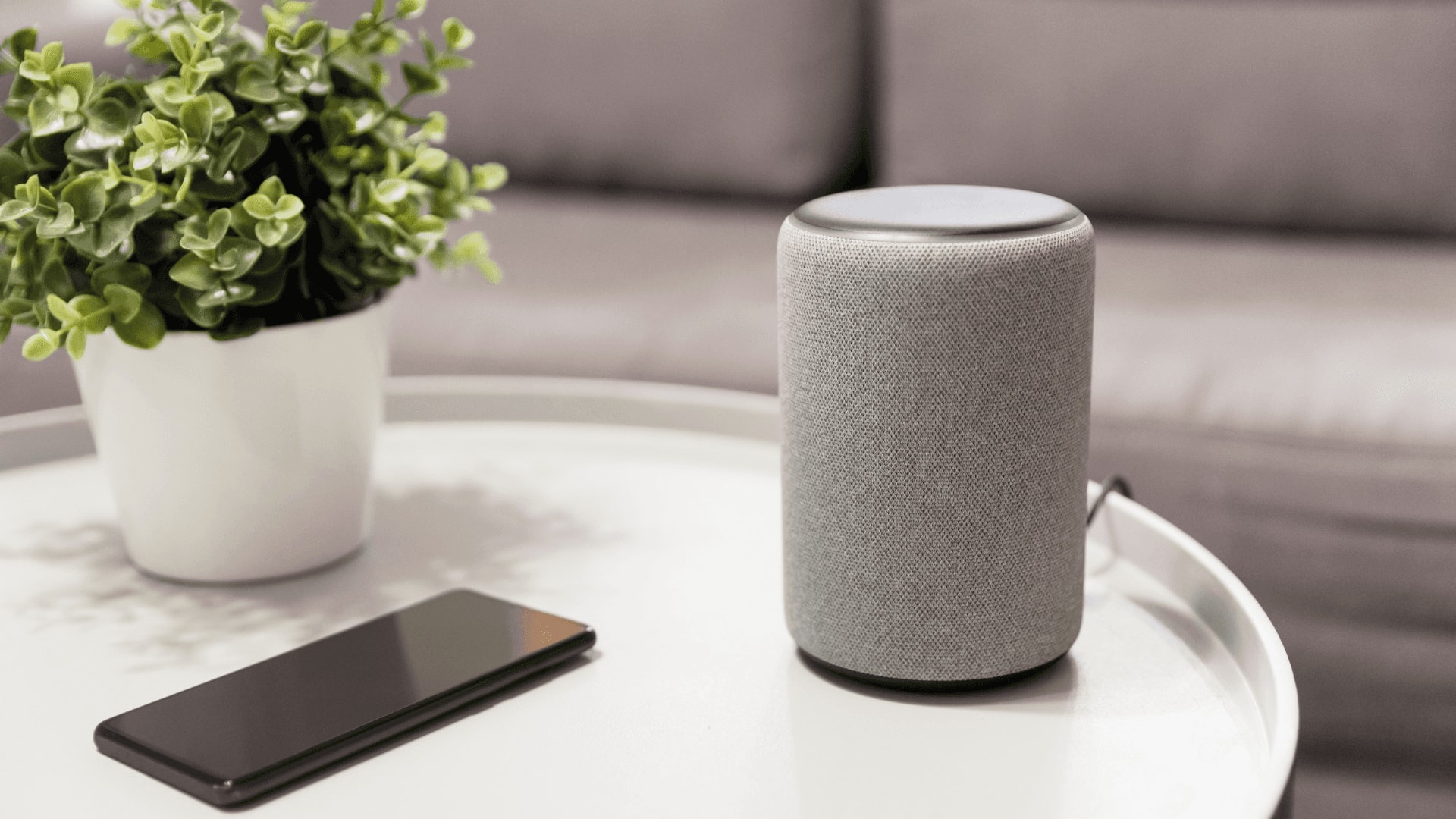
#TechBytes: How to secure smart speaker's voice assistant from cyberattacks
What's the story
Smart speakers have become an integral part of our daily lives, making tasks easier with voice commands. However, the ease of smart speakers also brings security concerns. If you're worried about your privacy and the security of your smart speaker, here are some practical tips to keep your voice assistant safe from unauthorized access and potential threats.
Tip 1
Regular software updates
Keeping your smart speaker's software up-to-date is essential for security.
Manufacturers regularly release updates to fix vulnerabilities and enhance protection.
By enabling automatic updates or checking for them manually, you can make sure your device is protected with the latest security features.
This simple step can go a long way in keeping hackers at bay.
Tip 2
Use strong authentication methods
If your smart speaker supports two-factor authentication (2FA), make sure you enable it.
2FA adds an extra layer of protection by requiring a second form of verification, such as a code sent to your phone, in addition to your password.
This makes it difficult for anyone else to gain access even if they know your password.
Tip 3
Manage voice data settings
Most smart speakers give you the option to manage how your voice data is stored and used.
Go through these settings and disable features that aren't necessary, like storing voice recordings or sharing data with third-party apps.
By limiting data collection, you can protect your privacy while still enjoying the benefits of the device.
Tip 4
Secure your home network
A secure home network is essential for keeping smart speakers safe from external threats.
Make sure your Wi-Fi network is protected with a strong password and consider using a guest network for visitors or devices that don't need access to your main network.
Also, regularly check connected devices on your network to make sure there are no unauthorized connections.
Tip 5
Be cautious with third-party skills/apps
While third-party skills/apps can enhance the functionality of your smart speaker, they may also pose security risks if not vetted properly.
Only enable skills from trusted developers and review permissions they require before installation.
Regularly audit enabled skills/apps and remove any that you no longer use or trust.