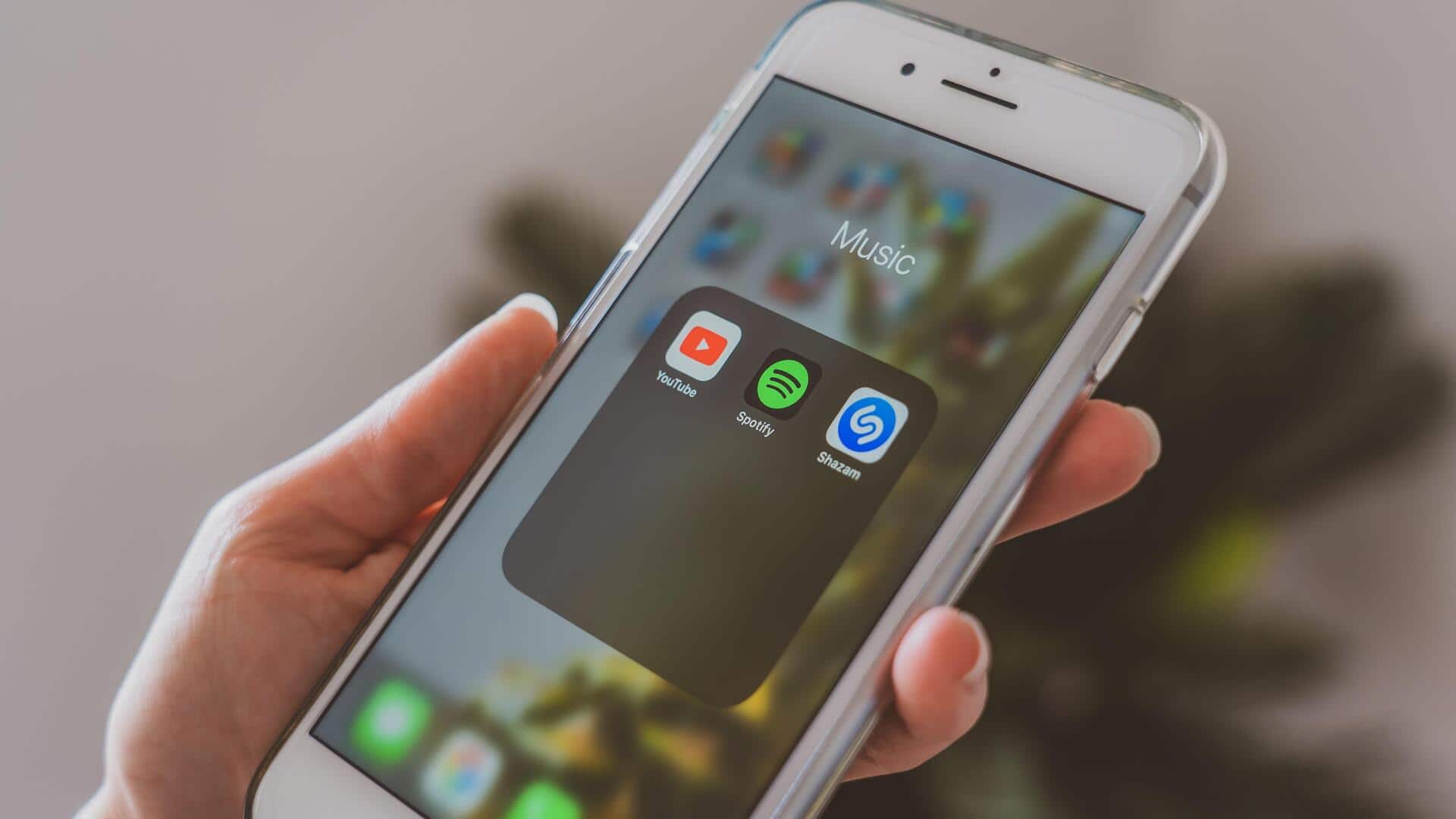
How to create app folders on your phone
What's the story
Creating app folders on your smartphone can significantly improve organization and accessibility. By grouping similar applications, you can streamline your home screen and make it easier to find what you need quickly. This simple task not only declutters your device but also enhances productivity by reducing the time spent searching for apps. Here is how to create app folders on different smartphone platforms.
Tip 1
Group apps by category
Start by grouping apps according to their category. For example, you can have separate folders for social media, productivity, games, and utilities.
This way, you can easily locate an app when you need it.
Just drag one app over another to create a folder and name it according to the category.
Tip 2
Use color coding for easy access
Color coding is another effective way to organize app folders.
By assigning colors to different categories, you can quickly identify the folder you need at a glance.
This method is especially useful if you have a lot of apps and want to minimize visual clutter while maximizing efficiency.
Tip 3
Prioritize frequently used apps
Place frequently used apps at the top of your folders or in easily accessible positions within them.
This way, you can access essential tools without having to dig through multiple layers of organization.
Prioritizing these apps ensures that your most important tools are always within reach, saving time and effort during daily use.
Tip 4
Regularly update your folder organization
As new apps are downloaded or existing ones are updated, it is important to regularly review and update your folder organization.
This way, you can ensure that your system remains efficient and relevant to your current needs.
By periodically assessing and adjusting the arrangement of your app folders, you can maintain an optimal level of organization and accessibility on your smartphone.