5 tips to keep your remote device connections safe
What's the story
In today's digital age, accessing devices remotely has become a necessity for many. Be it for work or personal use, the ability to connect with devices from afar can improve productivity and convenience. However, ensuring these connections are secure is paramount to protect sensitive data from potential threats. Here are five practical tips to help you establish secure remote connections to your devices.
Tip 1
Use strong passwords and authentication
One of the simplest yet most effective ways to secure remote access is by using strong passwords and multi-factor authentication.
Ensure that passwords are long, complex, and unique for each device.
Multi-factor authentication adds an extra layer of security by requiring a second form of verification, such as a code sent to your phone or email.
This makes it much harder for unauthorized users to gain access.
Tip 2
Keep software updated
Keeping your software updated is critical to keeping your devices secure from vulnerabilities that hackers can exploit.
Regularly check for updates on operating systems, applications, and security software.
Most updates include patches that fix known vulnerabilities, making it harder for attackers to breach your system.
Automating updates wherever possible can ensure you do not miss important security enhancements.
Tip 3
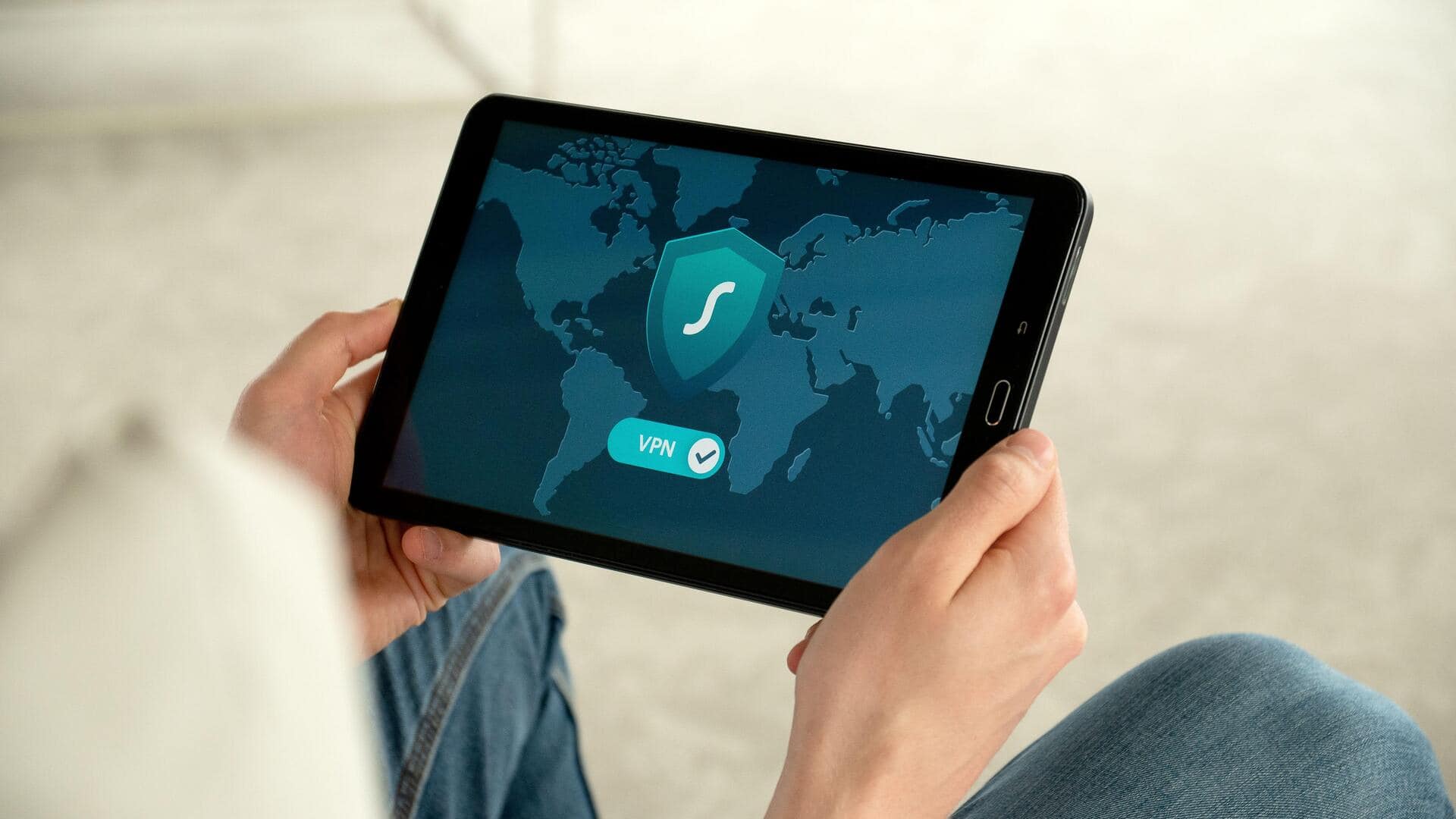
Use VPNs for secure connections
Virtual Private Networks (VPNs) encrypt your internet connection, making it more difficult for anyone to intercept data being transmitted between you and your remote device.
Using a VPN when accessing devices over public networks adds an additional layer of protection against potential eavesdropping or data theft.
Tip 4
Enable firewalls on all devices
Firewalls act as barriers between your trusted internal network and untrusted external networks.
They monitor incoming and outgoing traffic and block malicious attempts at unauthorized access.
Make sure firewalls are enabled on all devices you plan to access remotely, and configure them properly according to your needs.
Tip 5
Be cautious with public Wi-Fi networks
Public Wi-Fi networks are convenient but also risky, as they are more prone to security breaches.
When accessing remote devices over public Wi-Fi, always use a VPN for an encrypted connection.
Avoid accessing sensitive information, or performing critical tasks, on public networks whenever possible, and consider using mobile data instead if available.