Make your voice assistant smarter with simple changes
What's the story
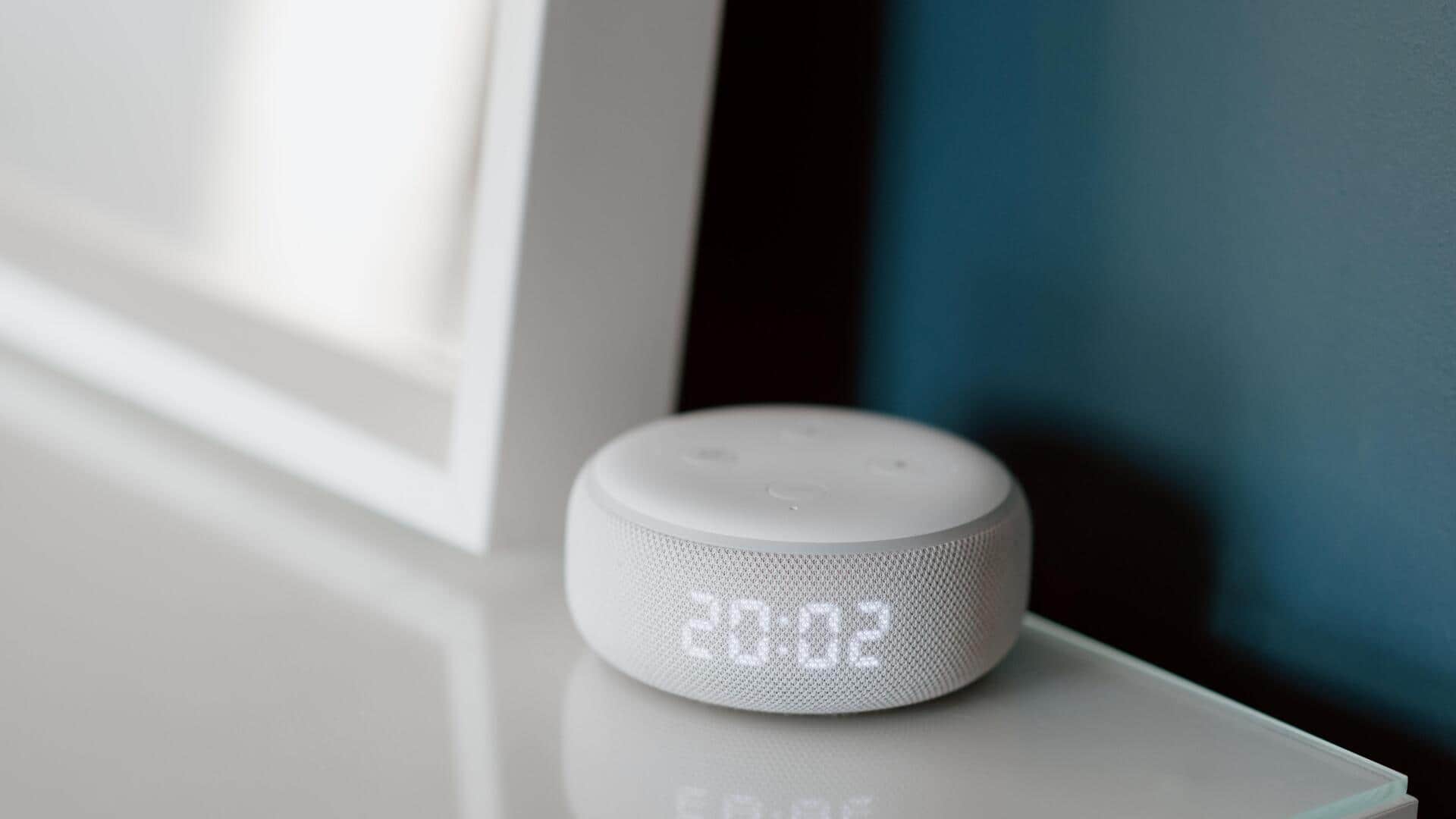
Voice assistants have become an integral part of our daily lives, helping us with a variety of tasks and making things easier. However, many people do not know how to customize these assistants to suit their needs. By making a few simple tweaks, you can significantly improve the performance and efficiency of your voice assistant. Here are five practical ways to customize your voice assistant for better performance.
Tip 1
Adjust wake word sensitivity
Most voice assistants come with adjustable wake word sensitivity settings.
By adjusting these settings, you can make sure that the assistant only responds when you actually want it to.
This reduces accidental activations and makes sure that the assistant is more focused when you actually need it.
Check your device's settings menu for options related to wake word sensitivity.
Tip 2
Customize voice recognition preferences
Voice recognition is key to a good interaction with your assistant.
Most devices let you train the assistant by repeating certain phrases so that it gets used to your voice better.
This personalization can drastically improve how accurately the assistant understands you, especially in noisy environments or when there are other people around.
Tip 3
Manage connected devices efficiently
Voice assistants usually work with a number of smart devices at home, such as lights, thermostats, and security cameras.
By managing these connections well through the assistant's app or settings menu, you can make sure that commands are executed correctly and quickly.
Grouping devices by room or function can also make controlling them easier.
Tip 4
Explore routine automation features
Routine automation is a powerful feature that lets you set a series of actions triggered by a single command or at a certain time of day.
For instance, you can set a morning routine that turns on lights, reads out weather updates, and sets reminders all at once.
This not only saves time but also makes daily tasks more efficient.
Tip 5
Utilize privacy settings effectively
Privacy settings are essential when customizing your voice assistant.
Most devices offer options to limit data collection or even mute microphones when not in use.
By reviewing these settings regularly, you can ensure that your personal information remains secure while still enjoying the benefits of an intelligent assistant.