Is your device overheating? Try these easy fixes
What's the story
In today's digital age, keeping your devices cool is essential for optimal performance and longevity. Overheating can lead to a range of issues, including reduced efficiency and potential hardware damage. By adopting simple cooling strategies, you can ensure your gadgets operate smoothly, without unnecessary strain. Here are five practical tips to help you maintain an ideal temperature for your devices, enhancing their reliability and lifespan.
Tip 1
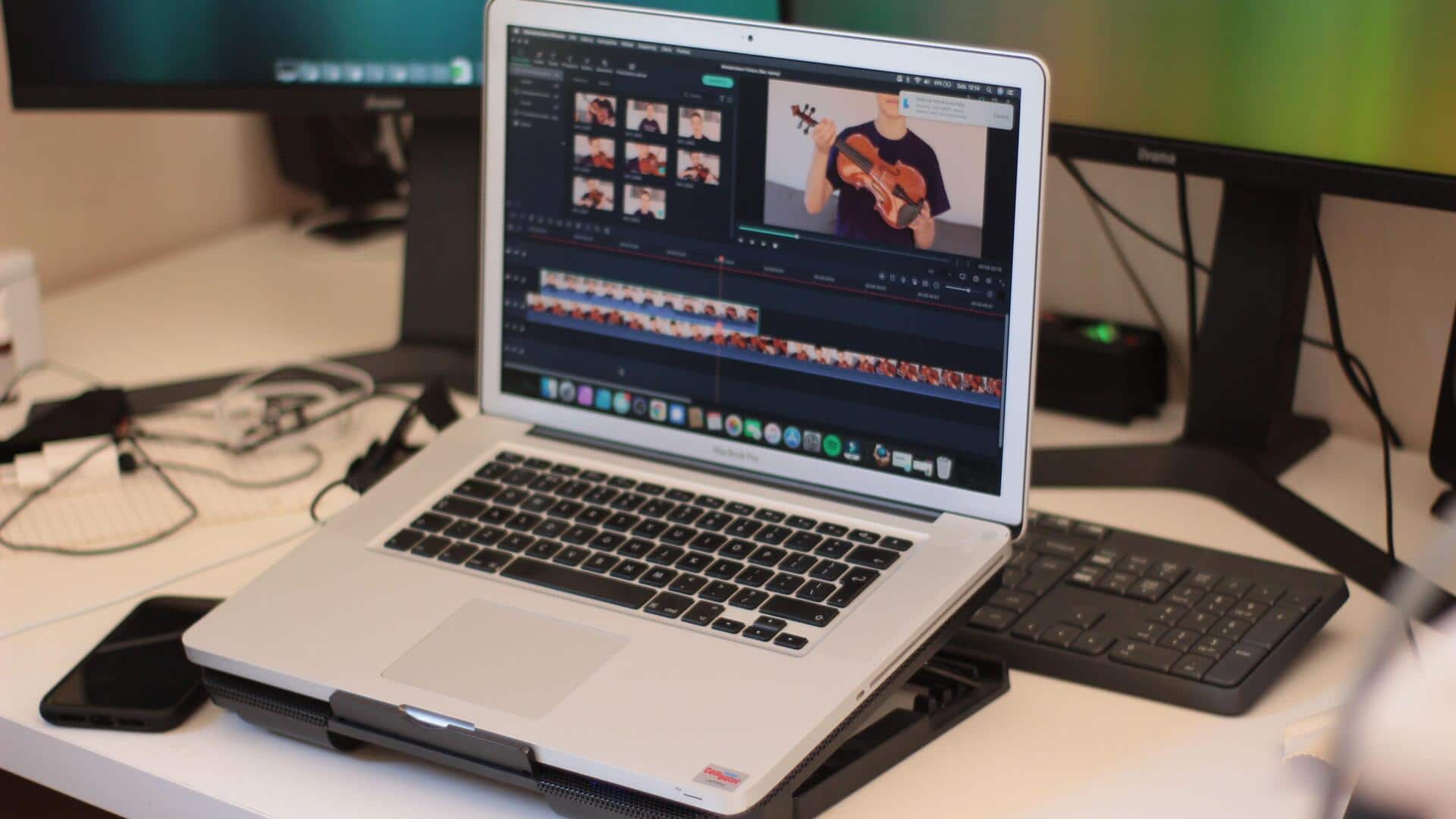
Use cooling pads or stands
Investing in cooling pads or stands can make a world of difference in keeping your devices cool.
These accessories are designed to improve airflow around the device, lowering the risk of overheating.
They are especially useful for laptops and gaming consoles that tend to heat up during long usage.
By adding an extra layer of ventilation, cooling pads help maintain optimal operating temperatures.
Tip 2
Keep vents clear and dust-free
Ensuring that the vents on your devices are not blocked by dust or debris is important for efficient heat dissipation.
Regularly cleaning these areas with a soft brush or compressed air can prevent dust buildup that restricts airflow.
Keeping vents clear allows heat to escape easily, preventing internal components from overheating.
Tip 3
Optimize device settings
Adjusting settings on your devices can also help reduce heat generation.
Lowering screen brightness, disabling unnecessary background apps, and reducing processor load during non-intensive tasks can all contribute to cooler operation.
These adjustments not only keep temperatures in check but also improve battery life.
Tip 4
Avoid direct sunlight exposure
Exposing your devices to direct sunlight can cause them to heat up quickly.
It is best to keep them in shaded areas when outdoors, or use protective cases that reflect sunlight away from the device's surface.
This simple precaution helps prevent overheating by minimizing external heat sources.
Tip 5
Schedule regular maintenance checks
Regular maintenance checks are essential for keeping your devices cool and in good shape.
This includes checking thermal paste on processors, ensuring fans are working properly, and updating software for better performance.
Scheduling these checks at regular intervals can prevent overheating issues from developing over time.